

Bicep Heart Pose AI
Turn one portrait or upper-body photo into the viral Bicep Heart Pose AI challenge video in seconds. Upload a single photo to animate a smooth flex into the bicep-and-hand heart silhouette—preserving your real face, hairstyle, outfit, and setting with zero filming or prompts.
Upload 1 portrait or upper-body photo
Add a clear front-facing photo showing your head, shoulders, and upper torso or arms. Your face, hair, outfit, and setting stay natural as you flex into the bicep heart pose.
Faces the camera, flexes one arm into a bicep pose, and forms a heart with the opposite hand.
Last updated
How to make the Bicep Heart Pose AI video
3-step preset- STEP 01
Upload one clear upper-body photo
Add 1 front-facing portrait or gym/casual shot showing your face, shoulders, and upper torso in even lighting. Your real hair, clothing, and background stay intact.
- STEP 02
Animate the bicep heart flex pose
Click Generate to create a 6-second 9:16 image-to-video clip—starting naturally from your photo before flexing one arm up and curling the opposite hand into the signature bicep heart silhouette.
- STEP 03
Preview and share to TikTok or Reels
Watch your finished 6-second 9:16 720p MP4 in the workspace, download it, and attach the trending Trendformusic sound in TikTok, Reels, or Shorts.
Where did the Bicep Heart Pose AI trend start?
The Bicep Heart Pose (also searched as the Bicep Heart Challenge or Biceps Heart Pose) spread across TikTok and Instagram Reels as a playful mashup of a gym flex and a romantic hand-heart gesture. Creators raise and flex one arm toward the camera while curling the opposite hand against the inner bicep so the arm curve and fingers form a clean heart silhouette—either solo, framing a partner inside the heart, or posing with a pet.
Bicep Heart Pose AI song, audio, and lyrics
son original (Slowed Edit) — Trendformusic (TikTok Original Sound)
Most viral Bicep Heart Pose clips pair the pose reveal with the slowed "son original - Trendformusic" audio on TikTok. VidGoat exports a clean silent 6-second 9:16 MP4 so you can attach the official Trendformusic sound directly inside TikTok or Reels with exact beat alignment.
What happens in the Bicep Heart Pose AI video?
| Timestamp | Action & visuals | Subject / slot |
|---|---|---|
| 0:00–0:02 | Opening setup: the performer stands facing the camera with a relaxed smile before stepping in and raising one arm toward the lens. | Reference opener |
| 0:02–0:05 | Flex and hand-curl transition: the raised arm bends into a flexed bicep foreground frame while the opposite hand reaches across with curled fingers meeting the inner arm. | Pose transition |
| 0:05–0:09 | Bicep heart hold: the flexed bicep curve and opposite curved hand lock into a crisp heart silhouette held toward the camera, framing a smiling pose inside. | Heart pose finale |
Bicep Heart Pose AI DIY prompt guide
Want to customize the camera angle, lighting, or expression manually? Try this public reference prompt inside VidGoat Image to Video:
Vertical 9:16 video from a single front-facing upper-body photo. Keep the person’s exact face, hairstyle, outfit, and room steady for a moment as they smile toward the camera, then smoothly raise and flex one arm while bringing the opposite hand across with curled fingers touching the inner arm to form a clear bicep heart shape.Tip: The 1-click preset above uses tuned pose timing and generates the 6-second 9:16 clip for 12 credits with zero prompt writing.
Troubleshooting Bicep Heart Pose AI results
| Common issue | How to fix it |
|---|---|
| Arms look cramped or clipped at the edge of the frame | Upload a chest-up or waist-up photo with breathing room around both shoulders and elbows instead of a tight chin-crop selfie. |
| Hands or fingers look soft while forming the heart curve | Start with a sharp, well-lit photo where both hands or upper arms are unobstructed and not hidden behind heavy shadows. |
| Heavy coats or oversized hoodies hide the flexed bicep contour | Use a photo in a t-shirt, tank top, fitted long-sleeve, or light athletic wear so the flexed arm shape reads clearly. |
| Exported clip plays without TikTok background music | The 6-second MP4 is intentionally silent so you can pair the official "son original - Trendformusic" track inside TikTok or Instagram Reels. |
| Blurry or heavily compressed photos lose facial crispness | Run low-resolution portraits through the VidGoat AI Image Enhancer first before generating. |
Bicep Heart Pose AI FAQ
What is Bicep Heart Pose AI (Bicep Heart Challenge) and how does it work from 1 photo?
Bicep Heart Pose AI turns a single portrait or upper-body photo into the viral TikTok bicep heart flex video—also searched as Bicep Heart Challenge, Biceps Heart Pose, Arm Heart Flex Pose, Biseps Heart Pose, Bicep Hart Challenge, or Bicep Heart Template Alternative. Upload 1 photo and VidGoat animates your subject raising and flexing one arm while curling the opposite hand against the bicep to form a clean heart shape in 6 seconds with zero filming or prompts.
What photo framing works best for Bicep Heart Pose AI?
A sharp front-facing chest-up or waist-up photo with visible shoulders and clear headroom works best. Leaving natural space around your upper body gives the AI room to raise one arm into the flex and bring your opposite hand across cleanly.
Does it preserve my real face, hair, outfit, and room instead of copying the reference video?
Yes. Unlike pasting your face over another creator’s holiday pajamas, room, and burned-in captions, Bicep Heart Pose AI animates directly from your uploaded photo so your own likeness, hairstyle, clothing, and background stay natural.
Can anyone try the Bicep Heart Pose without huge muscles?
Yes. Just like the viral TikTok challenge, any body type, casual outfit, fitness photo, or playful character portrait can perform the bicep-and-hand heart pose cleanly.
What video format is exported, and how many credits does it cost?
Generating outputs a 6-second vertical 9:16 720p MP4 and uses just 12 credits. Uploading a photo and previewing the reference clip in the workspace is free.
Why does the generated Bicep Heart Pose clip have no audio?
The 6-second MP4 is exported cleanly without baked-in audio so you can attach the viral "son original - Trendformusic" TikTok sound or your favorite Reels track without overlapping audio.
Do I need to film multiple takes or use a CapCut template?
No. Instead of propping up your phone to angle your flexed arm or trimming clips inside CapCut, this independent Bicep Heart Pose CapCut Template Alternative turns 1 still photo straight into the finished 6-second pose clip.
What happens if a Bicep Heart Pose AI generation fails?
Credits are reserved only when you click Generate. If a render fails or times out, your reserved 12 credits are automatically refunded back to your VidGoat balance.
More viral AI effects like Bicep Heart Pose AI
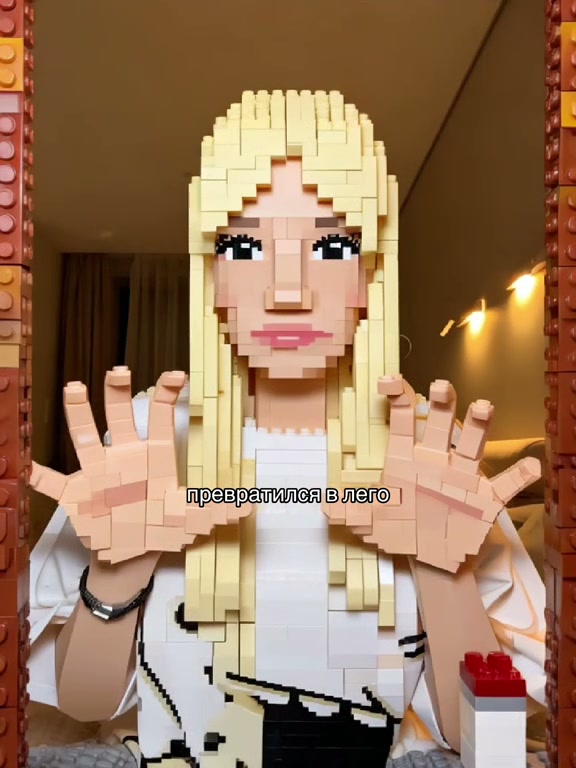
Lego Transformation AI
Turn one selfie or portrait into the viral Lego Transformation AI video in seconds. Upload a photo to animate a crisp snap-build reveal from your real look into glossy interlocking toy bricks—preserving your hairstyle, outfit colors, and setting with zero prompts or editing.
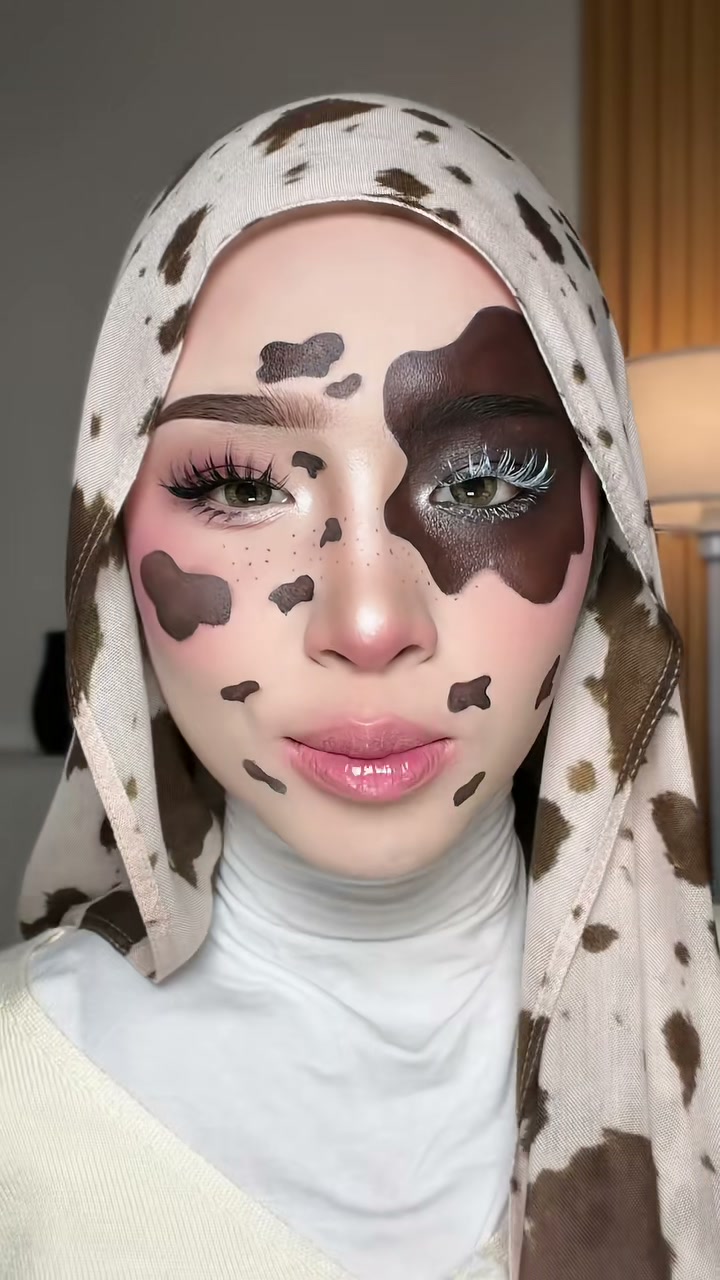
Cow Makeup Transformation AI
Turn one bare-face selfie into the viral Cow Makeup Transformation AI video in seconds. Upload a portrait to animate a seamless bare-skin-to-cow-print glam reveal—your hair, outfit, and background stay yours while prompts and transition timing are handled automatically.
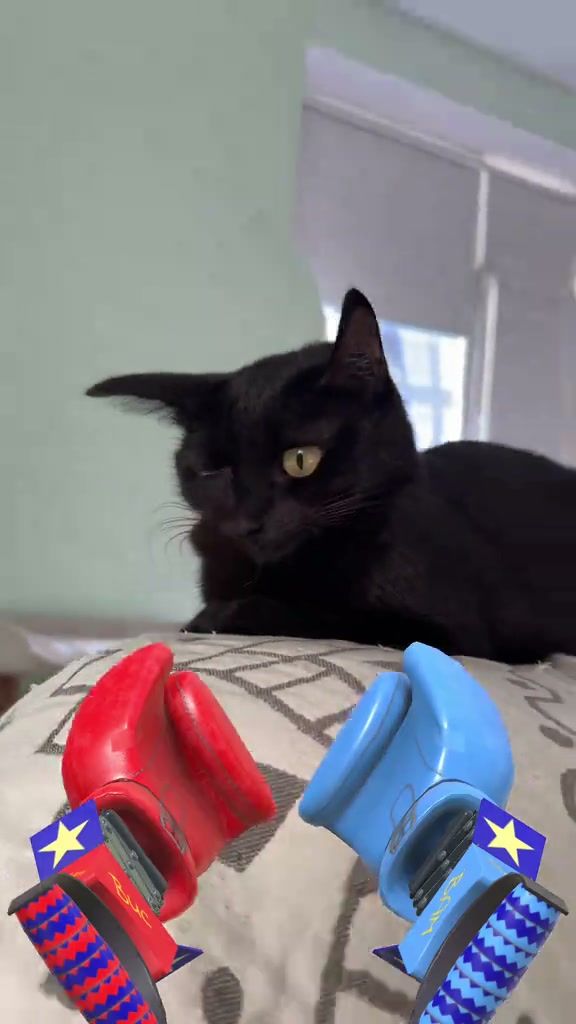
Pet Boxing Gloves AI
Turn one photo of your cat, dog, or selfie into the viral Pet Boxing Gloves AI comedy video in seconds. Upload a single photo to animate oversized red and blue spring-loaded cartoon boxing gloves throwing rapid slapstick punches as your pet squints, wobbles, blushes, and gets dizzy cartoon stars—preserving your real pet and room with zero filming.
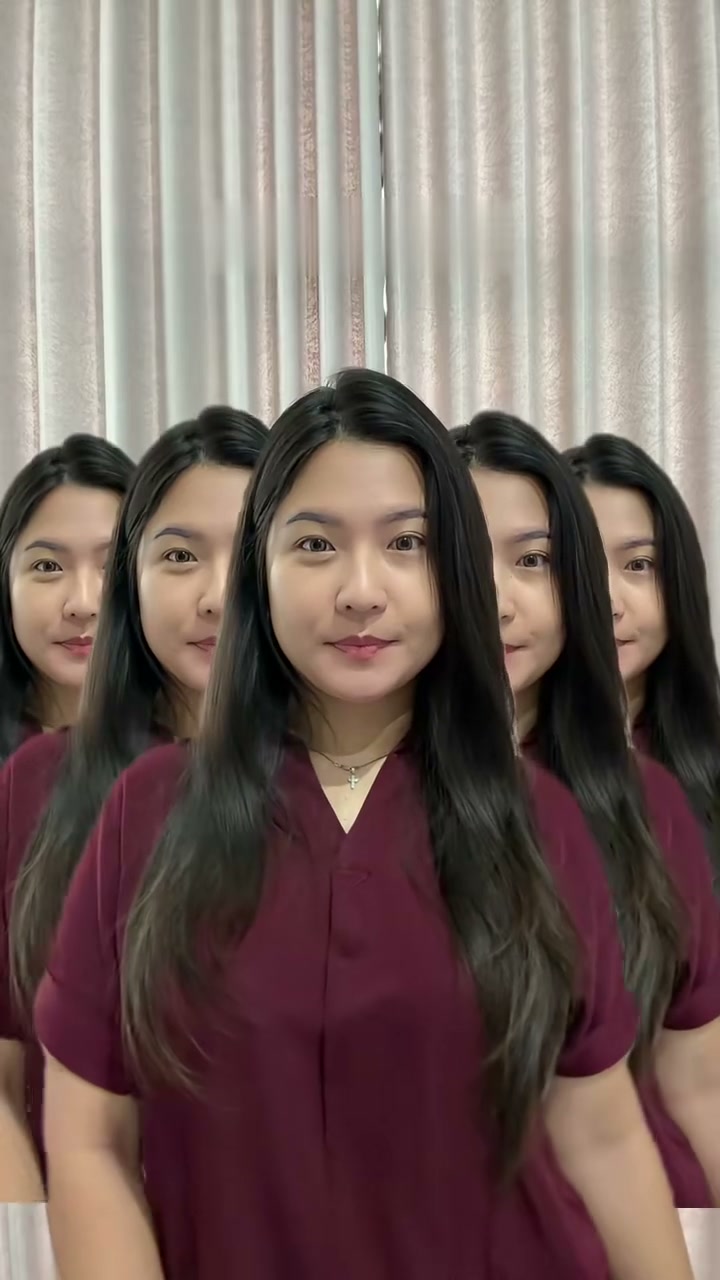
Velocity Clone Dance AI
Turn one photo into the viral Velocity Clone Dance AI (Velocity Dance Tutorial & Velocity Terbaru 2026 clone lineup trend) video in seconds. Upload a single portrait to star as a synchronized five-clone formation—hitting every opening fist bump, index-finger beat pop, laser-lit shaka wave, and rapid velocity arm-switch combo automatically with zero prompts.
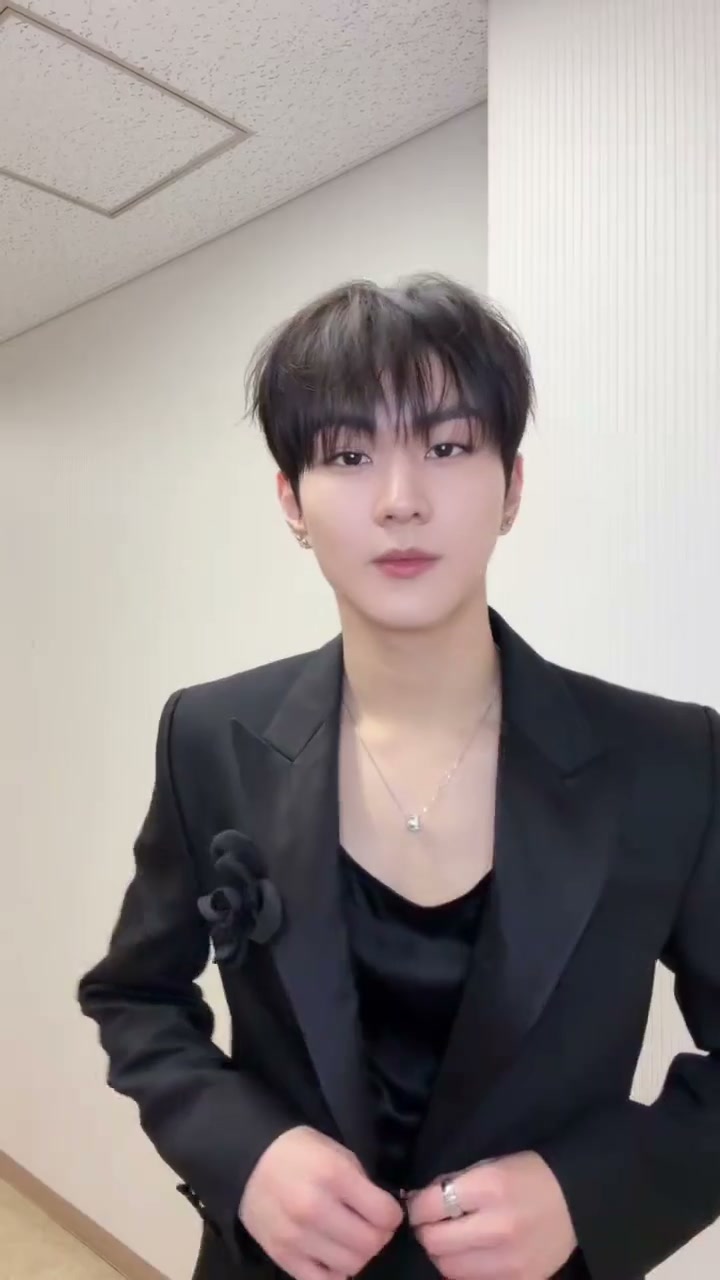
Aminookk Brazil Dance AI
Turn one photo into the viral Aminookk Brazil Dance AI (Mienteme Funk & Aminookk Brazil Duo Dance trend) video in seconds. Upload a single portrait to perform the crisp 9-second vertical funk routine—matching every alternating hand wave, double-fist bounce, 180-degree spin, and beat-synced chest sweep automatically with zero prompts.
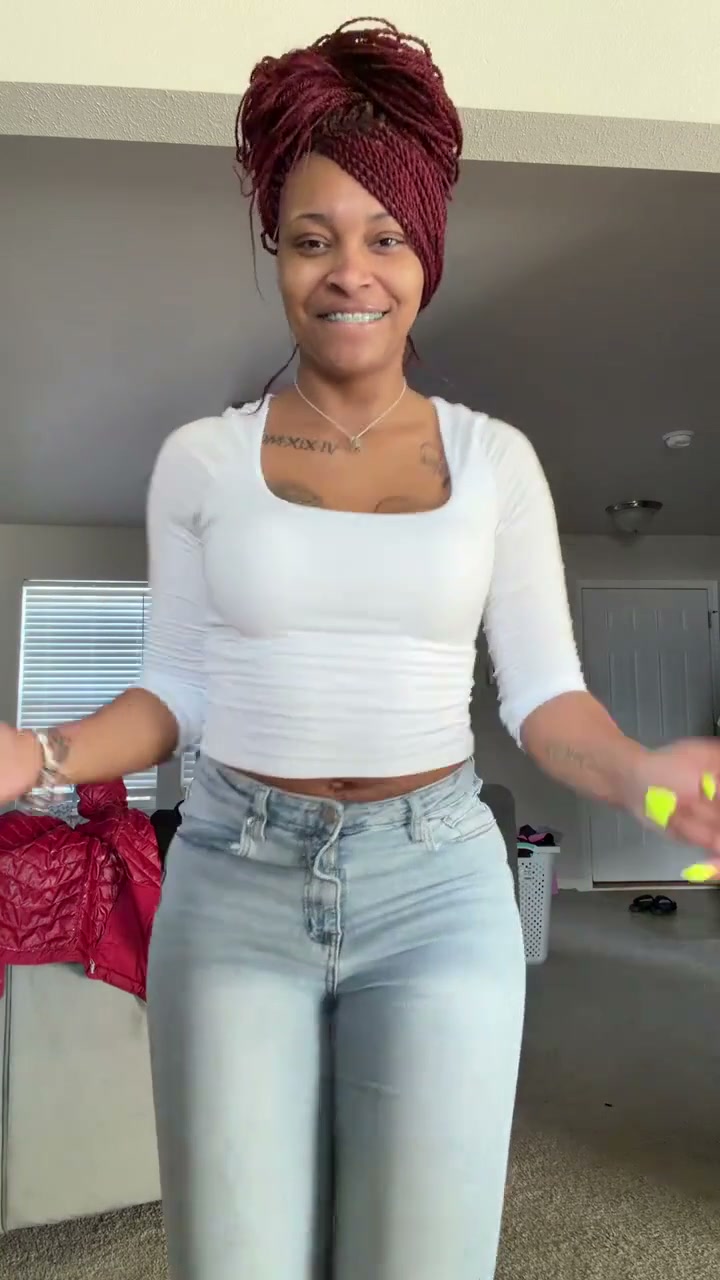
Liberian Girl Bop AI
Turn one photo into the viral Liberian Girl Bop AI (Liberian Girl & Camden Bop dance) video in seconds. Upload a single portrait to perform the playful 15-second vertical routine set to the smooth "liberian girl instrumental" groove—matching every double thumbs-up hip bounce, peekaboo fist-over-eyes sway, and upbeat shoulder groove automatically with zero prompts.
Prep photos or customize beyond presets
Fix low-res shots before uploading, upscale your exported clip, or switch to full image to video and text to video controls.
- Image EnhancerSharpen blurry portraits before uploading.
- Image ExtenderExpand tight crops so full outfits stay in frame.
- AI Image GeneratorCreate custom characters or costumes to animate.
- Video EnhancerUpscale exported dance clips up to 4K.
- Image to VideoSwitch to custom prompts and camera motion.
- Text to VideoBuild an original scene from a text prompt.