

Heart Gesture Filter AI
Turn one photo into the viral Heart Gesture Filter AI video in seconds. Upload a single portrait to star in the 15-second beat-synced hand-gesture reaction routine—triggering thumbs-up fireworks, a two-hand heart bursting with floating red hearts, rock-on poses, and neon laser beams automatically with zero prompts.
Upload 1 photo
Add a clear front-facing portrait or selfie with visible face, shoulders, and upper torso. Your face, hair, and original outfit stay recognizable through the thumbs-up fireworks, floating hand-heart, rock-on pose, and neon laser drop.
Performs the 15-second Heart Gesture Filter hand-gesture routine with fireworks, floating red hearts, and neon lasers.
Last updated
How to make the Heart Gesture Filter AI video
3-step preset- STEP 01
Upload one clear front-facing photo
Add 1 sharp portrait or selfie with your face, shoulders, and upper torso visible in Photo 1. Even front lighting keeps your likeness, hair, and outfit crisp through every hand gesture and dark VFX burst.
- STEP 02
Trigger the fireworks, hearts, and laser routine
Click Generate to animate your photo across the 15-second beat-synced sequence—opening double thumbs-up fireworks, the two-hand heart bursting with floating red hearts, double rock-on hands, and the raised-arm neon laser drop.
- STEP 03
Preview and download your vertical clip
Watch the finished 15-second 9:16 720p MP4 directly in the workspace and save it ready to share on TikTok, Instagram Reels, or YouTube Shorts.
Heart Gesture Filter AI FAQ
What is Heart Gesture Filter AI (DJ Ocaak & Suka Sama Fiturnya Filter) and how does it work from 1 photo?
Heart Gesture Filter AI recreates the viral TikTok interactive gesture-reaction trend set to the "Dj Ocaak gspoll" remix ("Kau Goreskan Luka Hati" / "Jorgi Jorgi" beat drop) and the "#suka sama fiturnya" / Apple Video Reactions craze—also searched as Heart Gesture Filter, Heart Gesture Fireworks Filter AI, DJ Ocaak Heart Filter, Hart Gesture Filter, Heart Gestur Filter, or Heart Gesture Filter Template Alternative—from a single photo. Upload 1 portrait and VidGoat animates the complete 15-second vertical routine automatically: double thumbs-up triggering colorful fireworks, a two-hand heart bursting with floating 3D red hearts, rock-on hand gestures, and a multicolor neon laser drop with zero filming or prompt writing.
What photo framing works best for Heart Gesture Filter AI?
A clear front-facing chest-up or waist-up portrait with visible shoulders and open lighting works best, leaving clean room for both hands to form the opening thumbs-up, center hand-heart, rock-on signs, and raised-arm finale.
Does Heart Gesture Filter AI preserve my real face, hair, and outfit?
Yes. Motion-control transfer keeps your uploaded face, hairstyle, skin tone, and original outfit recognizable across the entire 15-second clip while triggering the synced fireworks, floating red hearts, and neon laser beams.
Can I use friends, couples-style solo edits, or stylized characters?
Yes. Any single-subject front-facing photo works well—whether you want to star in the filter yourself, surprise a friend, or animate a stylized avatar.
What video format is exported, and how many credits does it cost?
Generating uses 1 Effect Pass or 90 credits and outputs a 15-second vertical 9:16 720p MP4 with synced audio sized for TikTok, Instagram Reels, and YouTube Shorts. Uploading a photo and previewing the reference clip in the workspace is free.
Do I need an iPhone Video Reactions setting or a CapCut template?
No. Instead of hunting for compatible iOS Video Reactions settings, memorizing every hand cue on beat, or editing clips inside CapCut, this independent Heart Gesture Filter CapCut Template Alternative turns 1 still photo straight into the finished 15-second fireworks, hearts, and laser video.
What happens if a Heart Gesture Filter AI generation fails?
Credits or your Effect Pass are reserved when you click Generate. If the render fails or times out, your reserved credits or Effect Pass are automatically refunded back to your VidGoat balance.
More viral AI effects like Heart Gesture Filter AI
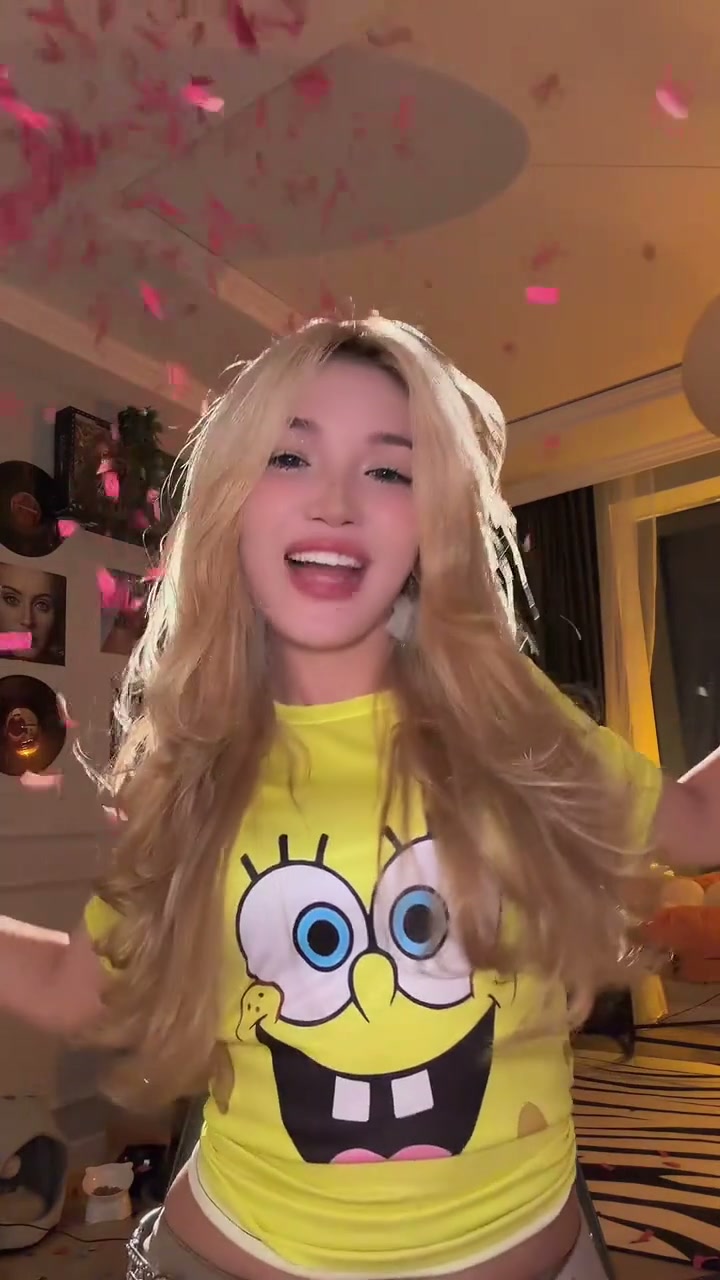
Boom Clap Confetti AI
Turn one photo into the viral Boom Clap Confetti AI video in seconds. Upload a single portrait to lip-sync to the iconic pop chorus through a pink confetti burst, a fast RGB scene cut, and a showering gold streamer finale—rendered automatically in 13 seconds with zero prompts.
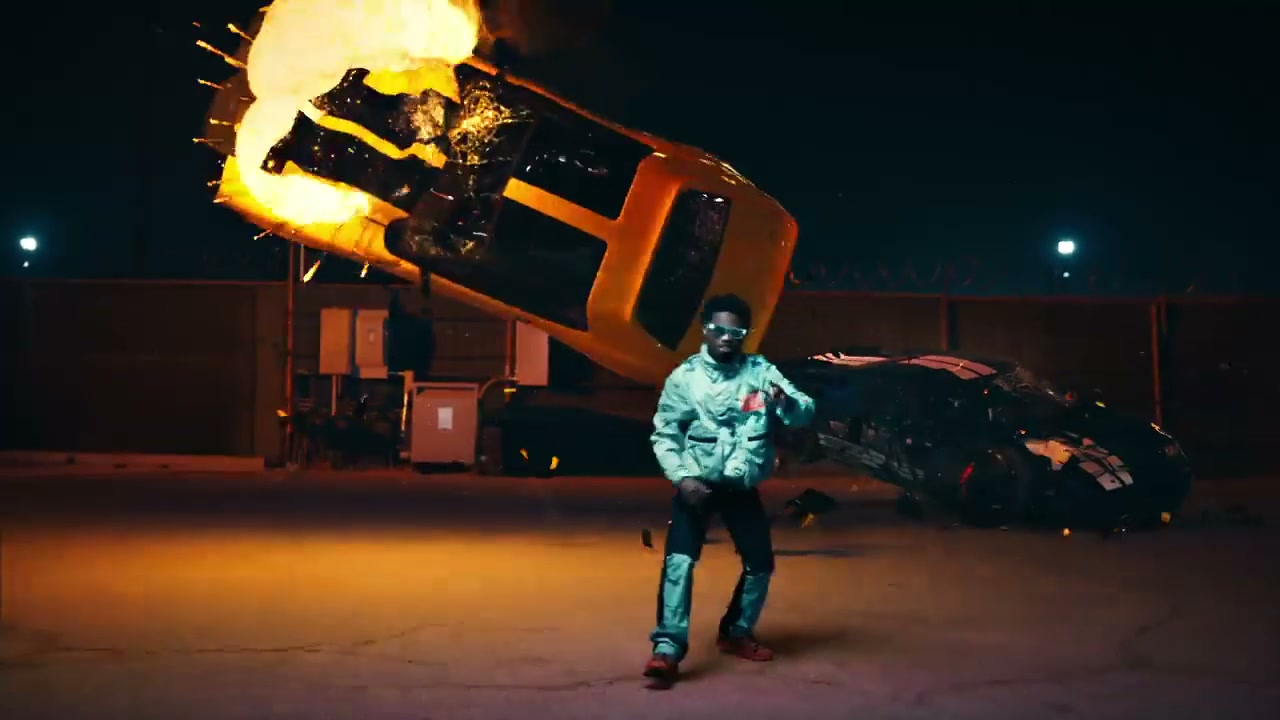
The Box MV AI
Turn one photo into the viral Roddy Ricch The Box MV AI video in seconds. Upload a single portrait to star in the 12-second widescreen sequence—night parking-lot groove, flaming yellow car crash explosion, and the "I'm a 2020 president candidate" White House podium finale with zero prompts.
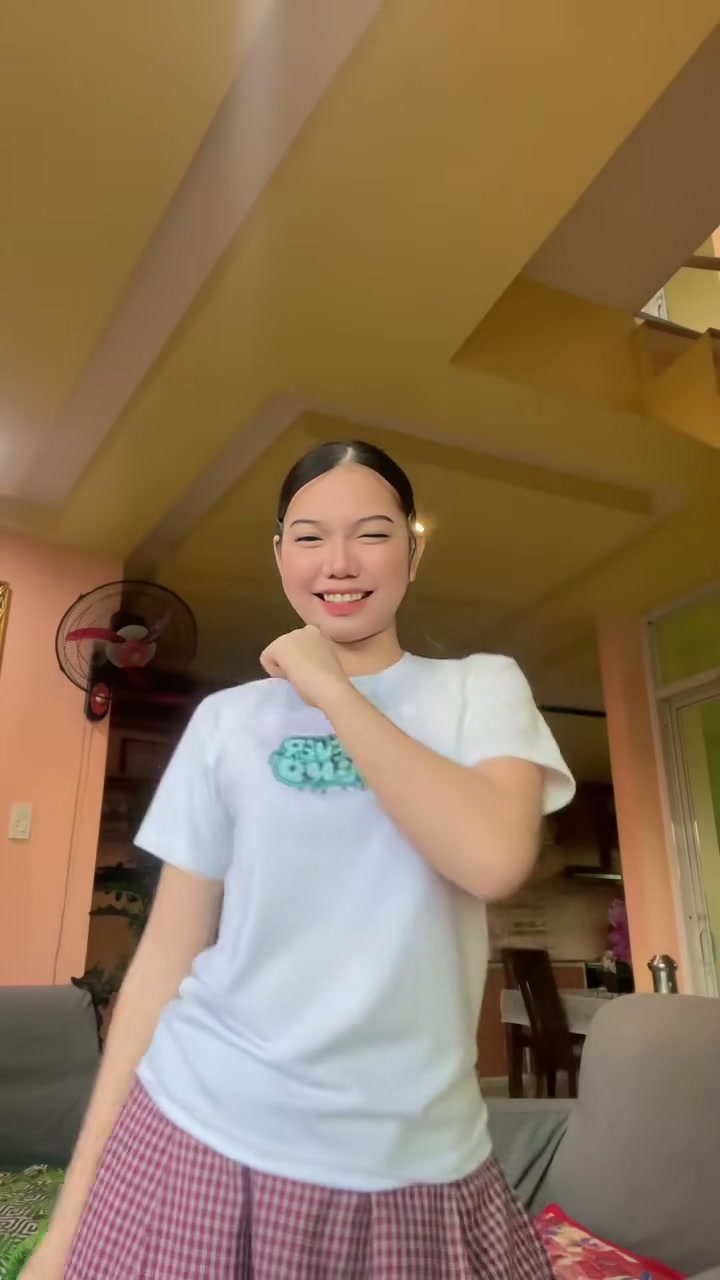
Honey Honey Dance AI
Turn one photo into the viral Honey Honey Dance AI video in seconds. Upload a single portrait to star in the playful 15-second vertical hand-gesture and hip-sway routine—matching every beat-synced chest pop, chin tap, peace-sign sweep, and upbeat hip bounce automatically with zero prompts.
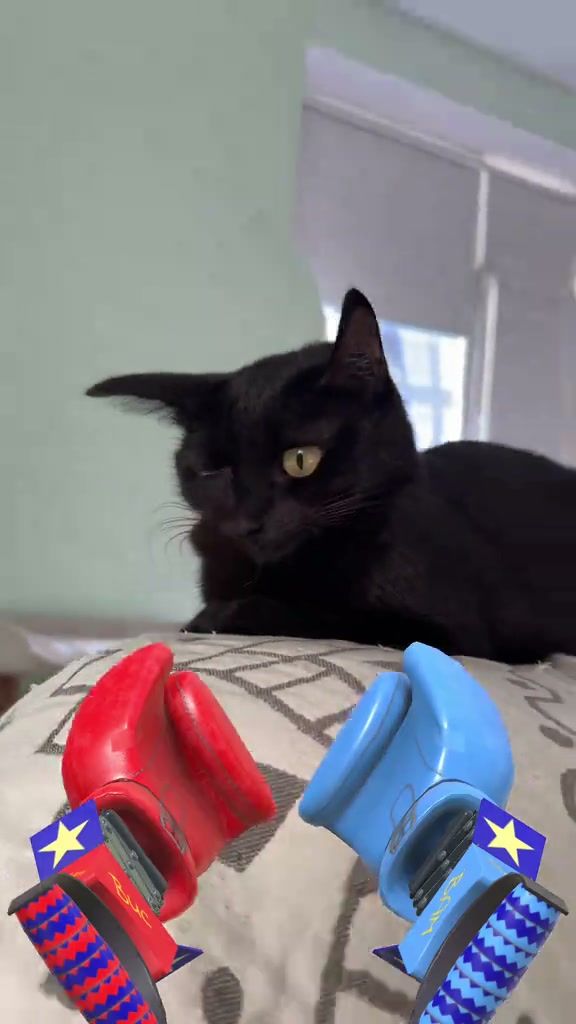
Pet Boxing Gloves AI
Turn one photo of your cat, dog, or selfie into the viral Pet Boxing Gloves AI comedy video in seconds. Upload a single photo to animate oversized red and blue spring-loaded cartoon boxing gloves throwing rapid slapstick punches as your pet squints, wobbles, blushes, and gets dizzy cartoon stars—preserving your real pet and room with zero filming.
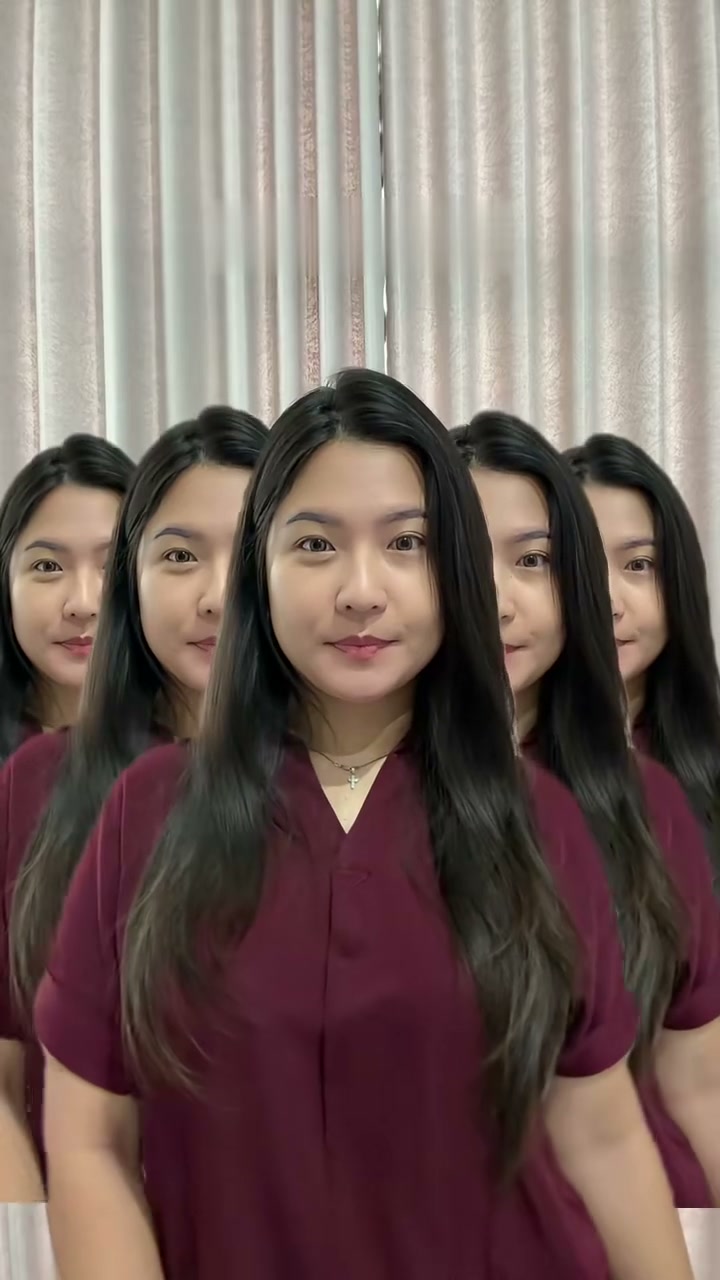
Velocity Clone Dance AI
Turn one photo into the viral Velocity Clone Dance AI (Velocity Dance Tutorial & Velocity Terbaru 2026 clone lineup trend) video in seconds. Upload a single portrait to star as a synchronized five-clone formation—hitting every opening fist bump, index-finger beat pop, laser-lit shaka wave, and rapid velocity arm-switch combo automatically with zero prompts.
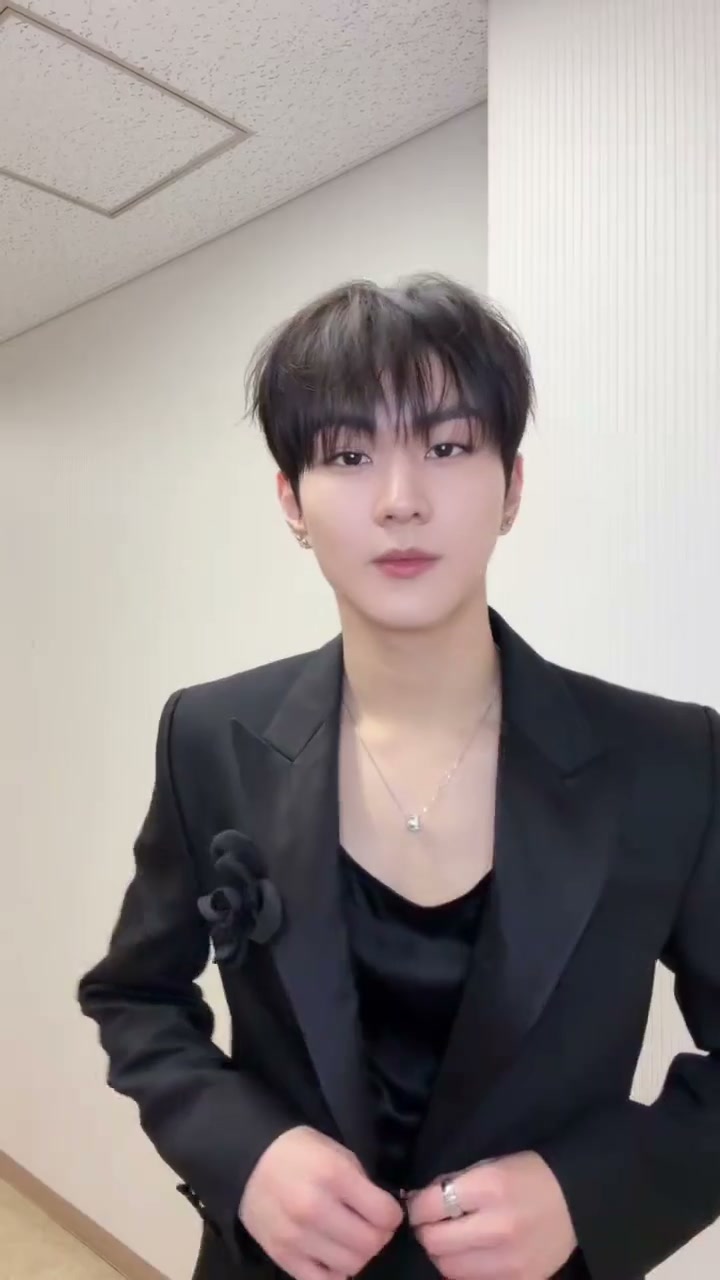
Aminookk Brazil Dance AI
Turn one photo into the viral Aminookk Brazil Dance AI (Mienteme Funk & Aminookk Brazil Duo Dance trend) video in seconds. Upload a single portrait to perform the crisp 9-second vertical funk routine—matching every alternating hand wave, double-fist bounce, 180-degree spin, and beat-synced chest sweep automatically with zero prompts.
Prep photos or customize beyond presets
Fix low-res shots before uploading, upscale your exported clip, or switch to full image to video and text to video controls.
- Image EnhancerSharpen blurry portraits before uploading.
- Image ExtenderExpand tight crops so full outfits stay in frame.
- AI Image GeneratorCreate custom characters or costumes to animate.
- Video EnhancerUpscale exported dance clips up to 4K.
- Image to VideoSwitch to custom prompts and camera motion.
- Text to VideoBuild an original scene from a text prompt.