

GTA 6 Intro AI
Turn five photos into the viral GTA 6 Intro AI video in seconds. Upload five portraits of your squad, fictional characters, or different looks to star across the 12-second widescreen Vice City palm-tree sunset lineup, GTA VI logo reveal, and 3-panel comic poster finale with zero prompts or manual timeline editing.
Upload 5 cast photos
Add 5 portraits in pop-in order—friends, your squad, fictional characters, or 5 different looks of yourself. Clear front-facing close-up or chest-up photos keep faces and outfits crisp across the Vice City lineup and split-screen finale.
Enters first blowing a kiss over the palm sunset and returns after the GTA VI logo wipe.
Pops in second on the right and stars in the left panel of the 3-card finale.
Pops in third on the left and anchors the center framed card in the finale.
Pops in fourth on the right foreground and stars in the right finale panel.
Pops in fifth on the far left and frames the dramatic GTA VI logo cutout.
Last updated
How to make the GTA 6 Intro AI video
3-step preset- STEP 01
Upload five cast photos in order
Add five clear portraits in slots 1 through 5—friends, coworkers, favorite characters, or five distinct looks of yourself. Front-facing close-up or chest-up photos keep every face sharp across the cast pop-ins.
- STEP 02
Generate the Vice City intro sequence
Click Generate to build the 12-second widescreen trailer edit automatically—layered pop-in entrances over the palm-tree sunset, the centered GTA VI logo mask cutout, the diagonal wipe, and the 3-panel finale.
- STEP 03
Preview and download your widescreen clip
Watch the finished 12-second 16:9 720p MP4 directly in the workspace and download it ready for TikTok, Instagram Reels, or YouTube Shorts.
GTA 6 Intro AI FAQ
What is GTA 6 Intro AI (GTA VI Trend Edit) and how does it work from 5 photos?
GTA 6 Intro AI recreates the viral GTA VI Trend Edit beat-drop intro made famous on TikTok by creator Zuns—also searched as GTA 6 Trailer AI, GTA 6 Loading Screen AI, or GTA 6 Filter AI—straight from five still photos. Upload five portraits to pop into the neon Vice City palm-tree sunset lineup one by one, slam into the iconic GTA VI logo mask cutout, sweep across a diagonal sunset wipe, and close on a 3-panel comic poster finale in 12 seconds with zero prompts.
Which photo goes into slots 1 through 5?
Slot 1 stars in the back-left opener and diagonal sunset wipe; Slot 2 pops in on the right and leads the left panel of the 3-card finale; Slot 3 pops in on the mid-left and anchors the center framed finale card; Slot 4 takes the right foreground and right finale panel; and Slot 5 enters on the far-left foreground to frame the GTA VI logo mask. You can upload five different people or five distinct outfits and poses of yourself.
Does GTA 6 Intro AI preserve real faces, hair, and identities?
Yes. Motion-control transfer preserves each uploaded person’s facial features, hairstyle, skin tone, and likeness while matching the stylized Vice City outlines, sunset parallax pop-ins, camera zooms, and 12-second beat timing.
Can I use friends, fictional characters, anime avatars, or pets?
Yes. Single-subject portraits of friends, coworkers, TV or movie casts, gaming avatars, anime characters, or clear pet portraits work great across all five cast slots as long as each image features one clear subject.
What video format is exported, and how many credits does it cost?
Generating uses 1 Effect Pass or 75 credits and exports a 12-second widescreen 16:9 720p MP4 with synced beat-drop audio ready for TikTok, Reels, and YouTube Shorts. Uploading photos and previewing the reference sequence is free.
Do I need a CapCut template or manual cutouts to make the GTA VI Trend Edit?
No. Instead of hunting down CapCut template links, manually removing backgrounds, keyframing cutouts, or syncing beat transitions on a mobile timeline, this GTA VI Trend Edit CapCut Template Alternative turns 5 photos straight into the complete 12-second video.
What happens if a GTA 6 Intro AI generation fails?
Credits or your Effect Pass are reserved when you click Generate. If the render fails or times out, the reserved credits or Effect Pass are automatically refunded back to your VidGoat balance.
More viral AI effects like GTA 6 Intro AI
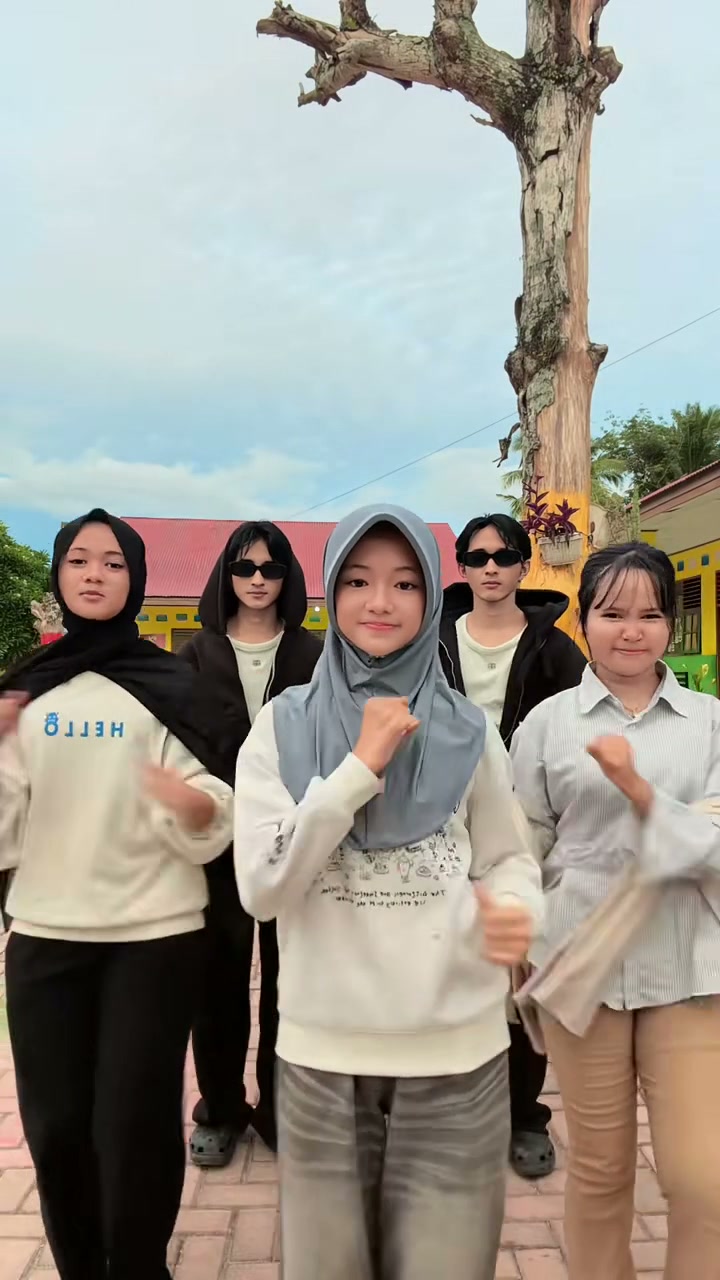
Dance Brazil Sync AI
Turn five photos into the viral Dance Brazil Sync AI (Alden Elden Twins & Nan Ko Paham x Dance Brazil challenge) video in seconds. Upload five portraits in Front-center, Front-left, Front-right, Back-left, and Back-right order to star in the 15-second vertical routine—matching the close-up lens-wipe opener, hands-on-hips step-back reveal, and 5-person V-formation sideways bounce automatically with zero prompts.
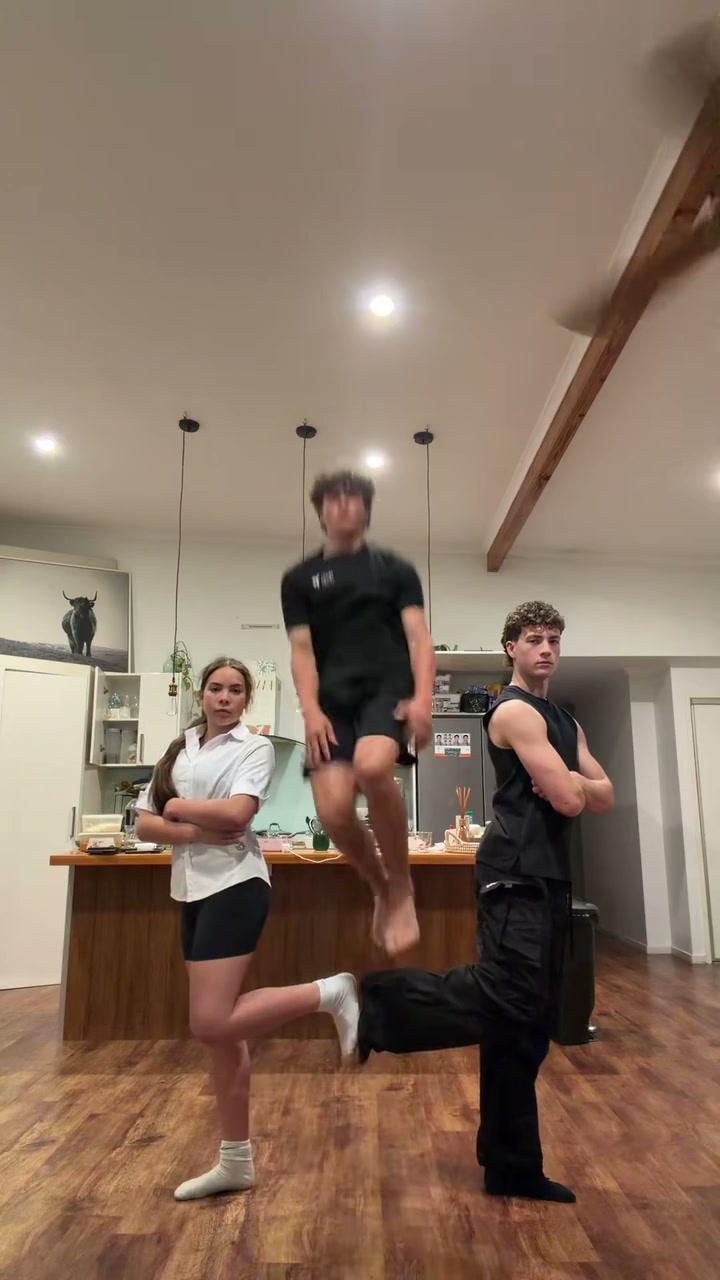
Gangnam Style Jump AI
Turn five photos into the viral Gangnam Style Jump AI (Oppan Gangnam Style horse dance challenge) video in seconds. Upload five portraits in left-to-right stage order—your center star leaps high off two crossed-arm teammates before all five hit the synchronized 10-second vertical horse-riding chorus with zero prompts.
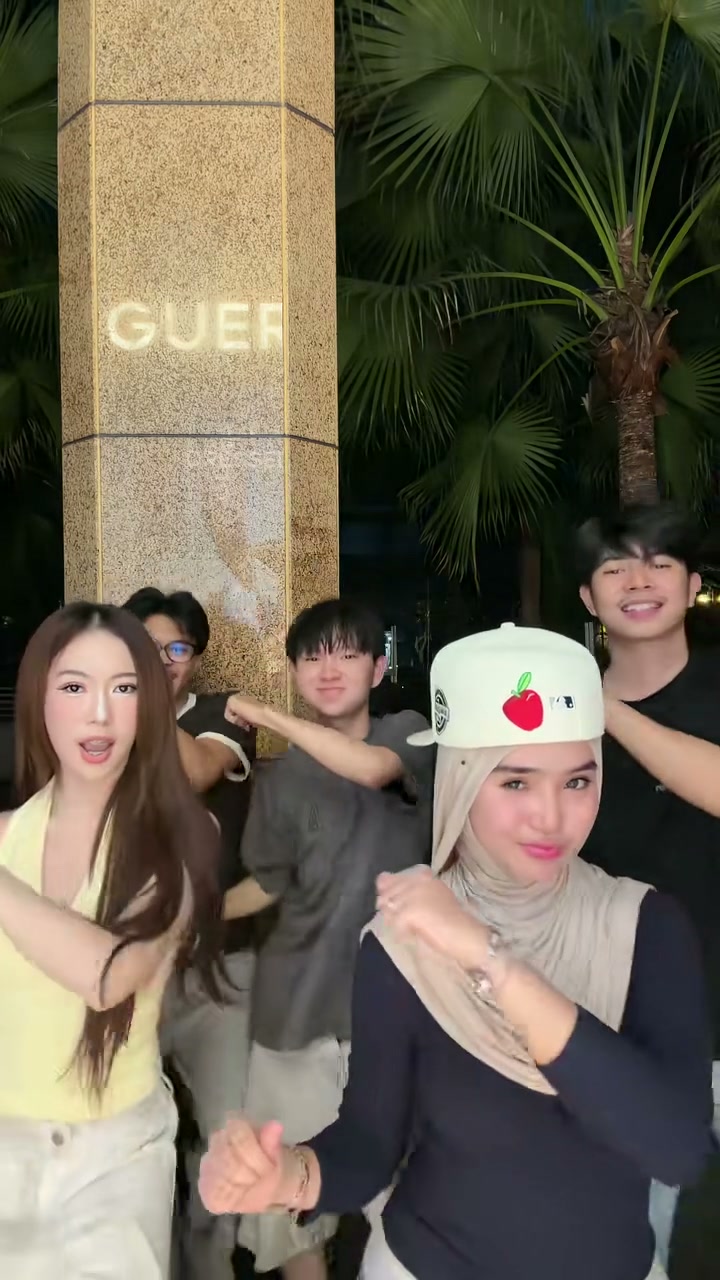
Racing Remix Brazil Dance AI
Turn five photos into the viral Racing Remix Brazil Dance AI (DC Brazil Dance Challenge) video in seconds. Upload five portraits in relay order to star in the 15-second vertical routine—opening with the thumbs-up duet before cutting to the three-person hands-behind-head beat drop, back-turned hip sway, and five-person finale with zero prompts.
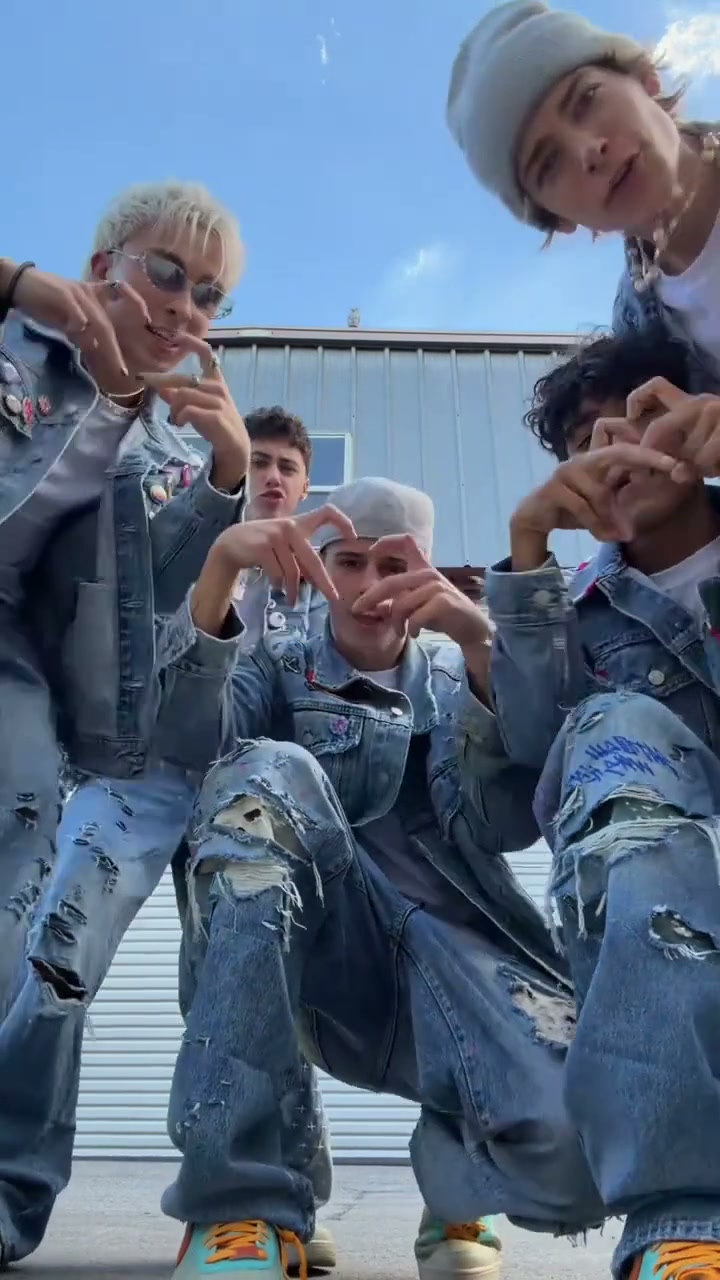
Which One Dance AI
Turn five photos into the viral Which One Dance AI (JYT boyband dance challenge) video in seconds. Upload five portraits in left-to-right stage order to star in the 15-second vertical choreography—synchronized V-formation kicks, 360-degree spin, and five-person hand-heart camera huddle run automatically with zero prompts.
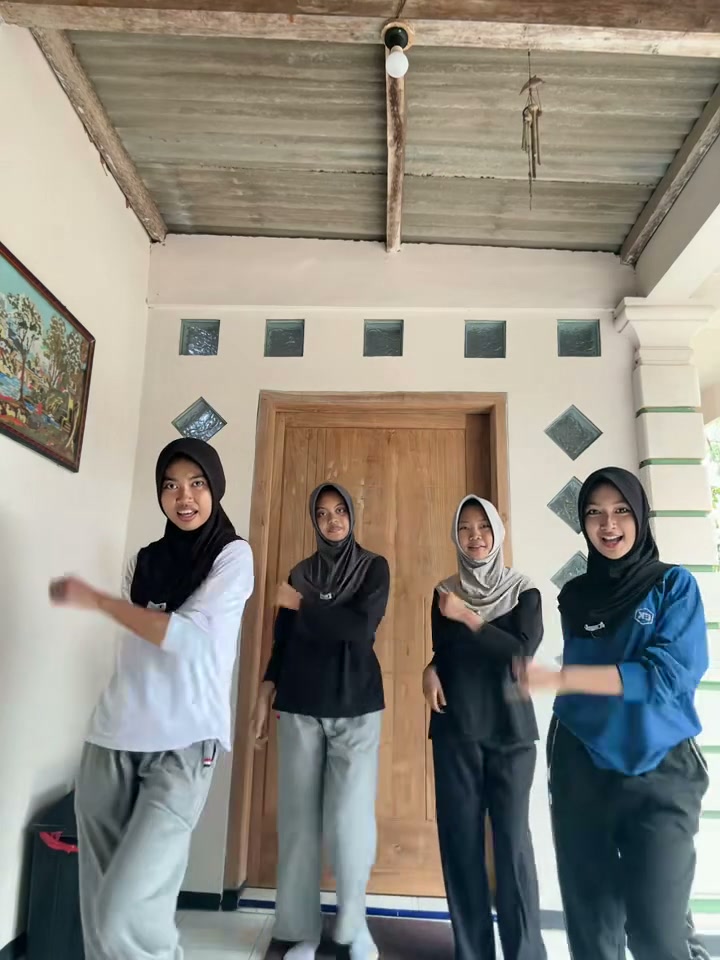
Dahlia Joget Dance AI
Turn four photos into the viral Dahlia Joget Dance AI (Joget Dahlia Challenge & Dahlia Denny Caknan Dance) video in seconds. Upload four portraits in Left-to-Right lineup order to perform the playful 15-second Indonesian hip-sway routine—matching the opening single-file train sway, synchronized side-step fist pumps, playful finger-wag hook, and upbeat chest-tap joget groove automatically with zero prompts.
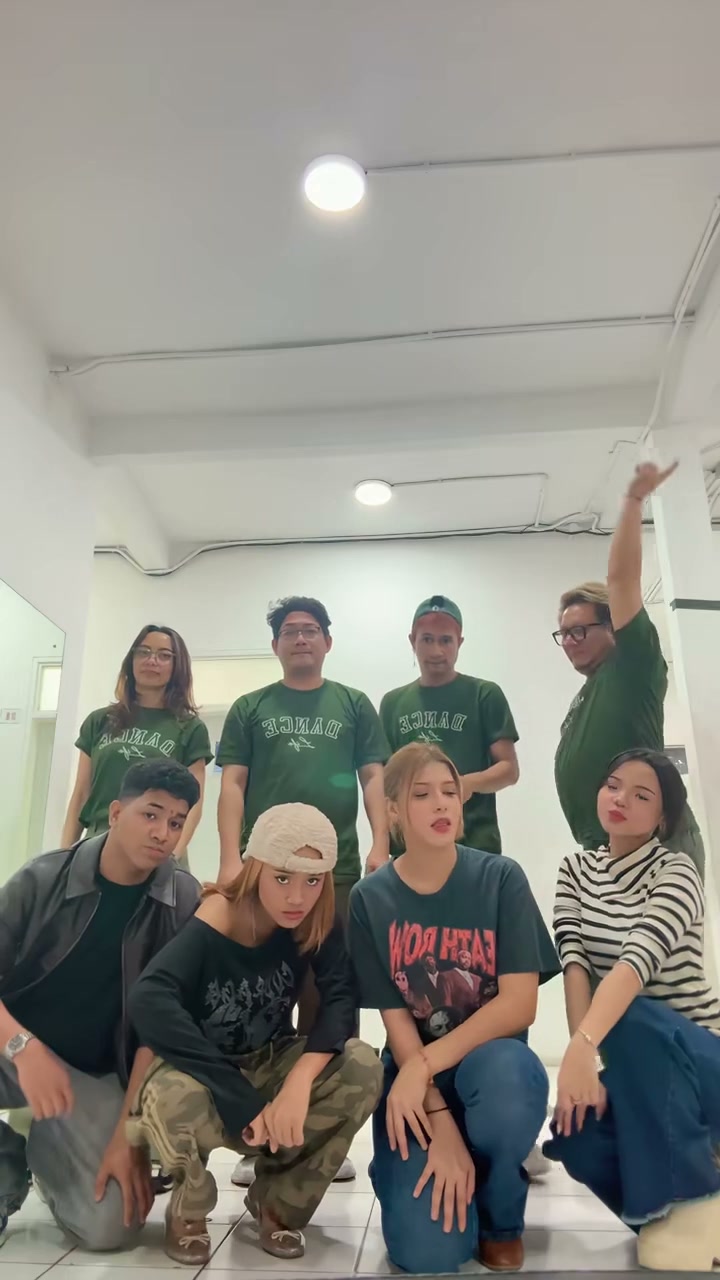
Brazil Boom Dance AI
Turn four photos into the viral Brazil Boom Dance AI (Brazil Boom Boom Dance & DanceBrazil 2026 trend) video in seconds. Upload four portraits in Left-to-Right order to star in the 15-second vertical studio routine—matching every opening finger-snap count-in, rapid boom-boom fist pump, double-hand beat burst, and synchronized chest-pump finale automatically with zero prompts.
Prep photos or customize beyond presets
Fix low-res shots before uploading, upscale your exported clip, or switch to full image to video and text to video controls.
- Image EnhancerSharpen blurry portraits before uploading.
- Image ExtenderExpand tight crops so full outfits stay in frame.
- AI Image GeneratorCreate custom characters or costumes to animate.
- Video EnhancerUpscale exported dance clips up to 4K.
- Image to VideoSwitch to custom prompts and camera motion.
- Text to VideoBuild an original scene from a text prompt.