

Christmas Hug From Heaven AI
Turn two photos into the viral Christmas Hug From Heaven AI video in seconds. Upload a portrait sitting beside a glowing Christmas tree and a cherished photo of a loved one—who steps warmly out of soft golden holiday light to give a heartfelt hug from behind in a 6-second 9:16 clip with zero prompts.
Upload 2 photos
Add Photo 1 (sitting by the Christmas tree) and Photo 2 (the loved one who appears in warm light to hug from behind). Clear, front-facing portraits work best.
Sits beside the glowing Christmas tree and receives the embrace.
Appears softly in warm holiday light behind Photo 1 for the hug.
Last updated
How to make the Christmas Hug From Heaven AI video
3-step preset- STEP 01
Upload two clear photos in order
Drop your portrait into Photo 1 (Person by the tree) and your loved one’s portrait into Photo 2 (Loved one from heaven). Front-facing photos with clear facial features keep both likenesses sharp.
- STEP 02
Generate the golden Christmas reunion hug
Click Generate to build the 6-second vertical scene—Photo 1 sits beside a glowing Christmas tree as warm golden light blooms behind them and Photo 2 steps gently into a comforting embrace from behind.
- STEP 03
Preview and save your keepsake clip
Watch the 6-second 9:16 720p MP4 with warm holiday audio directly in the workspace and download it to share with family or post to TikTok, Reels, or Shorts.
Christmas Hug From Heaven AI FAQ
What is the Christmas Hug From Heaven AI trend and how does it work from 2 photos?
Christmas Hug From Heaven AI recreates the viral holiday tribute trend known as "The only gift I want this Christmas is a hug from you"—and searched widely in Spanish as "El único regalo que quiero para esta Navidad es un abrazo tuyo", "Navidad sin ti", and "Abrazo de Navidad desde el cielo". From just two still photos, Photo 1 appears sitting by a glowing Christmas tree while Photo 2 gently emerges in warm golden light behind them for a comforting 6-second embrace.
Which photo should I upload in Photo 1 and Photo 2?
Upload the person sitting beside the Christmas tree in Photo 1 (usually yourself or a living family member), and upload the loved one who steps in from behind in Photo 2. Swapping the slots changes who sits by the tree and who initiates the hug.
Can I use old family photos or create a hug with someone who is far away?
Yes. Whether you are honoring a loved one in heaven—parents, grandparents, or missed family members—or bridging the miles with someone living far away this holiday season, clear front-facing or slightly angled portraits work naturally.
What video format is exported, and how many credits does it cost?
Generating uses 40 credits and exports a clean 6-second vertical 9:16 720p MP4 with warm holiday audio, completely free of third-party watermarks or baked-in captions. You can download it as a keepsake or pair it with your favorite TikTok sound when posting.
Do I need a CapCut template or app download to make the Navidad sin ti hug video?
No. Instead of searching TikTok for a "Navidad sin ti" CapCut template, linking accounts, or dealing with baked-in text overlays and watermarks, this Christmas Hug From Heaven CapCut Template Alternative runs directly in your browser from 2 photos with zero editing.
What happens if a Christmas Hug From Heaven generation fails?
Credits are reserved when you click Generate. If the render fails or times out, your reserved credits or Effect Pass are automatically refunded back to your VidGoat balance.
More viral AI effects like Christmas Hug From Heaven AI
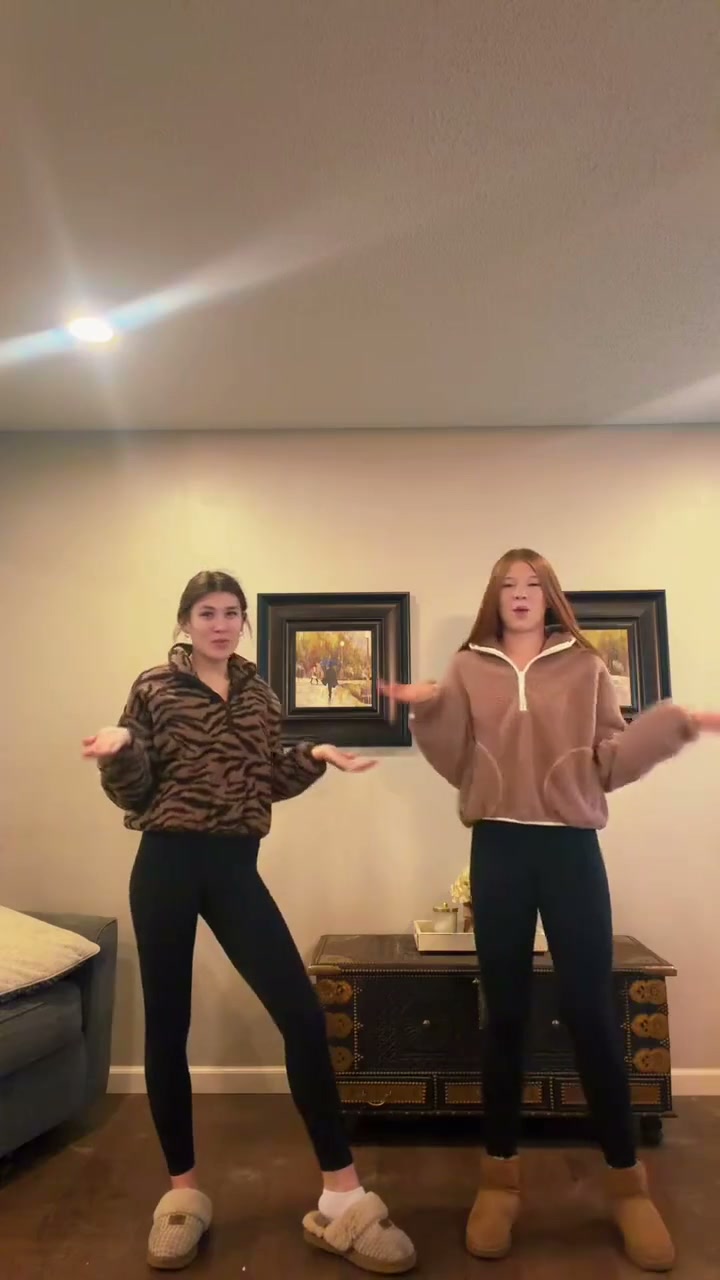
Gobble Booty Wobble AI
Turn two photos into the viral Gobble Booty Wobble AI (Gobble Gobble Booty Wobble & Thanksgiving Turkey Dance) video in seconds. Upload Left and Right portraits to perform the playful 10-second vertical duo routine set to the "Gobble Gobble Ashlee Ruth x House of Evo Remix" hook—matching every shoulder-shrug opener, side-turned turkey wing flap, booty wobble hip pop, and mashed-potatoes-and-gravy scoop automatically with zero prompts.
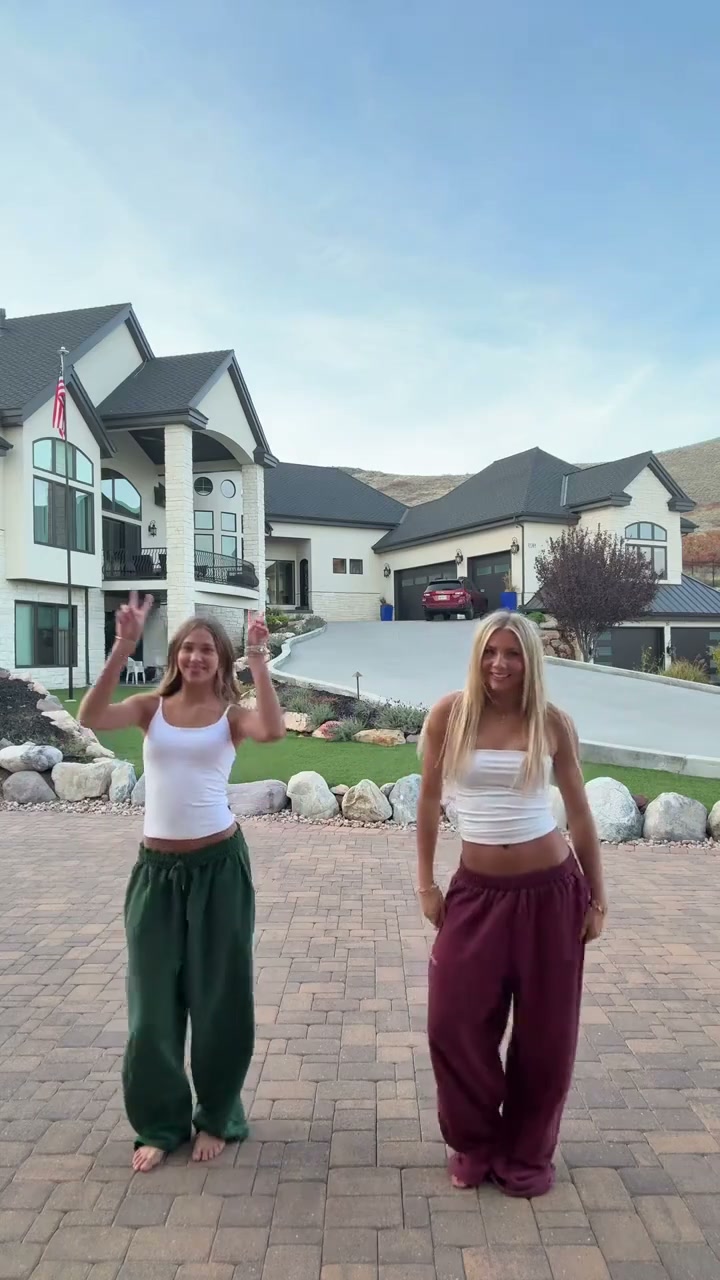
Holiday Homepage Duo Dance AI
Turn two photos into the viral Holiday Homepage Duo Dance AI (Holiday Homepage Christmas 2-person dance trend) video in seconds. Upload Left and Right portraits to perform the upbeat 15-second vertical routine—matching every opening peace-sign bounce, synchronized hand clap, mid-clip side-switch crossover, and festive hip-sway chorus automatically with zero prompts.
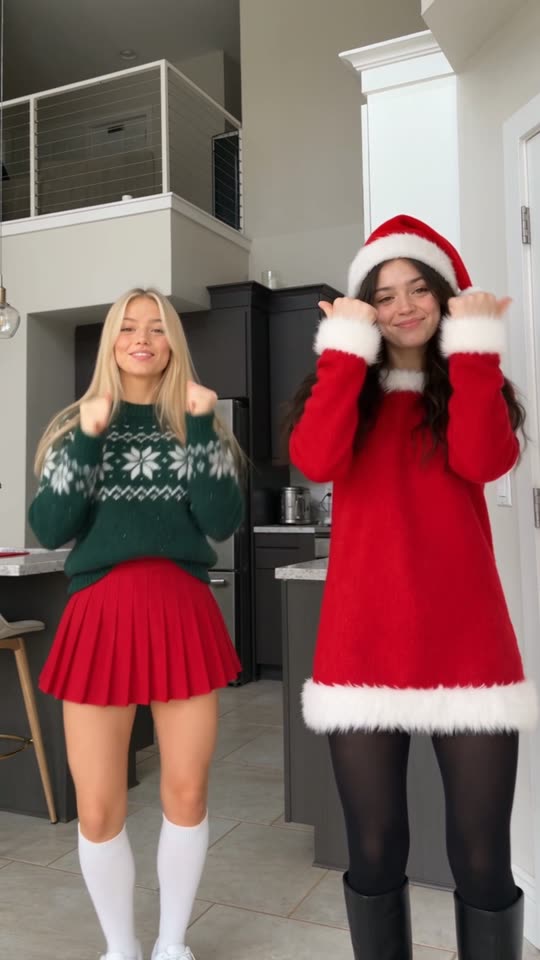
Deck the Halls Dance AI
Turn two photos into the viral Deck the Halls Dance TikTok video in seconds. Upload Left and Right portraits to star in the 14-second vertical holiday duo routine—choreography, deadpan timing, and outfits stay intact without prompts.
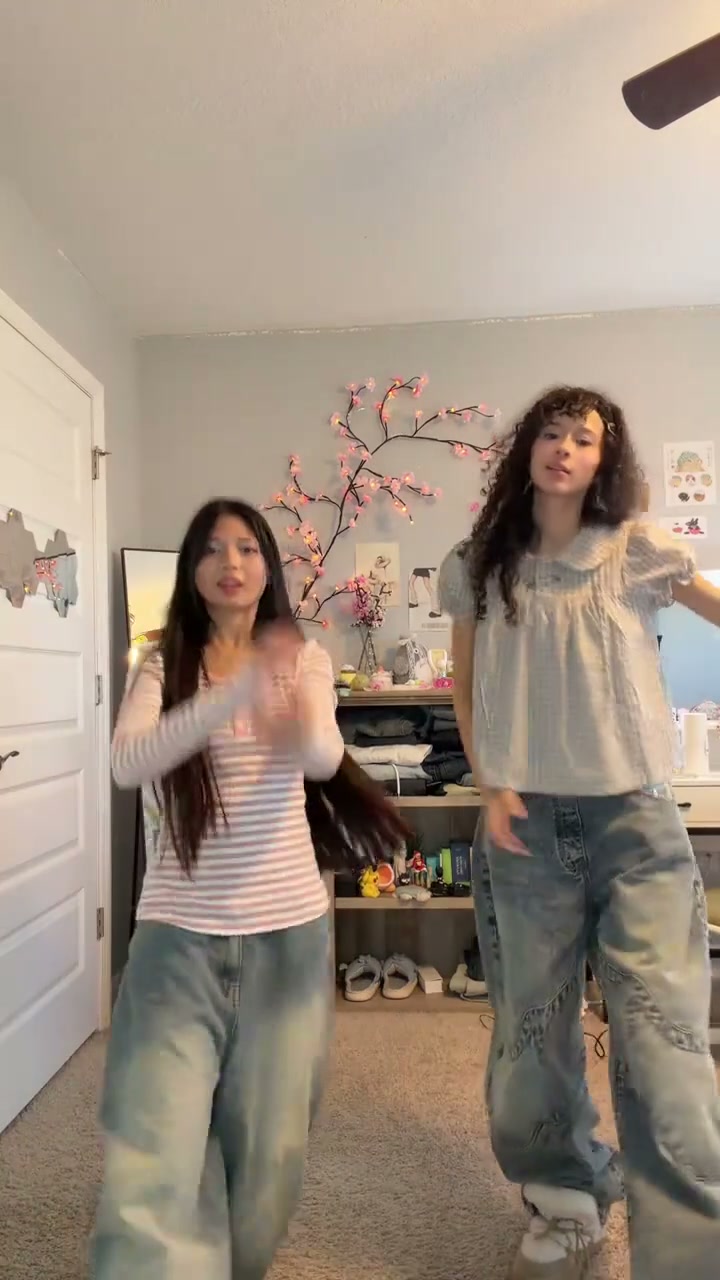
Mother Vivi Dance AI
Turn two photos into the viral Mother Vivi Dance AI (Mother Vivi Duo Dance & Mother Vivi Easy Dance) video in seconds. Upload Left and Right portraits to perform the playful 11-second vertical routine set to the "mother vivi" TikTok sound—matching every camera-lean wave opener, bouncy hip-pop hair toss, one-arm sky point, deep squat bounce, and closing finger-gun groove automatically with zero prompts.
Dangdut Dance AI
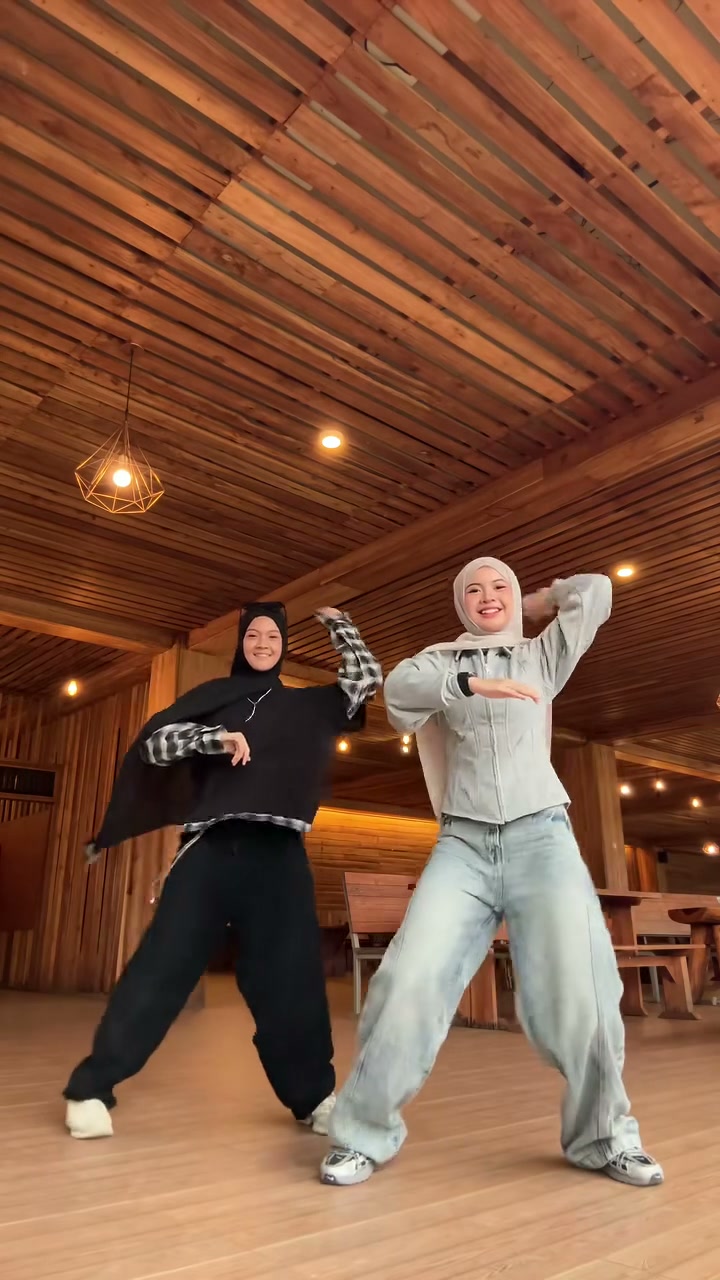
Turn two photos into the viral Dangdut Dance AI (Jangan Pernah Macam-Macam Dance Challenge & Melly Lee Arbil DA7 Dance) video in seconds. Upload Back-Left and Front-Right portraits to perform the upbeat 15-second vertical routine—matching every opening point-and-sweep hook, bouncy dangdut wrist-roll groove, double-palm freeze, and iconic overhead elbow wave automatically with zero prompts.
Body Ache Duo Dance AI
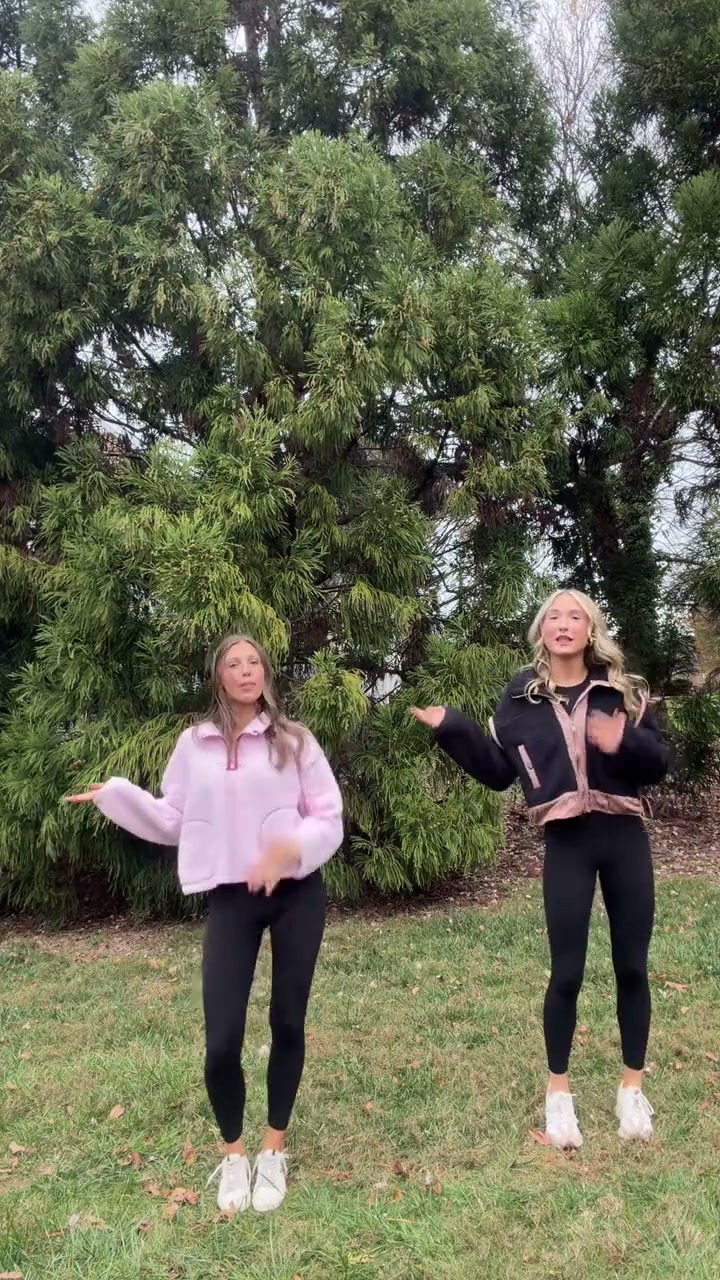
Turn two photos into the viral Body Ache Duo Dance AI (Body Ache 2 Person Dance & Secret Konto25 Body Ache Dance) video in seconds. Upload Left and Right portraits to perform the playful 10-second vertical routine set to Ryn Weaver’s "Pierre" hook—matching every synchronized cross-arm bass strum, double open-palm bounce, dreaming head-tilt clap, and upbeat step-in finale automatically with zero prompts.
Prep photos or customize beyond presets
Fix low-res shots before uploading, upscale your exported clip, or switch to full image to video and text to video controls.
- Image EnhancerSharpen blurry portraits before uploading.
- Image ExtenderExpand tight crops so full outfits stay in frame.
- AI Image GeneratorCreate custom characters or costumes to animate.
- Video EnhancerUpscale exported dance clips up to 4K.
- Image to VideoSwitch to custom prompts and camera motion.
- Text to VideoBuild an original scene from a text prompt.