

DJ Zek3 Two-Person Dance AI
Turn two photos into the viral DJ Zek3 Two-Person Dance AI (DJ Zek3 2 person dance) video in seconds. Upload Left and Right portraits to star in the 15-second vertical duo routine—playful peace-sign leans, mid-routine side-switch crossovers, partner hand claps, and synchronized beat waves run automatically with zero prompts.
Upload 2 dancer photos
Add 2 portraits in Left and Right order—friends, couples, or 2 looks of yourself. Clear front-facing full-body or three-quarter shots keep faces and outfits sharp through the side-switch crossover and partner claps.
Starts on the left, crosses to the right mid-routine, and returns left for the finale.
Starts on the right, crosses behind to the left mid-routine, and returns right for the finale.
Last updated
How to make the DJ Zek3 Two-Person Dance AI video
3-step preset- STEP 01
Upload two dancer photos in order
Add your Left dancer portrait in Photo 1 and your Right dancer portrait in Photo 2—best friends, couples, or two looks of yourself. Front-facing full-body or three-quarter shots keep faces and outfits crisp through both crossovers.
- STEP 02
Sync to the DJ Zek3 duo routine
Click Generate to transfer both identities onto the 15-second vertical routine—coordinated bounce, peace-sign pose, side-switch crossovers, facing partner claps, and rhythmic arm waves are timed automatically.
- STEP 03
Preview and download your vertical clip
Watch the finished 15-second 9:16 720p MP4 right in the workspace and save it ready for TikTok, Instagram Reels, or YouTube Shorts.
DJ Zek3 Two-Person Dance AI FAQ
What is DJ Zek3 Two-Person Dance AI (DJ Zek3 2 person dance) and how does it work from 2 photos?
DJ Zek3 Two-Person Dance AI recreates the viral NYC two-person TikTok dance set to "original sound - DJ ZEK3" (the playful "ta-ra-ra" beat routine popularized by @userissav)—also searched as DJ Zek3 2 Person Dance AI, DJ Zek 3 Dance, DJ Zeke Two Person Dance, NYC Two Person Dance, or DJ Zek3 Dance Template Alternative—from two still photos. Photo 1 takes the left dancer spot and Photo 2 takes the right dancer spot across the 15-second vertical routine, keeping each identity locked through both mid-clip crossovers and partner claps with zero filming or prompt setup.
Which photo goes into Photo 1 and Photo 2?
Photo 1 starts on the left side of the frame, leans into the opening peace-sign pose, crosses in front to the right side for the mid-routine partner claps, and crosses back left for the finale. Photo 2 starts on the right, crosses behind to the left, and returns right for the closing arm waves.
Does DJ Zek3 Two-Person Dance AI preserve our real faces, hair, and outfits?
Yes. Motion-control transfer keeps each uploaded person’s facial features, hairstyle, and original clothing recognizable throughout the 15-second routine—including both side-switch crossovers—while matching the exact choreography and even indoor lighting.
Can I upload two friends, a couple, or two different looks of myself?
Yes. You can cast two friends, a couple, two characters, or two different outfits of yourself for a twin-clone edit as long as each photo shows one clear person.
What video format is exported, and how many credits does it cost?
Generating uses 1 Effect Pass or 90 credits and outputs a 15-second vertical 9:16 720p MP4 sized for TikTok, Instagram Reels, and YouTube Shorts. Uploading photos and previewing the reference clip in the workspace is free.
Do I need a CapCut template or to rehearse the crossover footwork?
No. Instead of practicing the side-switch timing in front of a camera, filming multiple takes, or syncing clips inside a CapCut template, this independent DJ Zek3 2 Person Dance CapCut Template Alternative turns two still photos directly into the finished 15-second routine.
What happens if a DJ Zek3 Two-Person Dance generation fails?
Credits or your Effect Pass are reserved when you click Generate. If the render fails or times out, your reserved credits or Effect Pass are automatically refunded back to your VidGoat balance.
More viral AI effects like DJ Zek3 Two-Person Dance AI
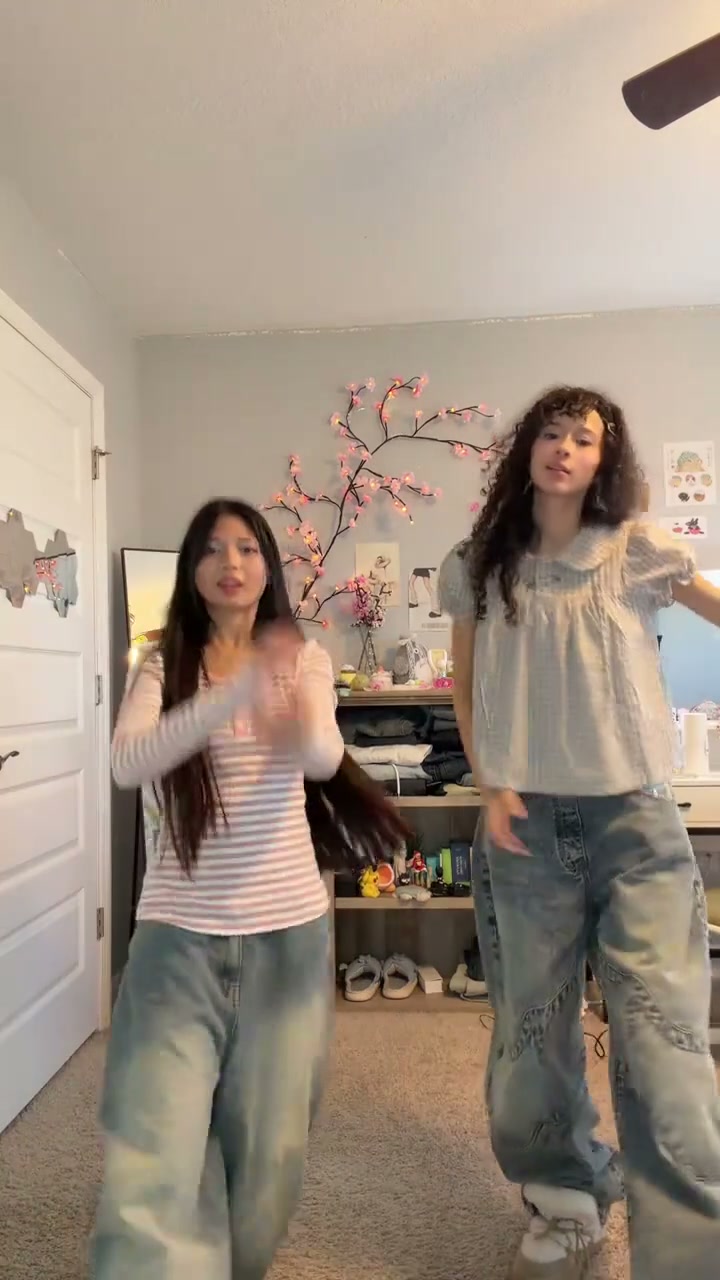
Mother Vivi Dance AI
Turn two photos into the viral Mother Vivi Dance AI (Mother Vivi Duo Dance & Mother Vivi Easy Dance) video in seconds. Upload Left and Right portraits to perform the playful 11-second vertical routine set to the "mother vivi" TikTok sound—matching every camera-lean wave opener, bouncy hip-pop hair toss, one-arm sky point, deep squat bounce, and closing finger-gun groove automatically with zero prompts.
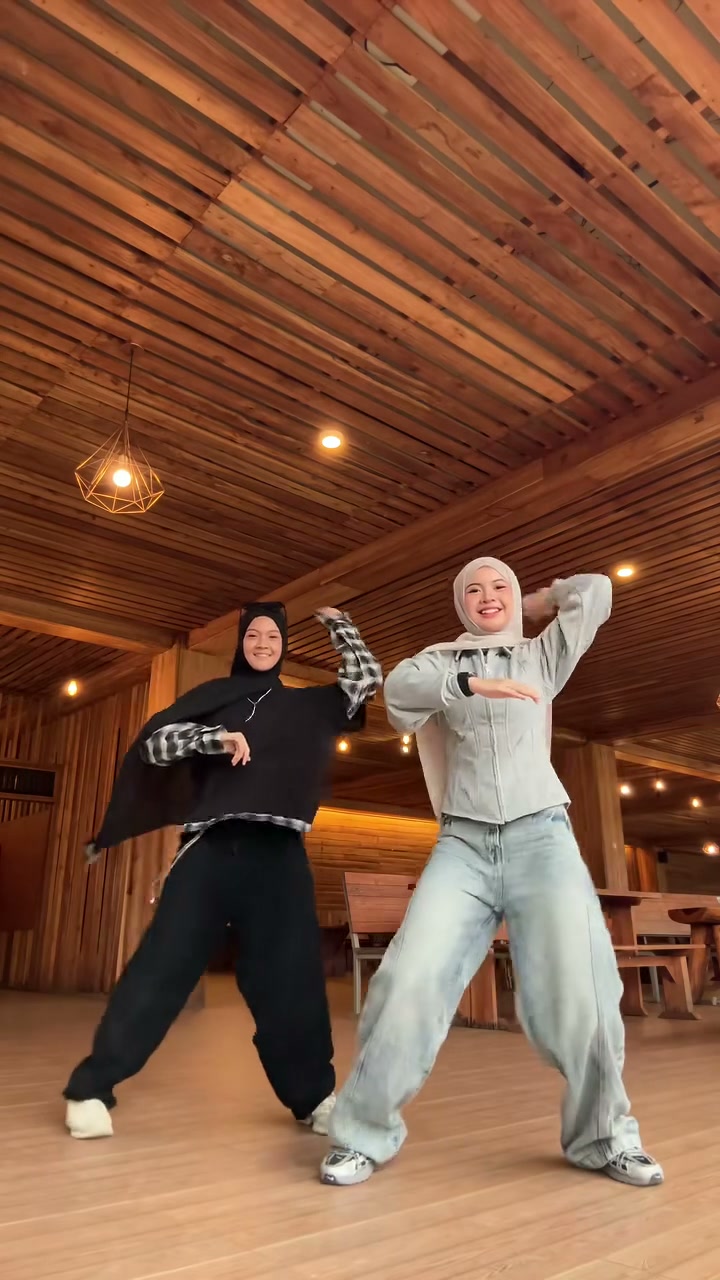
Dangdut Dance AI
Turn two photos into the viral Dangdut Dance AI (Jangan Pernah Macam-Macam Dance Challenge & Melly Lee Arbil DA7 Dance) video in seconds. Upload Back-Left and Front-Right portraits to perform the upbeat 15-second vertical routine—matching every opening point-and-sweep hook, bouncy dangdut wrist-roll groove, double-palm freeze, and iconic overhead elbow wave automatically with zero prompts.
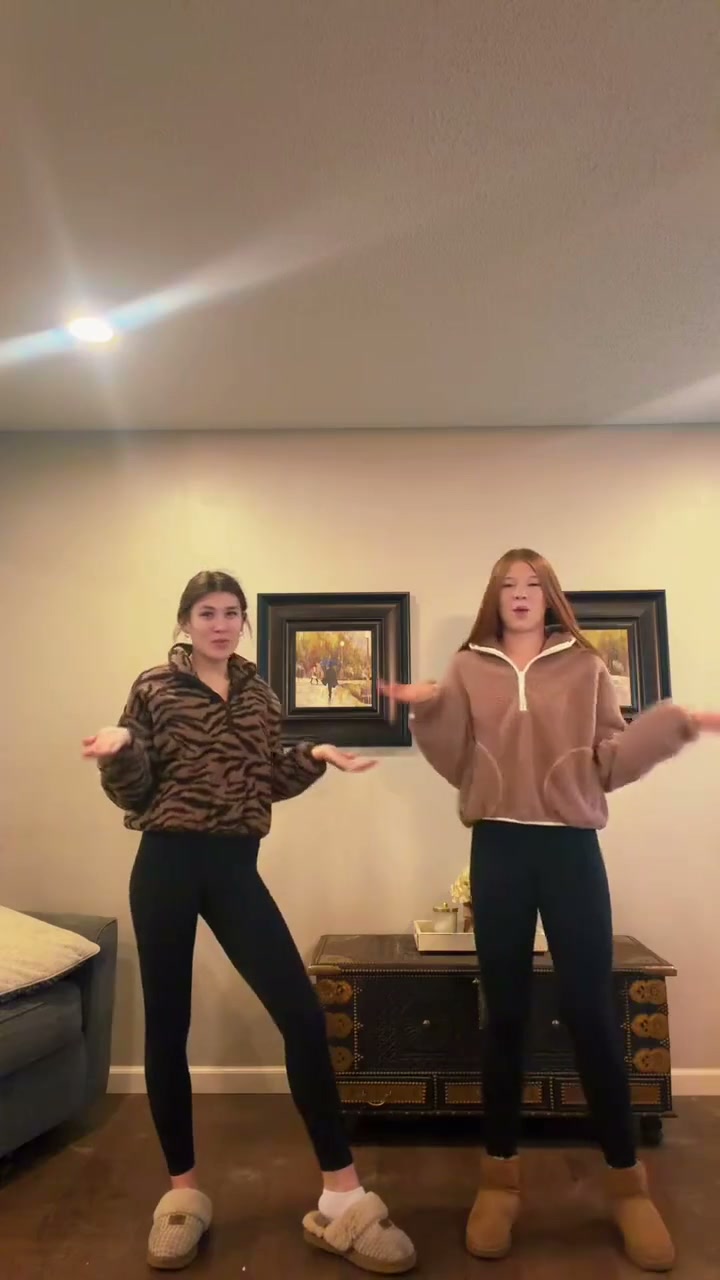
Gobble Booty Wobble AI
Turn two photos into the viral Gobble Booty Wobble AI (Gobble Gobble Booty Wobble & Thanksgiving Turkey Dance) video in seconds. Upload Left and Right portraits to perform the playful 10-second vertical duo routine set to the "Gobble Gobble Ashlee Ruth x House of Evo Remix" hook—matching every shoulder-shrug opener, side-turned turkey wing flap, booty wobble hip pop, and mashed-potatoes-and-gravy scoop automatically with zero prompts.
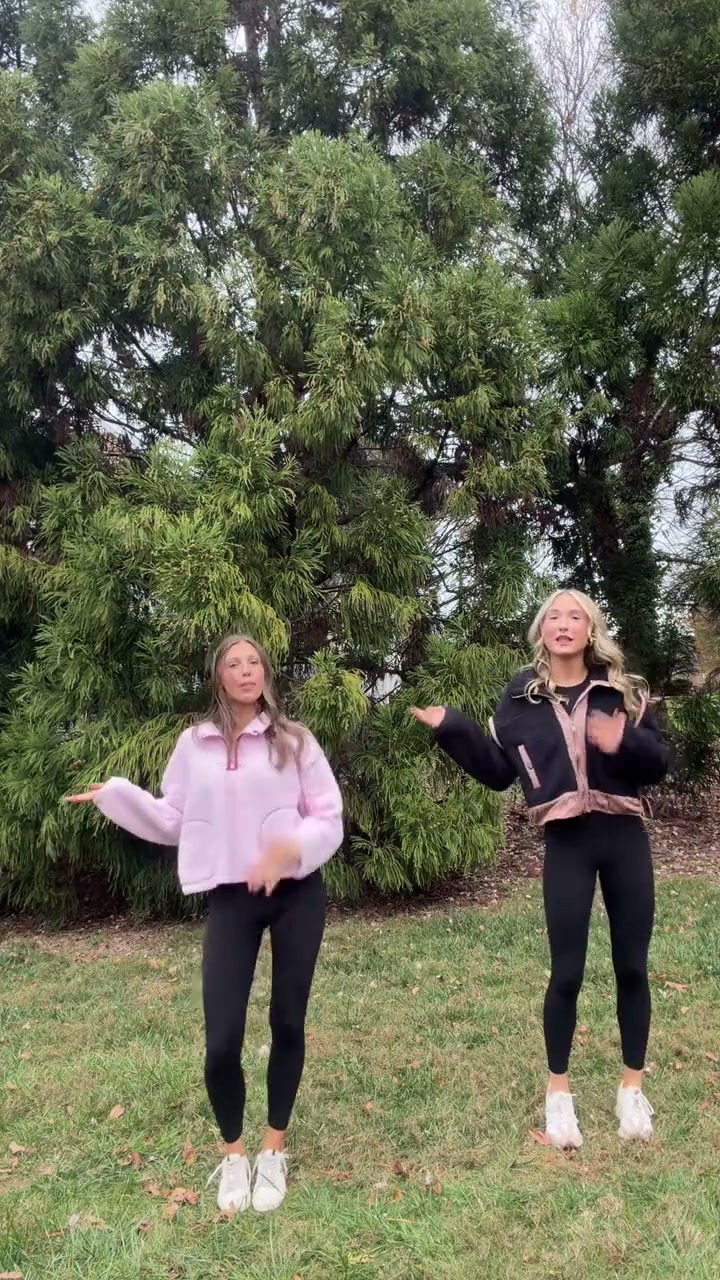
Body Ache Duo Dance AI
Turn two photos into the viral Body Ache Duo Dance AI (Body Ache 2 Person Dance & Secret Konto25 Body Ache Dance) video in seconds. Upload Left and Right portraits to perform the playful 10-second vertical routine set to Ryn Weaver’s "Pierre" hook—matching every synchronized cross-arm bass strum, double open-palm bounce, dreaming head-tilt clap, and upbeat step-in finale automatically with zero prompts.
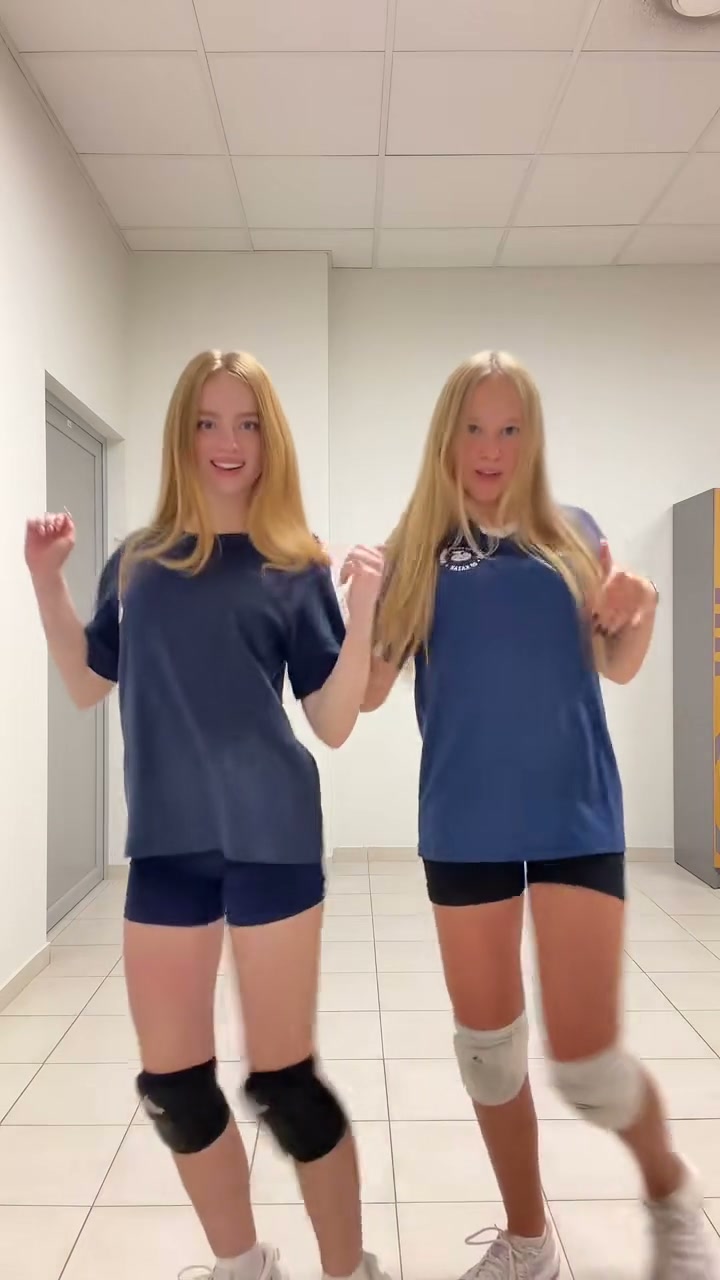
Love Me Twin Dance AI
Turn two photos into the viral Love Me Twin Dance AI (Love Me Jump Jump & Duo Dance challenge) video in seconds. Upload Left and Right portraits to perform the 15-second vertical routine—matching every alternating mirror walk-and-turn pass, synchronized side-by-side lineup bounce, and upbeat chorus shoulder groove automatically with zero prompts.
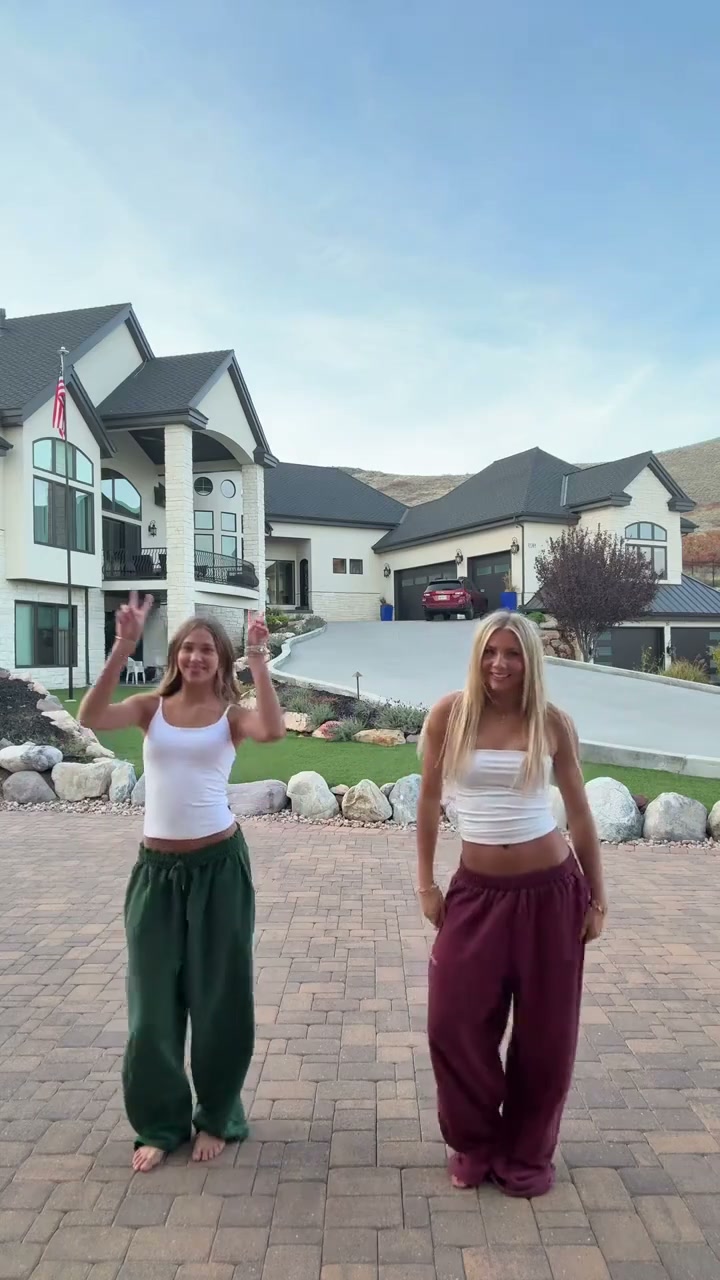
Holiday Homepage Duo Dance AI
Turn two photos into the viral Holiday Homepage Duo Dance AI (Holiday Homepage Christmas 2-person dance trend) video in seconds. Upload Left and Right portraits to perform the upbeat 15-second vertical routine—matching every opening peace-sign bounce, synchronized hand clap, mid-clip side-switch crossover, and festive hip-sway chorus automatically with zero prompts.
Prep photos or customize beyond presets
Fix low-res shots before uploading, upscale your exported clip, or switch to full image to video and text to video controls.
- Image EnhancerSharpen blurry portraits before uploading.
- Image ExtenderExpand tight crops so full outfits stay in frame.
- AI Image GeneratorCreate custom characters or costumes to animate.
- Video EnhancerUpscale exported dance clips up to 4K.
- Image to VideoSwitch to custom prompts and camera motion.
- Text to VideoBuild an original scene from a text prompt.