

Pet Boxing Gloves AI
Turn one photo of your cat, dog, or selfie into the viral Pet Boxing Gloves AI comedy video in seconds. Upload a single photo to animate oversized red and blue spring-loaded cartoon boxing gloves throwing rapid slapstick punches as your pet squints, wobbles, blushes, and gets dizzy cartoon stars—preserving your real pet and room with zero filming.
Upload 1 pet or portrait photo
Add a clear front-facing photo of your cat, dog, pet, or selfie. Your real pet, fur markings, and room stay intact while cartoon boxing gloves bounce in for rapid comedic bops.
Visible front-facing eyes and nose with space below the chin for the boxing gloves.
Last updated
How to make the Pet Boxing Gloves AI video
3-step preset- STEP 01
Upload one pet or portrait photo
Choose a clear front-facing photo of your cat, dog, bunny, or even a friend’s selfie with a bit of breathing room below the chin and above the head.
- STEP 02
Animate the cartoon boxing gloves gag
Click Generate to create a 6-second 9:16 comedy clip—oversized red and blue boxing gloves spring into the foreground and throw rapid slapstick punches while your pet squints, flinches, and blushes.
- STEP 03
Preview and share to TikTok or Reels
Watch the finished 6-second 9:16 720p MP4 in the workspace, download it, and pair it with the viral DunPig boxing sound in TikTok, Reels, or Shorts.
Where did the Pet Boxing Gloves AI trend start?
The Pet Boxing Gloves trend (also searched as the Cat Boxing Glove Effect, Pet Punch Effect, or DunPig Boxing Gloves filter) went viral across TikTok with millions of views on cats, chihuahuas, and deadpan selfies. Creators pair a foreground overlay of oversized red and blue spring-mounted cartoon boxing gloves with dramatic orchestral punch sound effects so every rapid jab makes the pet or person comically squish, squint, blush, and sprout spinning yellow stars.
Pet Boxing Gloves AI song, audio, and lyrics
原声 (DunPig Boxing Gloves Sound) — DunPig
“Dramatic orchestral buildup followed by rapid-fire cartoon punch and slap SFX”
Viral TikTok edits pair the rapid glove combo with DunPig’s punch-beat sound effect. VidGoat exports a clean silent 6-second 9:16 MP4 so you can attach the trending DunPig sound directly inside TikTok or Reels with exact timing.
What happens in the Pet Boxing Gloves AI video?
| Timestamp | Action & visuals | Subject / slot |
|---|---|---|
| 0:00–0:01 | Calm setup: your uploaded cat, dog, or portrait looks straight toward the camera in its real room as oversized red and blue cartoon boxing gloves frame the lower foreground. | Setup stare |
| 0:01–0:04 | Alternating spring punches: the red left glove and blue right glove snap forward on accordion springs, throwing quick slapstick jabs while the subject squints, flinches, and wobbles side-to-side. | Rapid punch flurry |
| 0:04–0:06 | Dizzy cartoon finale: punches speed up into a rapid double-jab combo with exaggerated cheeky squish, rosy cartoon blush, and spinning yellow stars above the head. | Slapstick finale |
Pet Boxing Gloves AI DIY prompt guide
Want to tweak the glove speed or comedy expression manually? Try this public reference prompt inside VidGoat Image to Video:
Vertical 9:16 comedy video from a single front-facing pet or portrait photo. Keep the subject’s exact fur, face, and room background steady while two oversized red and blue cartoon boxing gloves on springs appear at the bottom foreground and throw rapid, playful slapstick punches toward the subject as they squint, wobble comically, blush on the cheeks, and get cartoon spinning stars above their head.Tip: The 1-click preset above uses tuned slapstick timing and generates the 6-second 9:16 clip for 12 credits with zero prompt editing.
Troubleshooting Pet Boxing Gloves AI results
| Common issue | How to fix it |
|---|---|
| Gloves cover too much of a tiny pet or zoomed-in face | Upload a photo with extra space below your pet’s chin and above its ears so the red and blue gloves sit cleanly in the lower foreground. |
| Side-profile pet photos react less clearly to front punches | Use a front-facing or slightly angled photo where both eyes and the nose face toward the camera. |
| Dark fur blends into shadows during fast punch motion | Start with a bright, well-lit indoor or daylight photo so your cat’s or dog’s eyes and whiskers stay sharp. |
| Exported video plays without TikTok punch sound effects | The 6-second MP4 is intentionally silent so you can attach the viral DunPig boxing sound directly inside TikTok, Reels, or CapCut. |
| Blurry phone screenshots lose fur and facial detail | Run low-resolution pet photos through the VidGoat AI Image Enhancer first before animating. |
Pet Boxing Gloves AI FAQ
What is Pet Boxing Gloves AI (Cat Boxing Glove & Pet Punch Effect) and how does it work?
Pet Boxing Gloves AI turns a single photo of your cat, dog, or portrait into the viral 6-second slapstick TikTok comedy video—also searched as Cat Boxing Glove Effect, Pet Punch Effect, DunPig Boxing Gloves Filter, Pet Boxing Glovs AI, or Pet Boxing Gloves CapCut Template Alternative. Upload 1 photo and VidGoat animates red and blue spring-loaded cartoon boxing gloves punching comically from the foreground while your pet squints, wobbles, and blushes with zero filming.
Does it work on dogs, cats, other pets, and human selfies?
Yes. Although black cats and chihuahuas helped spark the viral trend, Pet Boxing Gloves AI works with any cat, dog, small pet, plushie, or human portrait.
Does it keep my real pet and room instead of replacing them with the black cat?
Yes. Instead of pasting your pet onto another creator’s bedding, Pet Boxing Gloves AI uses Kling 3.0 Standard image-to-video generation directly on your uploaded photo so your pet’s exact fur, markings, expression, and real room stay natural.
What photo framing gives the funniest boxing gloves result?
A sharp front-facing shot where your pet sits in the center-top of the frame with open space below its chin and above its ears works best, giving the cartoon gloves room to spring up without blocking the eyes.
What video format is exported, and how many credits does it cost?
Generating outputs a 6-second vertical 9:16 720p MP4 and uses just 12 credits. Uploading a photo and previewing the reference clip in the workspace is free.
Why does the generated Pet Boxing Gloves clip have no audio?
The 6-second MP4 is exported cleanly without baked-in audio so you can attach DunPig’s trending boxing-punch sound or your favorite comedic SFX directly inside TikTok or Instagram Reels.
Do I need a TikTok AR filter or CapCut template to make the Pet Boxing Gloves video?
No. Instead of trying to hold your restless cat or dog still in front of a live TikTok AR camera filter or manually keyframing stickers in CapCut, this independent Pet Boxing Gloves CapCut Template Alternative animates 1 still photo straight into the finished 6-second gag.
What happens if a Pet Boxing Gloves AI generation fails?
Credits are reserved only when you click Generate. If a render fails or times out, your reserved 12 credits are automatically refunded back to your VidGoat balance.
More viral AI effects like Pet Boxing Gloves AI
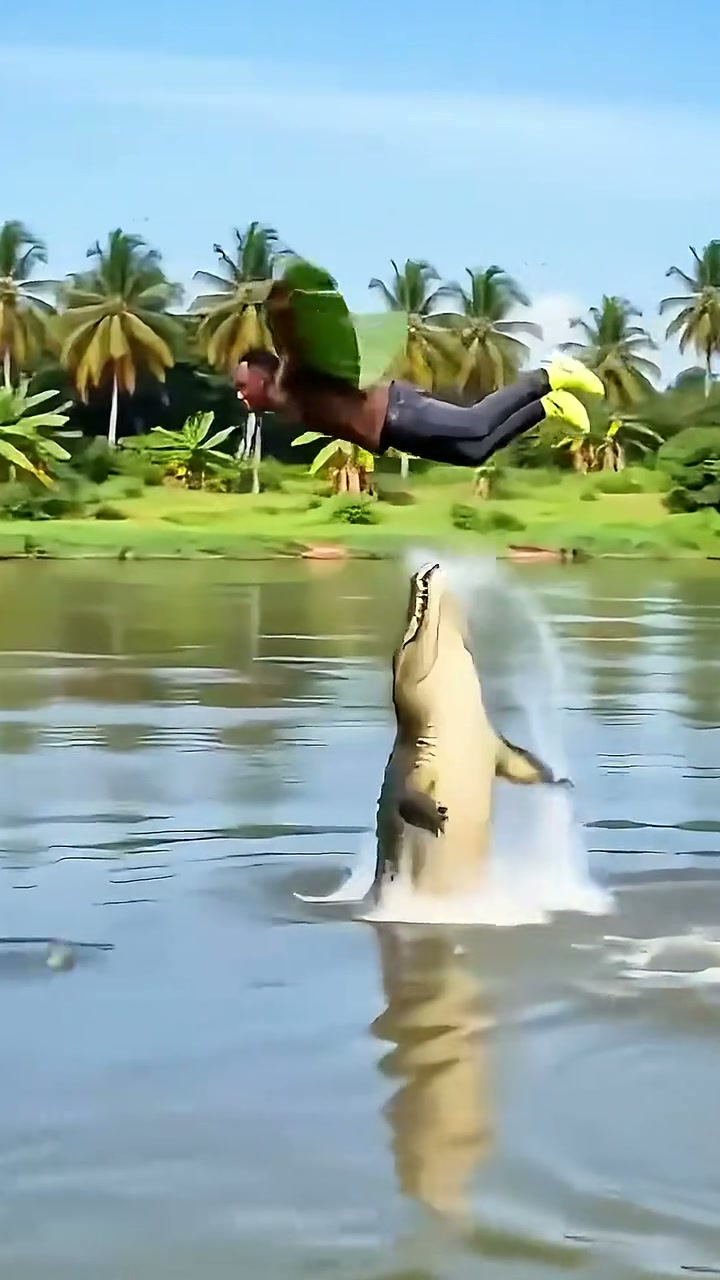
Banana Leaf Flight AI
Turn one photo into the viral Banana Leaf Flight AI (Banana Leaf Flight Fail crocodile trend) video in seconds. Upload a single portrait to strap on giant green banana-leaf wings, soar across a tropical river as giant crocodiles leap from the water, and slam head-on into a coconut palm tree—rendered automatically in 7 seconds with zero prompts.
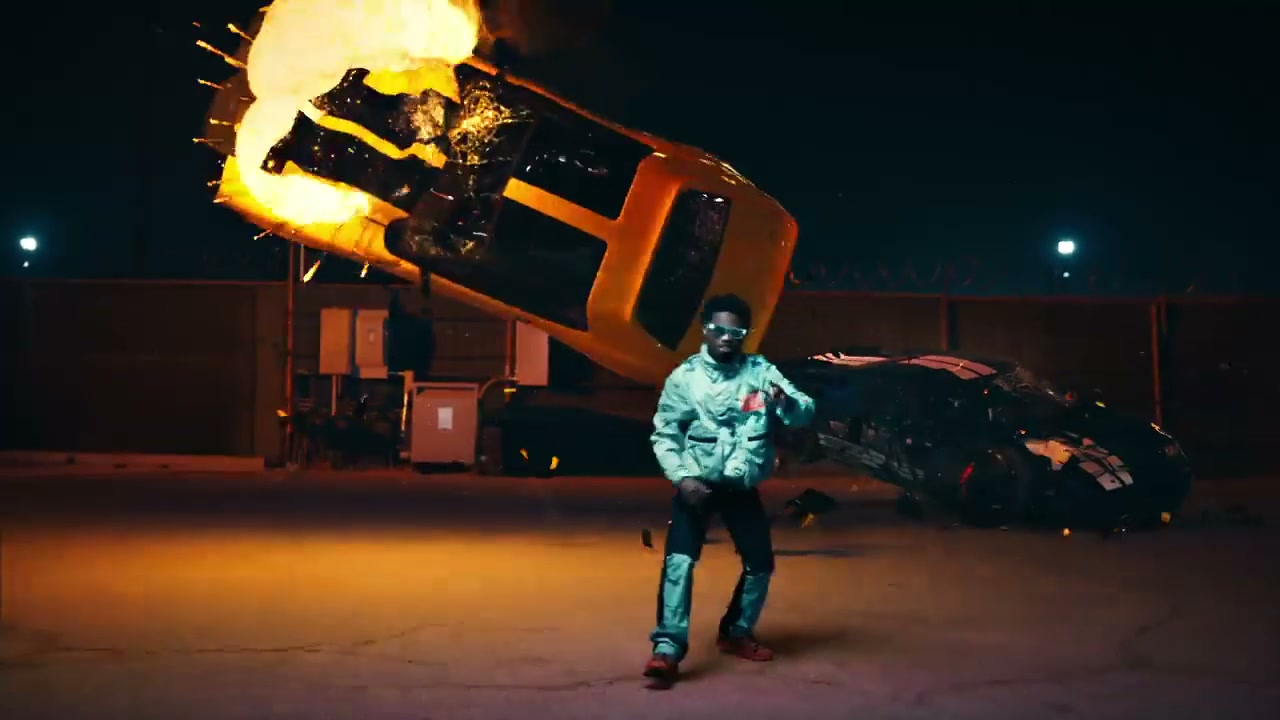
The Box MV AI
Turn one photo into the viral Roddy Ricch The Box MV AI video in seconds. Upload a single portrait to star in the 12-second widescreen sequence—night parking-lot groove, flaming yellow car crash explosion, and the "I'm a 2020 president candidate" White House podium finale with zero prompts.
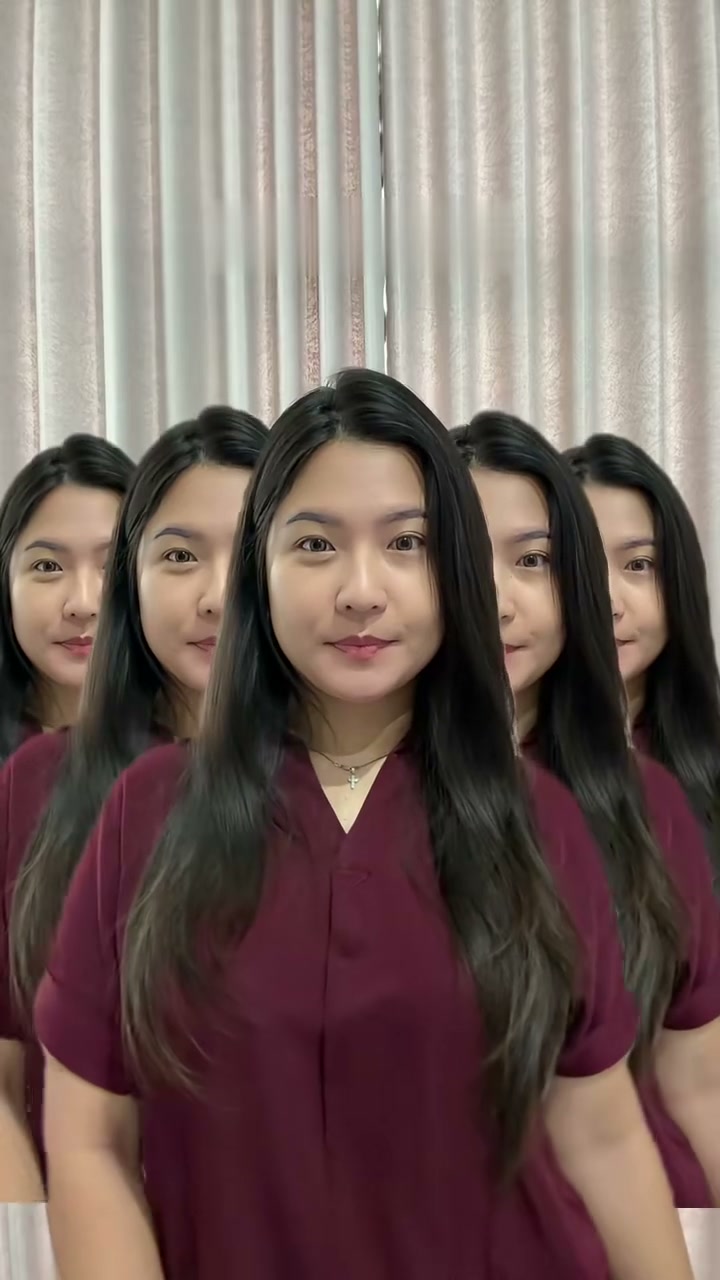
Velocity Clone Dance AI
Turn one photo into the viral Velocity Clone Dance AI (Velocity Dance Tutorial & Velocity Terbaru 2026 clone lineup trend) video in seconds. Upload a single portrait to star as a synchronized five-clone formation—hitting every opening fist bump, index-finger beat pop, laser-lit shaka wave, and rapid velocity arm-switch combo automatically with zero prompts.
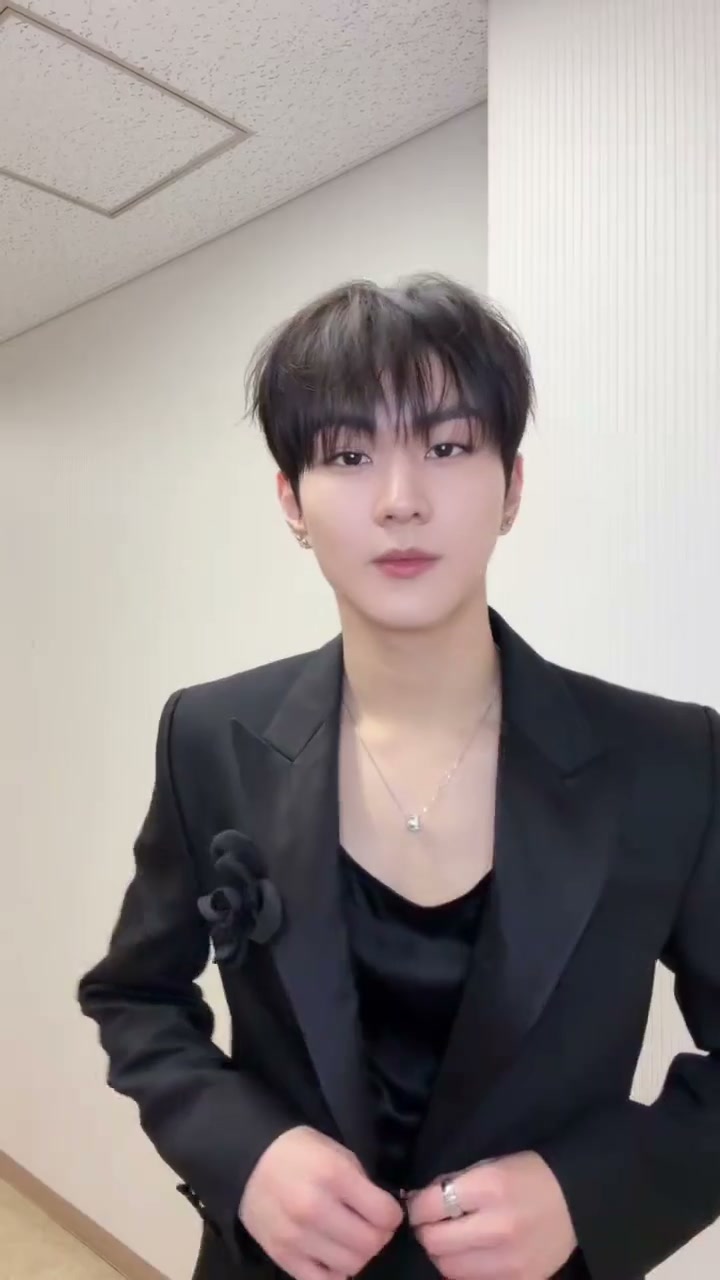
Aminookk Brazil Dance AI
Turn one photo into the viral Aminookk Brazil Dance AI (Mienteme Funk & Aminookk Brazil Duo Dance trend) video in seconds. Upload a single portrait to perform the crisp 9-second vertical funk routine—matching every alternating hand wave, double-fist bounce, 180-degree spin, and beat-synced chest sweep automatically with zero prompts.
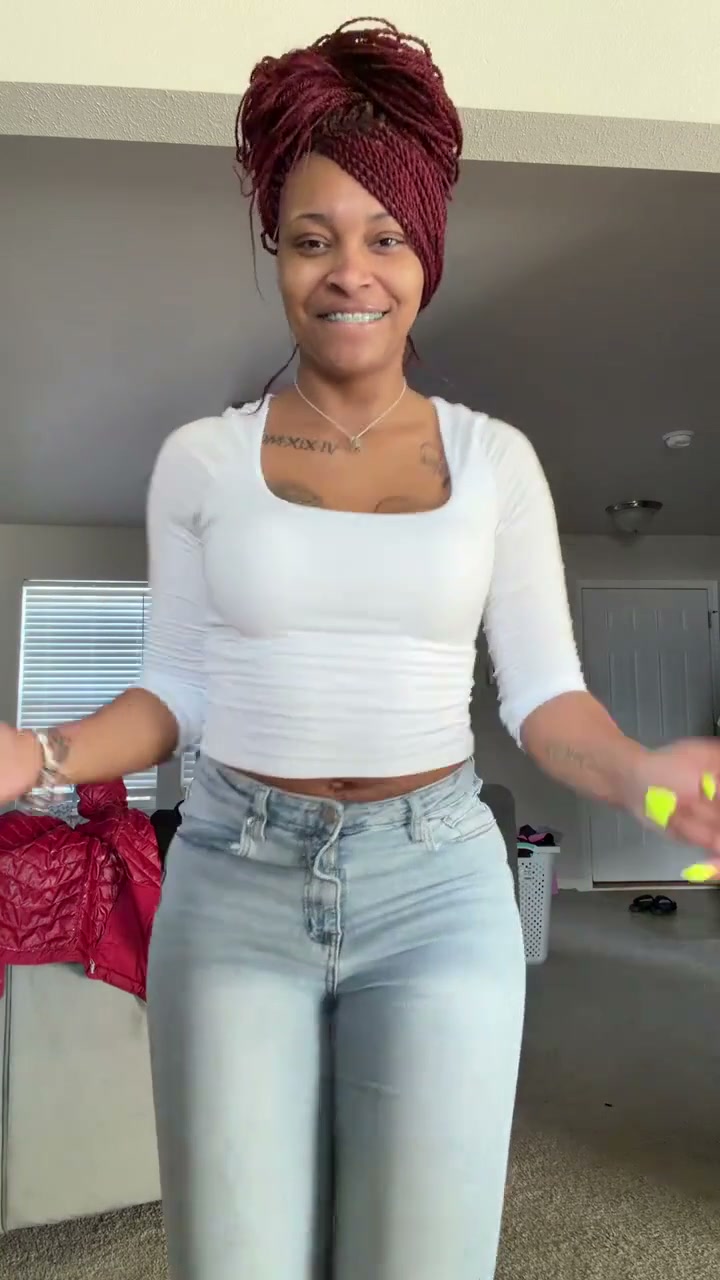
Liberian Girl Bop AI
Turn one photo into the viral Liberian Girl Bop AI (Liberian Girl & Camden Bop dance) video in seconds. Upload a single portrait to perform the playful 15-second vertical routine set to the smooth "liberian girl instrumental" groove—matching every double thumbs-up hip bounce, peekaboo fist-over-eyes sway, and upbeat shoulder groove automatically with zero prompts.
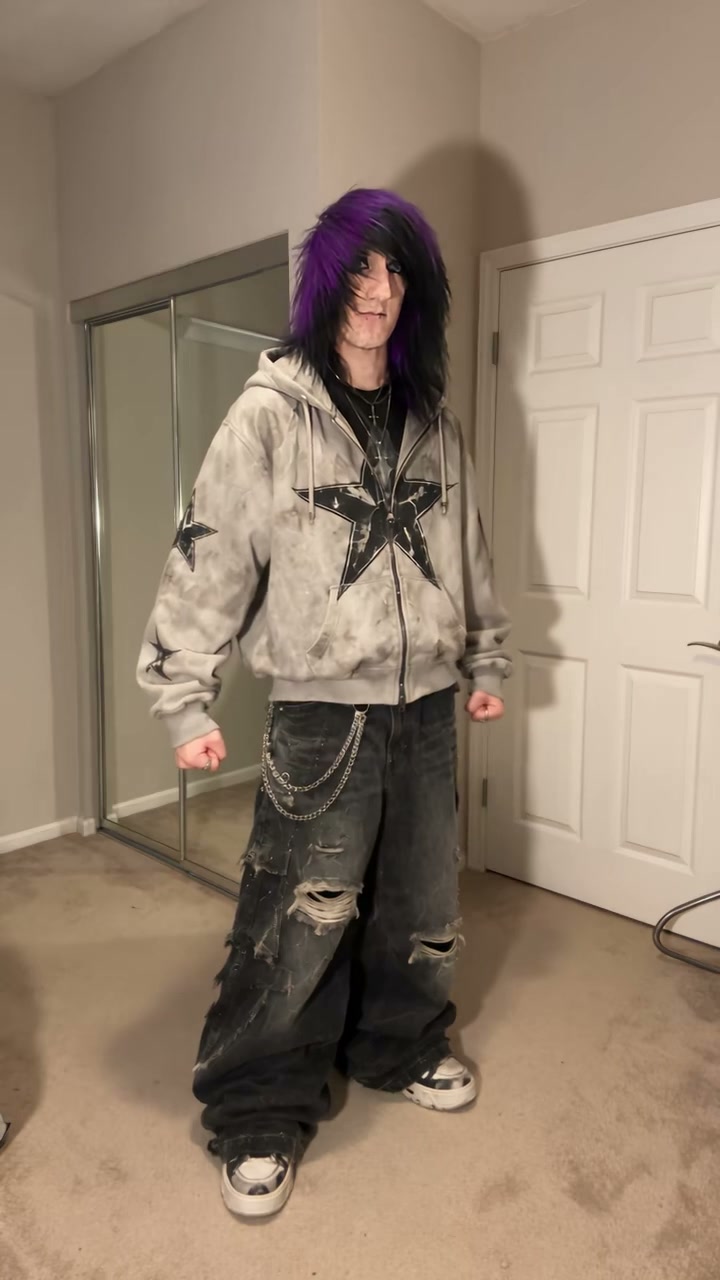
Headbop Animation AI
Turn one photo into the viral Headbop Animation AI (Hero Funk headbop) video in seconds. Upload a single full-body portrait to animate any person, OC, or character into the bouncy 15-second vertical Brazilian phonk routine—matching every crouched double-fist headbop, overhead punch, jog-in-place, camera palm-stop, and wide shrug drop automatically with zero prompts.
Prep photos or customize beyond presets
Fix low-res shots before uploading, upscale your exported clip, or switch to full image to video and text to video controls.
- Image EnhancerSharpen blurry portraits before uploading.
- Image ExtenderExpand tight crops so full outfits stay in frame.
- AI Image GeneratorCreate custom characters or costumes to animate.
- Video EnhancerUpscale exported dance clips up to 4K.
- Image to VideoSwitch to custom prompts and camera motion.
- Text to VideoBuild an original scene from a text prompt.