

Holiday Homepage Duo Dance AI
Turn two photos into the viral Holiday Homepage Duo Dance AI (Holiday Homepage Christmas 2-person dance trend) video in seconds. Upload Left and Right portraits to perform the upbeat 15-second vertical routine—matching every opening peace-sign bounce, synchronized hand clap, mid-clip side-switch crossover, and festive hip-sway chorus automatically with zero prompts.
Upload 2 dancer photos
Add two clear full-body or three-quarter portraits in Left and Right order. Each person’s face, hairstyle, and outfit stays crisp through the opening bounce, chest claps, mid-routine side-switch crossover, and chorus hip sways.
Starts on the left side for the opening bounce and crosses behind to the right side mid-routine.
Starts on the right side and sweeps across the front to the left side for the chorus finale.
Last updated
How to make the Holiday Homepage Duo Dance AI video
3-step preset- STEP 01
Upload two dancer photos in order
Add your Left dancer portrait in Photo 1 and your Right dancer portrait in Photo 2—sisters, best friends, couples, or two looks of yourself. Clear full-body or three-quarter shots keep faces, feet, and outfits sharp.
- STEP 02
Sync to the 15-second Holiday Homepage routine
Click Generate to map both identities onto the 15-second vertical choreography—the opening bounce, synchronized chest claps, smooth side-switch crossover, and chorus hip sways run automatically.
- STEP 03
Preview and share your vertical clip
Watch the finished 15-second 9:16 720p MP4 right in the workspace and download it ready for TikTok, Instagram Reels, or YouTube Shorts.
Where did the Holiday Homepage Duo Dance AI trend start?
The Holiday Homepage Duo Dance trend pairs Mariah Carey’s 1994 holiday classic "All I Want for Christmas Is You" (written and produced with Walter Afanasieff for her Merry Christmas album and revived under TikTok’s trending sound "original sound - Holiday Homepage 🎄") with a high-energy two-person choreography built for sisters, best friends, and couples. Creators stand side by side, hit beat-synced bounces and chest claps through the sleigh-bell verse, swap sides in a smooth mid-routine crossover, and groove through the chorus together.
Columbia Records releases Mariah Carey and Walter Afanasieff’s "All I Want for Christmas Is You" as the lead single from Merry Christmas.
Twenty-five years after its release, the track reaches No. 1 on the US Billboard Hot 100 and cements itself as a perennial holiday pop staple.
TikTok creators launch the viral Holiday Homepage Duo Dance challenge under "original sound - Holiday Homepage 🎄", racking up millions of two-person Christmas dance clips.
Holiday Homepage Duo Dance AI song, audio, and lyrics
original sound - Holiday Homepage 🎄 ("All I Want for Christmas Is You" Edit) — Mariah Carey · Holiday Homepage TikTok Sound
“I hear those sleigh bells ringing / Santa, won’t you bring me... / Oh, I don’t want a lot for Christmas...”
Beat-locked directly to the 15-second Holiday Homepage TikTok audio edit from the opening "I hear those sleigh bells ringing" bounce through the side-switch crossover and the upbeat "Oh, I don’t want a lot for Christmas" chorus.
What happens in the Holiday Homepage Duo Dance AI video?
| Timestamp | Action & visuals | Subject / slot |
|---|---|---|
| 0:00–0:03 | Opening sleigh-bell count-in: Photo 1 (left) and Photo 2 (right) stand side by side on a bright outdoor stone driveway, kicking off with playful peace signs, hip dips, and rhythmic waist-level elbow bounces. | Photo 1 (left) & Photo 2 (right) |
| 0:03–0:06 | Chest claps & groove: Both dancers bring their hands together in front of the chest for crisp claps before leaning into alternating shoulder pops and rhythmic arm swings on "Santa, won’t you bring me." | Both dancers in sync |
| 0:06–0:09 | Mid-routine side-switch crossover: Both dancers sweep their arms wide and smoothly cross past each other—Photo 2 glides across the front to the left side while Photo 1 steps behind to the right side, turning back to face the camera. | Photo 2 crosses front-left; Photo 1 crosses back-right |
| 0:09–0:15 | Chorus hip-sway finale: Now in swapped Left/Right spots, both dancers settle into wide-stance hip sways, crossed-forearm chest chops, and joyful smiles through "Oh, I don’t want a lot for Christmas, this is all I’m asking for." | Both dancers in swapped formation |
Holiday Homepage Duo Dance AI DIY prompt guide
Want to experiment with a custom background or freestyle 2-person holiday dance clip? Try this public reference prompt inside VidGoat Image to Video:
Vertical 9:16 bright daytime outdoor driveway holiday dance clip on a stationary eye-level camera. Keep both dancers’ exact faces, hairstyles, and outfits consistent as two friends perform a cheerful 15-second Christmas routine: opening waist-level hip bounces, synchronized chest claps, a smooth mid-clip side-switch crossover, and upbeat wide-stance chorus hip sways with crossed-arm chops.Tip: The 2-photo preset above automates the exact Left-to-Right slot mapping, 15-second Holiday Homepage beat timing, and mid-routine side-switch choreography with zero prompt writing.
Troubleshooting Holiday Homepage Duo Dance AI results
| Common issue | How to fix it |
|---|---|
| Dancers swap identities or blend outfits during the crossover | Upload one clear solo person per slot (Left in Photo 1, Right in Photo 2)—never upload a two-person group photo inside a single slot. |
| Feet or lower legs look soft during the side-step crossover | Use sharp, full-body or three-quarter portraits where each person’s legs and stance are visible instead of tight chest-up selfies. |
| Hands blur slightly during the chest claps and wide arm sweeps | Choose evenly lit, crisp photos with hands and arms unobstructed—avoid motion-blurred screenshots or dark backlighting. |
| Heads or shoulders get clipped near the top of the frame | Leave clear headroom above the hair in both portraits, or expand tight crops first with VidGoat AI Image Extender. |
| Only one person wants to dance in a twin-clone holiday video | Upload two different photos or festive outfits of yourself into Photo 1 and Photo 2 for an instant twin-clone Holiday Homepage edit. |
Holiday Homepage Duo Dance AI FAQ
What is Holiday Homepage Duo Dance AI and how does it work from 2 photos?
Holiday Homepage Duo Dance AI recreates the viral 15-second TikTok Christmas 2-person dance trend set to "original sound - Holiday Homepage 🎄" (also searched as Holiday Homepage Christmas Dance AI, Holiday Homepage 2 Person Dance AI, Christmas 2 Person Dance AI, All I Want for Christmas Duo Dance AI, Holidy Homepage Duo Dance AI, or Holiday Homepage Duo Dance Template Alternative) from two still photos. Photo 1 starts on the left and Photo 2 starts on the right with zero filming or prompt setup.
Which photo goes into Photo 1 and Photo 2?
Photo 1 takes the left starting spot for the opening peace-sign bounce and crosses behind to the right side during the mid-clip switch. Photo 2 takes the right starting spot, sweeps across the front to the left side at 0:06–0:09, and finishes on the left for the chorus hip-sway finale.
Does Holiday Homepage Duo Dance AI keep our real faces, hair, and outfits?
Yes. Motion-control transfer preserves each uploaded person’s facial features, hairstyle, and original clothing across the entire 15-second vertical routine—including through the mid-routine side-switch crossover and upbeat chorus arm chops.
Can I upload two friends, a couple, or two different outfits of myself?
Yes. You can cast two friends, siblings, a couple, favorite characters, or two different holiday looks of yourself for a twin-clone dance video as long as each upload slot contains one clear solo portrait.
What video format is exported, and how many credits does it cost?
Generating uses 1 Effect Pass or 90 credits and outputs a 15-second vertical 9:16 720p MP4 sized for TikTok, Instagram Reels, and YouTube Shorts. Uploading photos and previewing the reference clip in the workspace is free.
Do I need a CapCut template or to film the duo dance in person?
No. Instead of rehearsing the crossover timing in front of a camera, coordinating matching takes, or syncing cuts in a CapCut template, this independent Holiday Homepage Duo Dance CapCut Template Alternative turns two photos directly into the finished 15-second routine.
What photo framing gives the cleanest result?
Sharp, front-facing full-body or three-quarter portraits with unobstructed faces, visible arms, and even lighting give the cleanest stability during the chest claps, side-switch crossover, and chorus bounces.
What happens if a Holiday Homepage Duo Dance AI generation fails?
Credits or your Effect Pass are reserved when you click Generate. If the render fails or times out, your reserved credits or Effect Pass are automatically refunded back to your VidGoat balance.
More viral AI effects like Holiday Homepage Duo Dance AI
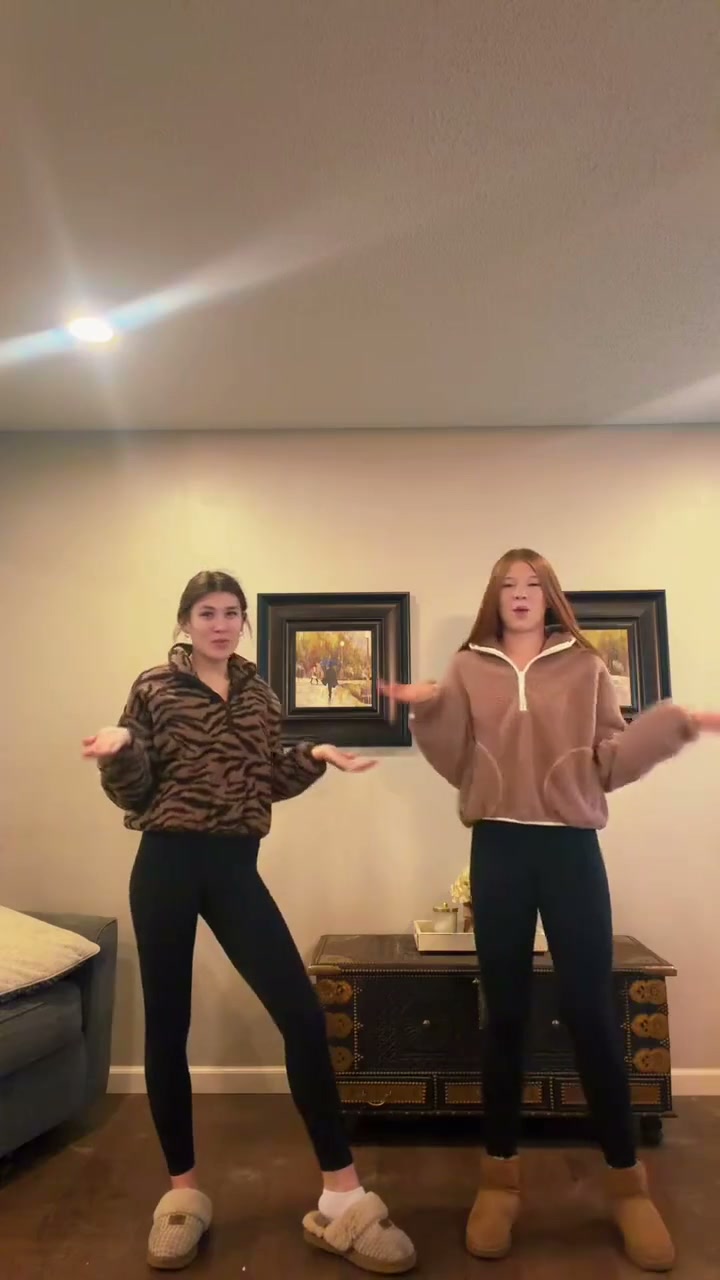
Gobble Booty Wobble AI
Turn two photos into the viral Gobble Booty Wobble AI (Gobble Gobble Booty Wobble & Thanksgiving Turkey Dance) video in seconds. Upload Left and Right portraits to perform the playful 10-second vertical duo routine set to the "Gobble Gobble Ashlee Ruth x House of Evo Remix" hook—matching every shoulder-shrug opener, side-turned turkey wing flap, booty wobble hip pop, and mashed-potatoes-and-gravy scoop automatically with zero prompts.
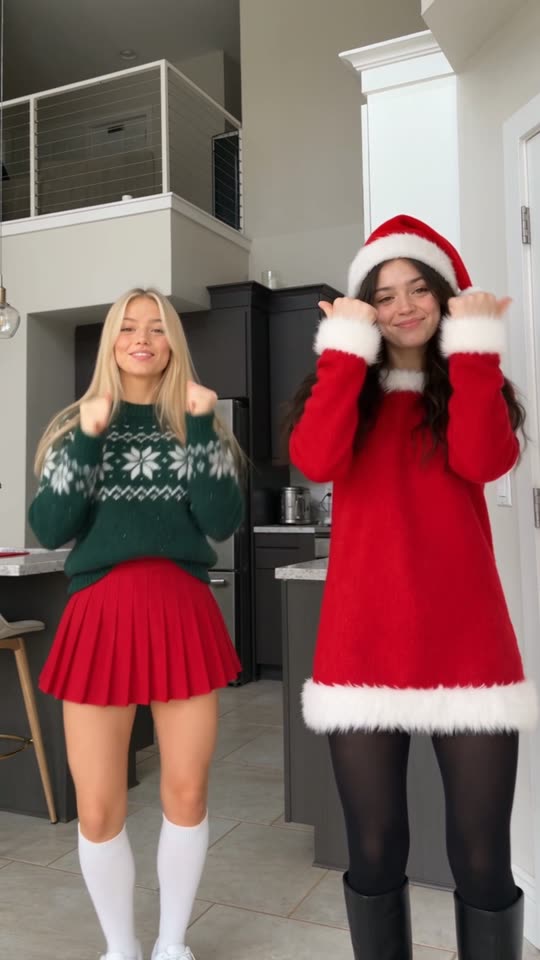
Deck the Halls Dance AI
Turn two photos into the viral Deck the Halls Dance TikTok video in seconds. Upload Left and Right portraits to star in the 14-second vertical holiday duo routine—choreography, deadpan timing, and outfits stay intact without prompts.
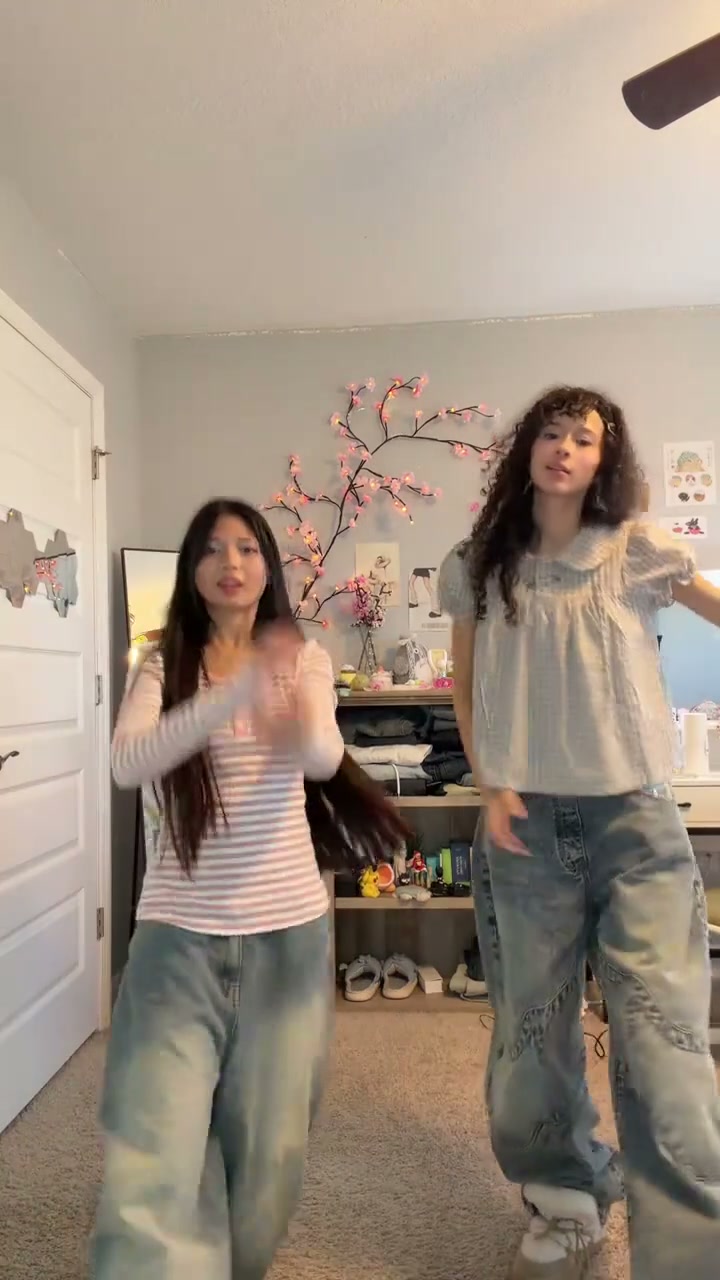
Mother Vivi Dance AI
Turn two photos into the viral Mother Vivi Dance AI (Mother Vivi Duo Dance & Mother Vivi Easy Dance) video in seconds. Upload Left and Right portraits to perform the playful 11-second vertical routine set to the "mother vivi" TikTok sound—matching every camera-lean wave opener, bouncy hip-pop hair toss, one-arm sky point, deep squat bounce, and closing finger-gun groove automatically with zero prompts.
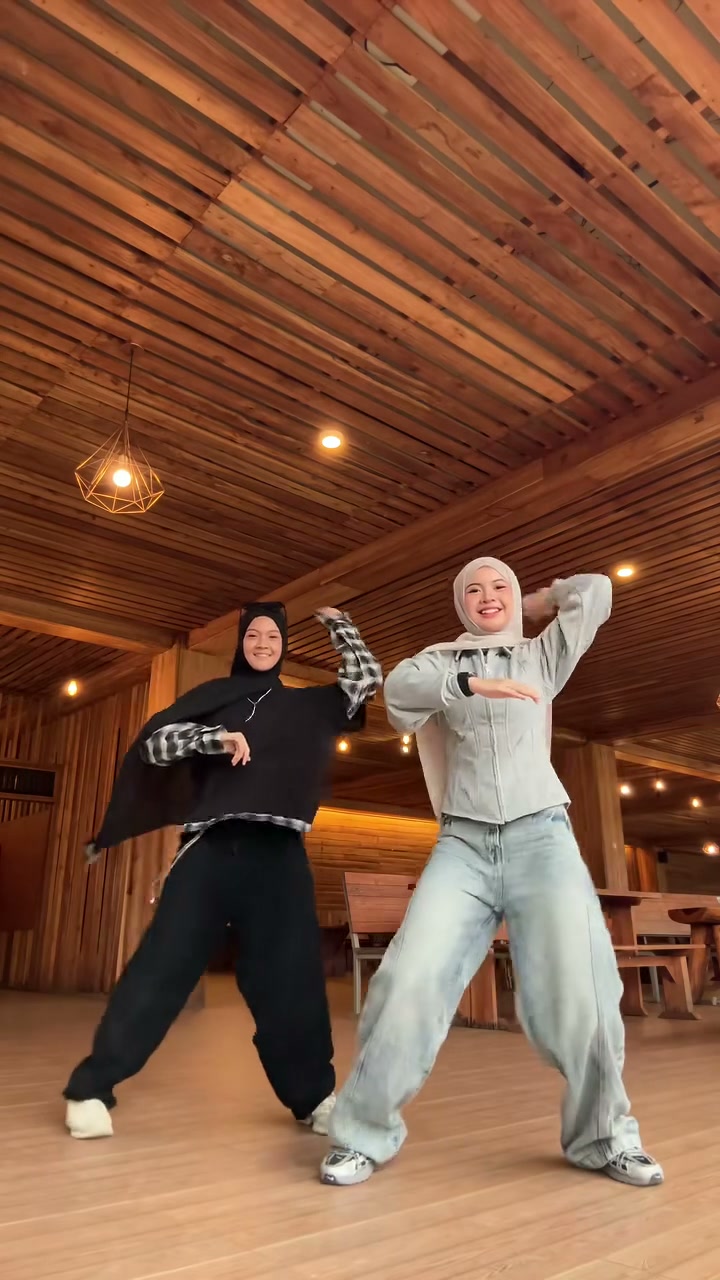
Dangdut Dance AI
Turn two photos into the viral Dangdut Dance AI (Jangan Pernah Macam-Macam Dance Challenge & Melly Lee Arbil DA7 Dance) video in seconds. Upload Back-Left and Front-Right portraits to perform the upbeat 15-second vertical routine—matching every opening point-and-sweep hook, bouncy dangdut wrist-roll groove, double-palm freeze, and iconic overhead elbow wave automatically with zero prompts.
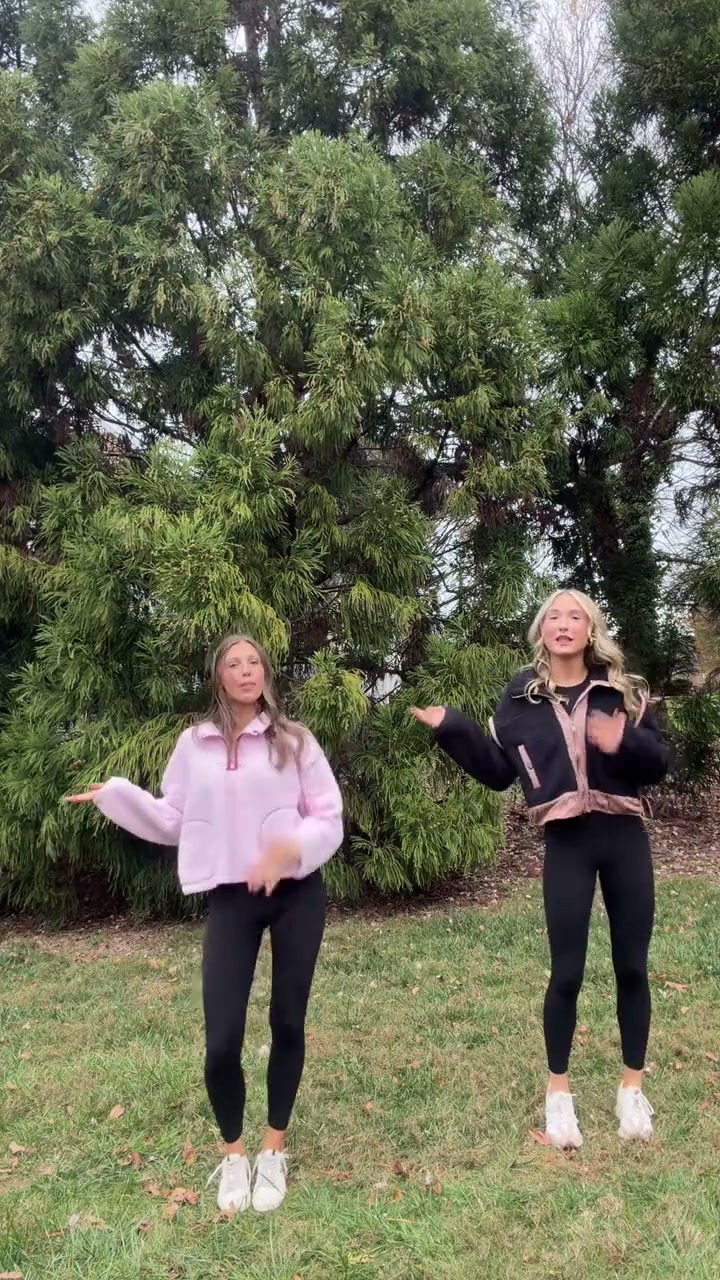
Body Ache Duo Dance AI
Turn two photos into the viral Body Ache Duo Dance AI (Body Ache 2 Person Dance & Secret Konto25 Body Ache Dance) video in seconds. Upload Left and Right portraits to perform the playful 10-second vertical routine set to Ryn Weaver’s "Pierre" hook—matching every synchronized cross-arm bass strum, double open-palm bounce, dreaming head-tilt clap, and upbeat step-in finale automatically with zero prompts.
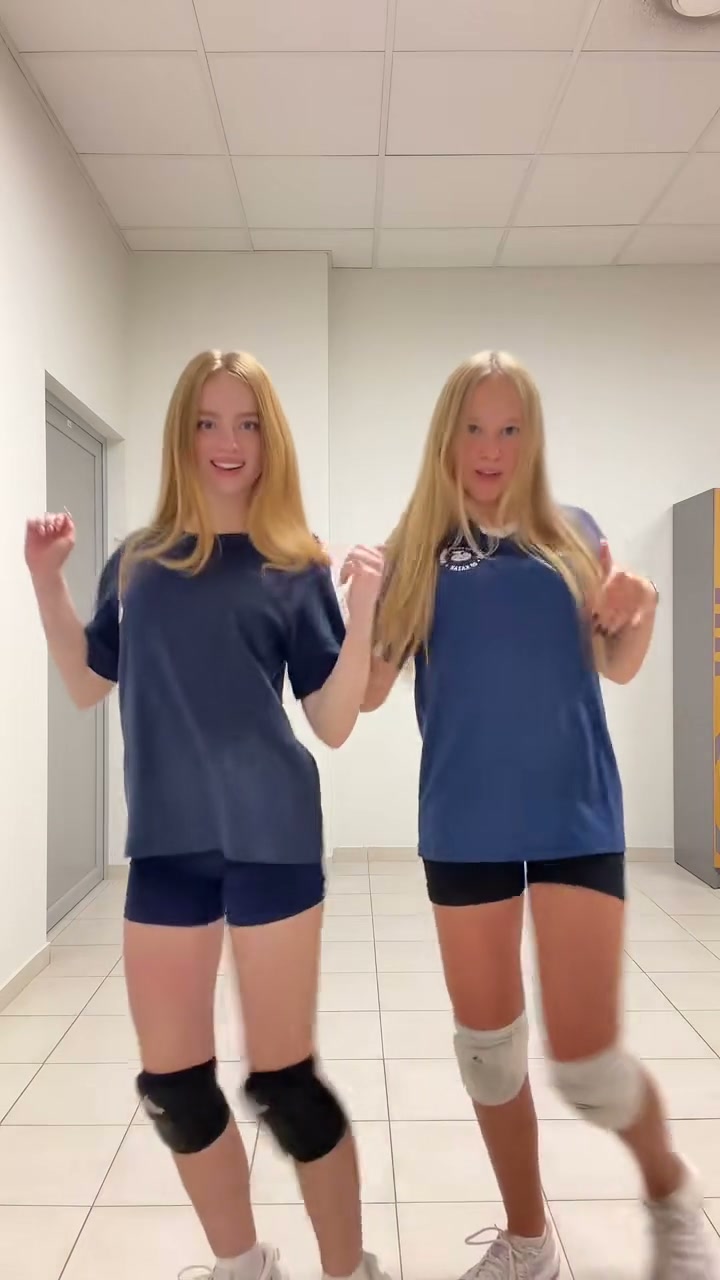
Love Me Twin Dance AI
Turn two photos into the viral Love Me Twin Dance AI (Love Me Jump Jump & Duo Dance challenge) video in seconds. Upload Left and Right portraits to perform the 15-second vertical routine—matching every alternating mirror walk-and-turn pass, synchronized side-by-side lineup bounce, and upbeat chorus shoulder groove automatically with zero prompts.
Prep photos or customize beyond presets
Fix low-res shots before uploading, upscale your exported clip, or switch to full image to video and text to video controls.
- Image EnhancerSharpen blurry portraits before uploading.
- Image ExtenderExpand tight crops so full outfits stay in frame.
- AI Image GeneratorCreate custom characters or costumes to animate.
- Video EnhancerUpscale exported dance clips up to 4K.
- Image to VideoSwitch to custom prompts and camera motion.
- Text to VideoBuild an original scene from a text prompt.