

Deck the Halls Dance AI
Turn two photos into the viral Deck the Halls Dance TikTok video in seconds. Upload Left and Right portraits to star in the 14-second vertical holiday duo routine—choreography, deadpan timing, and outfits stay intact without prompts.
Upload 2 dancer photos
Add Left and Right portraits in order—full-body or three-quarter photos with clear faces and outfits work best.
Takes the left spot in the kitchen duo routine.
Takes the right spot in the kitchen duo routine.
Last updated
How to make the Deck the Halls Dance AI video
3-step preset- STEP 01
Upload two photos in order
Drop clear single-person photos into Photo 1 (Left dancer) and Photo 2 (Right dancer). Full-body or three-quarter shots with bright, even lighting preserve faces and outfits cleanest.
- STEP 02
Sync to the Deck the Halls routine
Click Generate to transfer both identities onto the 14-second vertical duo dance—coordinated shoulder sways, arm rolls, turn, and raised-fist finale are timed automatically.
- STEP 03
Preview and download your vertical clip
Watch the finished 9:16 720p MP4 right in the workspace and save it ready to post on TikTok, Instagram Reels, or YouTube Shorts.
Where did the Deck the Halls Dance AI trend start?
The Deck the Halls Dance trend blends a centuries-old winter carol with high-energy TikTok club choreography. Its melody comes from the 16th-century Welsh winter tune "Nos Galan," paired with Scottish lyricist Thomas Oliphant’s 1862 English verses ("Deck the Hall"). In November 2026, TikTok creator @ayiahsoufi_ sparked a viral side-by-side holiday kitchen duo format—dressed in festive loungewear and hitting bouncy hip-hop counts to upbeat club remixes such as DJ Izzy Duzzit’s version—inspiring millions of friend, couple, and AI photo-to-video recreations.
The traditional Welsh New Year’s Eve melody "Nos Galan" circulates as a lively winter dance tune.
Scottish lyricist Thomas Oliphant publishes the English lyrics "Deck the Hall" in Volume 2 of Welsh Melodies.
TikTok creator @ayiahsoufi_ sparks the viral side-by-side holiday kitchen duo dance trend in Christmas loungewear, inspiring millions of recreations and AI photo-to-video remixes.
Deck the Halls Dance AI song, audio, and lyrics
Deck the Halls (Club / TikTok Dance Remix) — Traditional Carol · Popularized by DJ Izzy Duzzit & TikTok holiday remixes
“Deck the halls with boughs of holly, fa-la-la-la-la, la-la-la-la / ’Tis the season to be jolly”
A 4-second upbeat brass intro sets up the hip-hop club bassline drop on "Deck the halls with boughs of holly" and "’Tis the season to be jolly." Keep the exported audio as-is or pair it with DJ Izzy Duzzit’s trending sound directly on TikTok or Reels.
What happens in the Deck the Halls Dance AI video?
| Timestamp | Action & visuals | Subject / slot |
|---|---|---|
| 0:00–0:03 | Brass fanfare opener: Photo 2 waits in the right foreground while Photo 1 walks forward from the kitchen background into side-by-side formation. | Photo 1 (Left) & Photo 2 (Right) |
| 0:03–0:05 | Synchronized high-knee march and alternating fist pumps as the club beat drops on "Deck the halls with boughs of holly." | Both dancers |
| 0:05–0:08 | Wide-stance knee bounce and shoulder groove launching into a crisp synchronized 360-degree spin on the first "fa-la-la-la-la." | Both dancers |
| 0:08–0:11 | Hands-down beat reset into rhythmic chest-level fist rolls and shoulder sways during "’Tis the season to be jolly." | Both dancers |
| 0:11–0:14 | Energetic double-fist shoulder bounce leaning toward the camera, finishing with a synchronized dual forward punch on the closing "fa-la-la-la-la." | Both dancers |
Deck the Halls Dance AI DIY prompt guide
Want to experiment with a freeform holiday dance clip instead of the fixed 14-second choreography? Try this public reference prompt in Image to Video:
Vertical 9:16 bright modern kitchen holiday dance clip on a stationary smartphone camera. Two cheerful dancers stand side by side performing an upbeat choreographed routine with synchronized high-knee bounces, a crisp 360-degree spin, rhythmic chest-level fist rolls, and a playful forward punch finale, keeping their natural faces, hairstyles, and holiday outfits consistent under even indoor lighting.Note: General single-photo Image to Video creates a freeform interpretation without locking two separate identities to the exact 14-second TikTok beat. Use the 1-click preset above to automatically map Photo 1 and Photo 2 onto the full synced routine.
Troubleshooting Deck the Halls Dance AI results
| Common issue | How to fix it |
|---|---|
| Dancers appear on the wrong side (Left vs. Right) | Photo 1 always takes the left side and walks in during the opener; Photo 2 takes the right foreground. Swap your uploads in the two slots to flip positions. |
| Feet or knees look soft during the high-knee march | Upload full-body or three-quarter photos where knees and footwear are visible instead of tight chest-up selfies. |
| Faces blur slightly during the mid-clip 360-degree spin | Start from sharp, evenly lit front-facing portraits without heavy motion blur or shadows over the eyes. |
| Two people in one photo confuse identity lock | Crop group shots beforehand so each upload slot contains exactly one clearly framed individual. |
| Low-resolution screenshots look muddy after animation | Run blurry or compressed portraits through the VidGoat AI Image Enhancer first before uploading. |
Deck the Halls Dance AI FAQ
What is Deck the Halls Dance AI, and how does it work from two photos?
Deck the Halls Dance AI recreates the viral TikTok two-person holiday kitchen dance trend automatically from two still photos. Photo 1 takes the left dancer spot and Photo 2 takes the right dancer spot across the entire 14-second vertical routine—no choreography practice, filming, or prompt writing required.
Does it work with one photo or two people?
This preset is built specifically for two dancers, one clear person per upload slot. Photo 1 performs on the left side of the frame and Photo 2 performs on the right side for the full clip.
Do we need matching Christmas pajamas in our photos?
No. Everyday casual clothes, suits, holiday sweaters, sports jerseys, or matching Christmas pajamas all work because motion transfer keeps whatever outfit each person is wearing in their uploaded photo.
What photos produce the cleanest Deck the Halls Dance result?
Front-facing full-body or three-quarter portraits with unobstructed faces, visible arms, and bright even lighting work best. Tight selfies, cropped torsos, group photos, or heavy filters make full-body motion less stable.
What video format does VidGoat export, and what sound should I use?
Generating uses 85 credits and outputs a 14-second vertical 9:16 720p MP4 sized for TikTok, Reels, and YouTube Shorts. When posting on TikTok, search for the trending Deck the Halls Dance remix sound by Dj Izzy Duzzit or tap "Use this sound" from a trend clip so viewers recognize the audio.
Do I need a CapCut template or manual video editing to make this dance?
No. Unlike a CapCut template that still requires filming yourself dancing and cutting clips on a timeline, this Deck the Halls Dance CapCut Template Alternative turns two still photos straight into the finished 14-second routine with zero filming.
Can I use an Effect Pass, and what happens if a generation fails?
Yes. You can generate with 85 credits or 1 Effect Pass, and uploading photos or previewing the demo video is free. Credits or passes are reserved when you click Generate and automatically refunded if the render fails or times out.
What happens if a Deck the Halls Dance generation fails?
Reserved credits are automatically refunded back to your VidGoat balance if the video fails to render.
More viral AI effects like Deck the Halls Dance AI
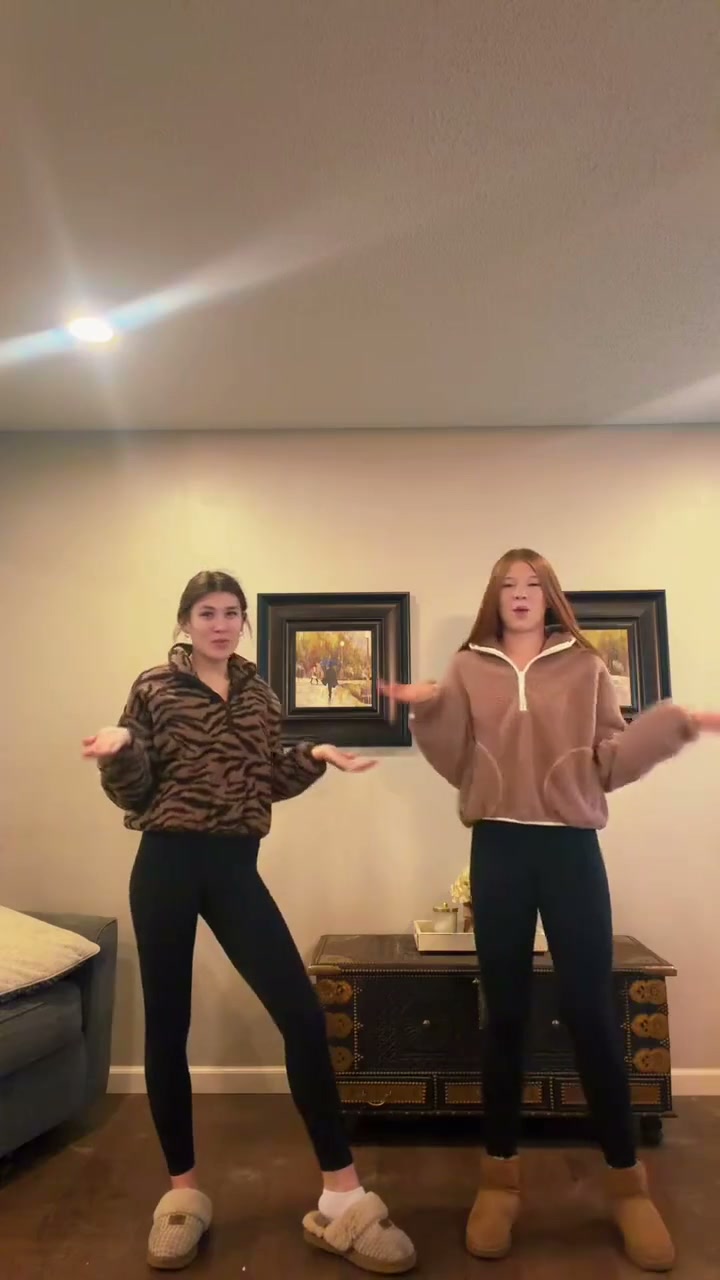
Gobble Booty Wobble AI
Turn two photos into the viral Gobble Booty Wobble AI (Gobble Gobble Booty Wobble & Thanksgiving Turkey Dance) video in seconds. Upload Left and Right portraits to perform the playful 10-second vertical duo routine set to the "Gobble Gobble Ashlee Ruth x House of Evo Remix" hook—matching every shoulder-shrug opener, side-turned turkey wing flap, booty wobble hip pop, and mashed-potatoes-and-gravy scoop automatically with zero prompts.
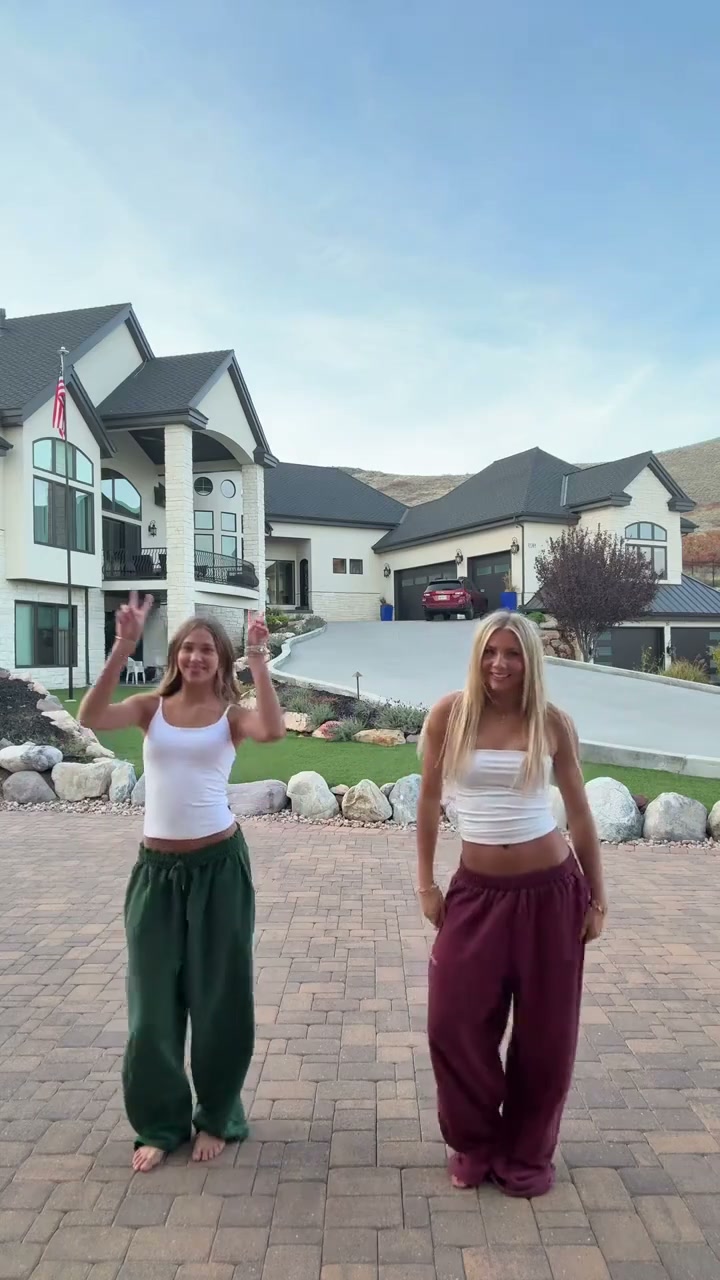
Holiday Homepage Duo Dance AI
Turn two photos into the viral Holiday Homepage Duo Dance AI (Holiday Homepage Christmas 2-person dance trend) video in seconds. Upload Left and Right portraits to perform the upbeat 15-second vertical routine—matching every opening peace-sign bounce, synchronized hand clap, mid-clip side-switch crossover, and festive hip-sway chorus automatically with zero prompts.
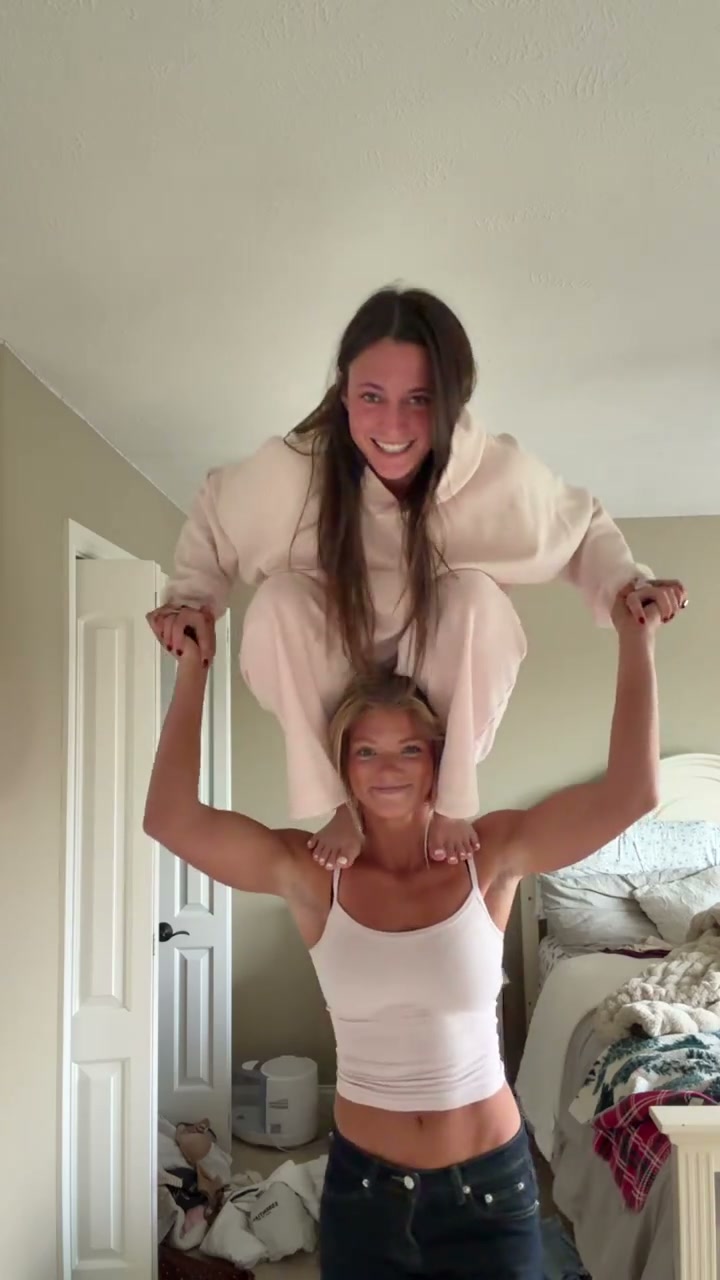
Partner Lift Transition AI
Turn two photos into the viral Partner Lift Transition AI (#partner lift transition / #couple lift transition / #friend lift challenge) video automatically. Upload a Top Flyer photo and a Base Lifter photo to perform the iconic 5-second 1080p shoulder-stand lift and beat-drop room transition with synced native audio and zero real-life stunt risk.
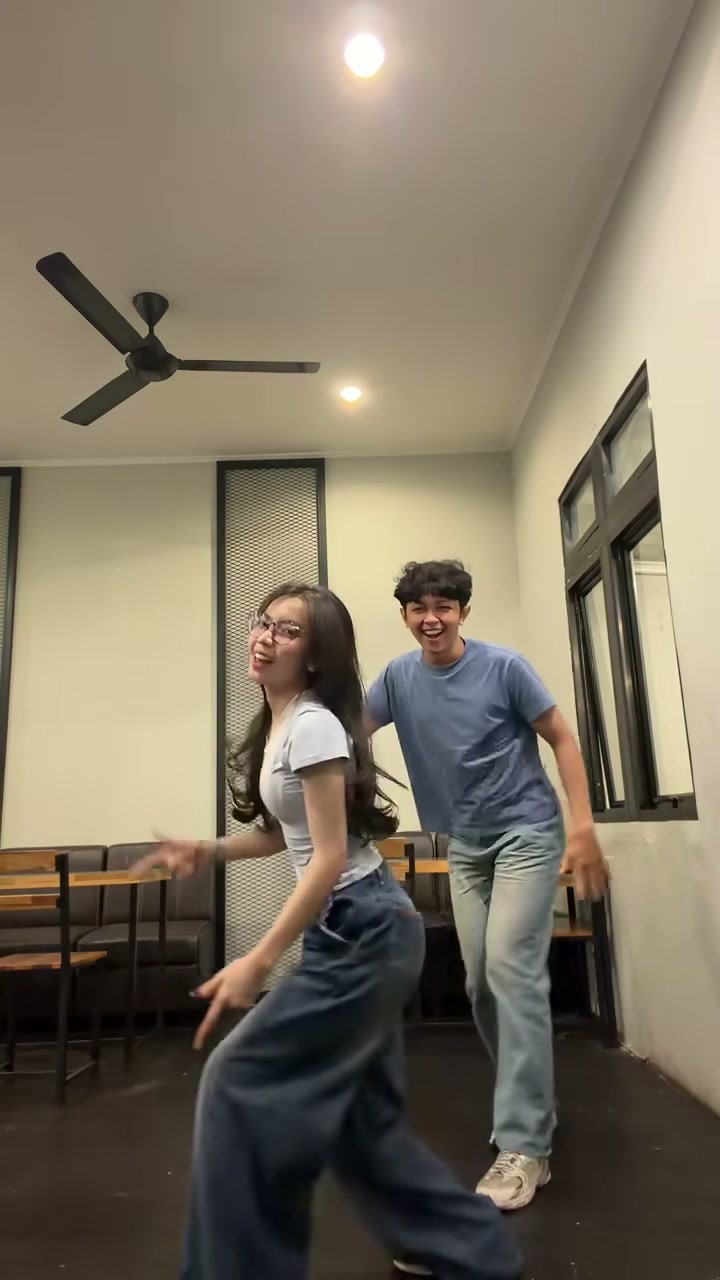
The Curee Dance AI
Turn two photos into the viral The Curee Dance AI (#the curee dance / #satriqsixteen dance / #the curee dance challenge) video automatically. Upload Left and Right portraits to perform the upbeat 15-second 1080p vertical duo choreography—matching the opening 360-degree spin, wide-stance V-sign bounce, diagonal finger-point groove, and running-man finale with synced native audio and zero prompts.
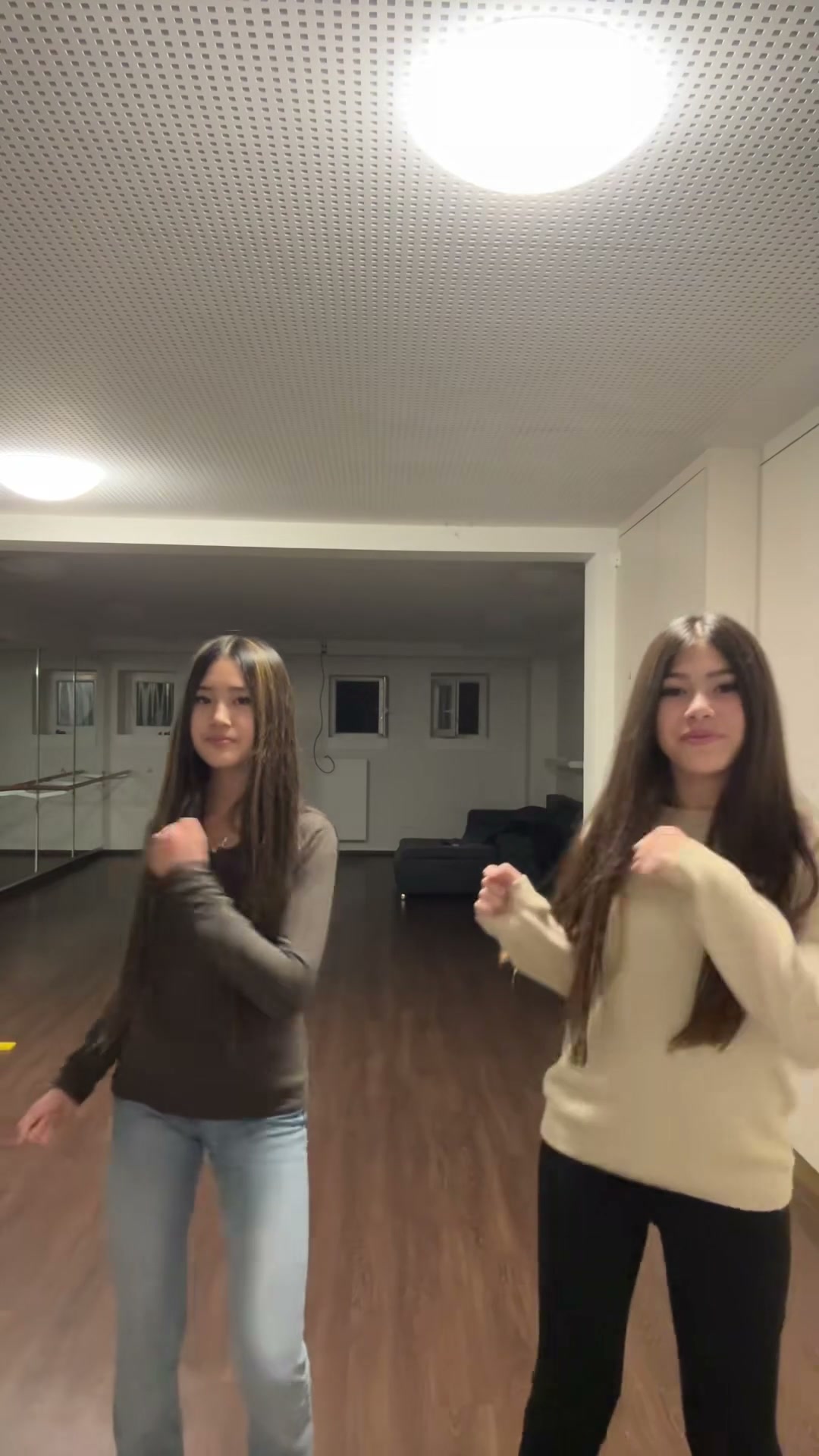
I Love You Funk Dance AI
Turn two photos into the viral I Love You Funk Dance AI (#i love you funk dance / #brazilian funk couple dance) video automatically. Upload Left and Right portraits to perform the high-energy 14-second 1080p vertical Brazilian funk duo routine—matching every synchronized hip bounce, rapid arm-pump punch, criss-cross step, and shaka-hand finale with synced native audio and zero prompts.
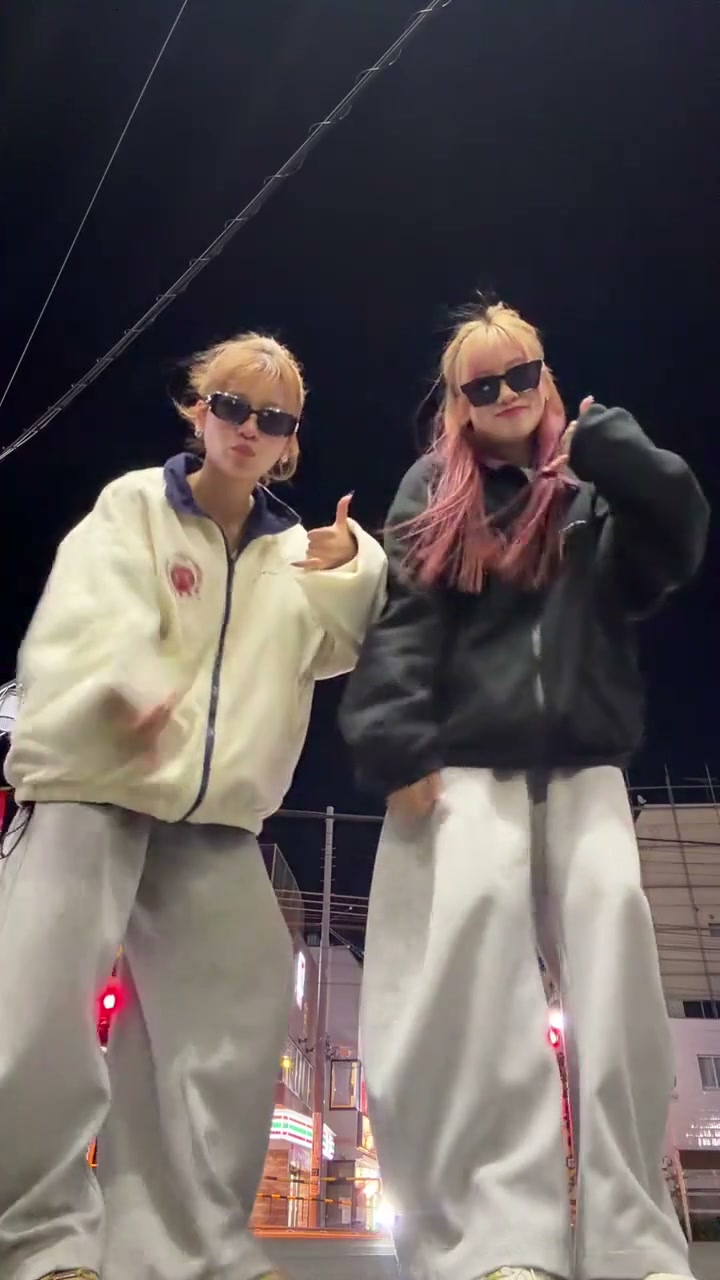
Confusing Brain Dance AI
Turn two photos into the viral Confusing Brain Dance AI (#prod legacy confusing dance / #brazilian funk hand dance / #lovinonmekompa) video automatically. Upload Left and Right portraits to perform the 15-second 1080p vertical duo challenge—matching the opening shaka-hand bounce, head-tuck lean, overhead wave, and high-energy Brazilian funk shuffle drop with synced native audio and zero prompts.
Prep photos or customize beyond presets
Fix low-res shots before uploading, upscale your exported clip, or switch to full image to video and text to video controls.
- Image EnhancerSharpen blurry portraits before uploading.
- Image ExtenderExpand tight crops so full outfits stay in frame.
- AI Image GeneratorCreate custom characters or costumes to animate.
- Video EnhancerUpscale exported dance clips up to 4K.
- Image to VideoSwitch to custom prompts and camera motion.
- Text to VideoBuild an original scene from a text prompt.