

Honey Honey Dance AI
Turn one photo into the viral Honey Honey Dance AI video in seconds. Upload a single portrait to star in the playful 15-second vertical hand-gesture and hip-sway routine—matching every beat-synced chest pop, chin tap, peace-sign sweep, and upbeat hip bounce automatically with zero prompts.
Upload 1 dancer photo
Add a clear front-facing portrait, selfie, or three-quarter photo with visible shoulders and arms. Your face, hairstyle, and original outfit stay recognizable through every playful hand gesture and hip sway.
Performs the entire 15-second Honey Honey Dance hand-gesture and hip-sway routine.
Last updated
How to make the Honey Honey Dance AI video
3-step preset- STEP 01
Upload one clear front-facing photo
Drop a single portrait, selfie, or three-quarter shot of yourself, a friend, or a favorite character into Photo 1. Clear shoulders, arms, and even lighting keep faces and outfits crisp through every hand gesture.
- STEP 02
Sync to the 15s Honey Honey Dance beat
Click Generate to transfer your photo onto the 15-second vertical routine—hands-on-hips sways, squint-smile shoulder tap, wrist-flip wave, chin tap, peace-sign sweep, and upbeat finale bounce run automatically.
- STEP 03
Preview and download your vertical clip
Watch the finished 15-second 9:16 720p MP4 right in the workspace and save it ready for TikTok, Instagram Reels, or YouTube Shorts.
Honey Honey Dance AI FAQ
What is Honey Honey Dance AI and how does it work from 1 photo?
Honey Honey Dance AI recreates the viral 15-second TikTok hand-gesture and hip-sway dance challenge set to the catchy "Enu" remix mashup ("Got that vibe" into the bouncy "Opa-opa-op / Ty zalip" beat, also trending across #rica new dance trend and "Honey, honey! 자기야, 자기야!" edits)—commonly searched as Honey Honey Dance, Enu Honey Honey Dance AI, Hony Hony Dance AI, Hunny Hunny Dance AI, or Honey Honey Dance Template Alternative—from a single still photo. Upload one portrait and VidGoat animates the complete playful hand-gesture routine automatically with zero filming or prompt writing.
What photo framing works best for Honey Honey Dance AI?
A clear front-facing waist-up or three-quarter portrait with your face, shoulders, and upper torso visible works best. That gives the motion-control model clean room to animate the hip sways, chest pop, chin tap, crossed-arm peace signs, and hair-frame poses without cropping your hands.
Does Honey Honey Dance AI keep my real face, hair, and outfit?
Yes. Motion-control transfer preserves your uploaded face, hairstyle, skin tone, and original outfit while matching every rhythmic hand gesture, playful smile, and hip bounce across the full 15-second vertical routine.
Can I use Honey Honey Dance AI for friends, pets, or anime characters?
Yes. Any single-subject front-facing portrait works well—whether you want to make a relay cover with friends, animate an avatar, or test a character portrait—as long as there is one clear subject in frame.
What video format is exported, and how many credits does it cost?
Generating uses 1 Effect Pass or 90 credits and outputs a 15-second vertical 9:16 720p MP4 sized for TikTok, Instagram Reels, and YouTube Shorts. Uploading photos and previewing the reference clip in the workspace is free.
Do I need a CapCut template or to learn the hand choreography?
No. Instead of memorizing every wrist flip, filming multiple takes, or syncing beats inside a CapCut template, this independent Honey Honey Dance CapCut Template Alternative turns a single still photo directly into the finished 15-second dance video.
What happens if a Honey Honey Dance generation fails?
Credits or your Effect Pass are reserved when you click Generate. If the render fails or times out, your reserved credits or Effect Pass are automatically refunded back to your VidGoat balance.
More viral AI effects like Honey Honey Dance AI
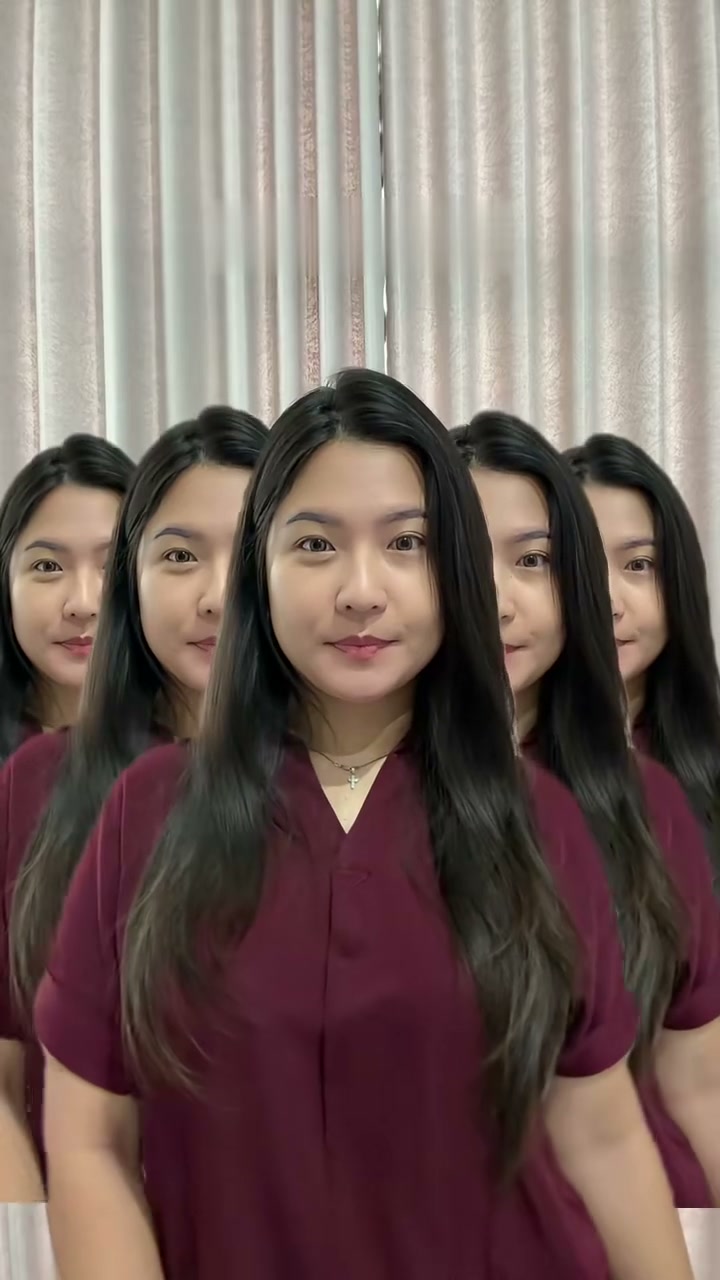
Velocity Clone Dance AI
Turn one photo into the viral Velocity Clone Dance AI (Velocity Dance Tutorial & Velocity Terbaru 2026 clone lineup trend) video in seconds. Upload a single portrait to star as a synchronized five-clone formation—hitting every opening fist bump, index-finger beat pop, laser-lit shaka wave, and rapid velocity arm-switch combo automatically with zero prompts.
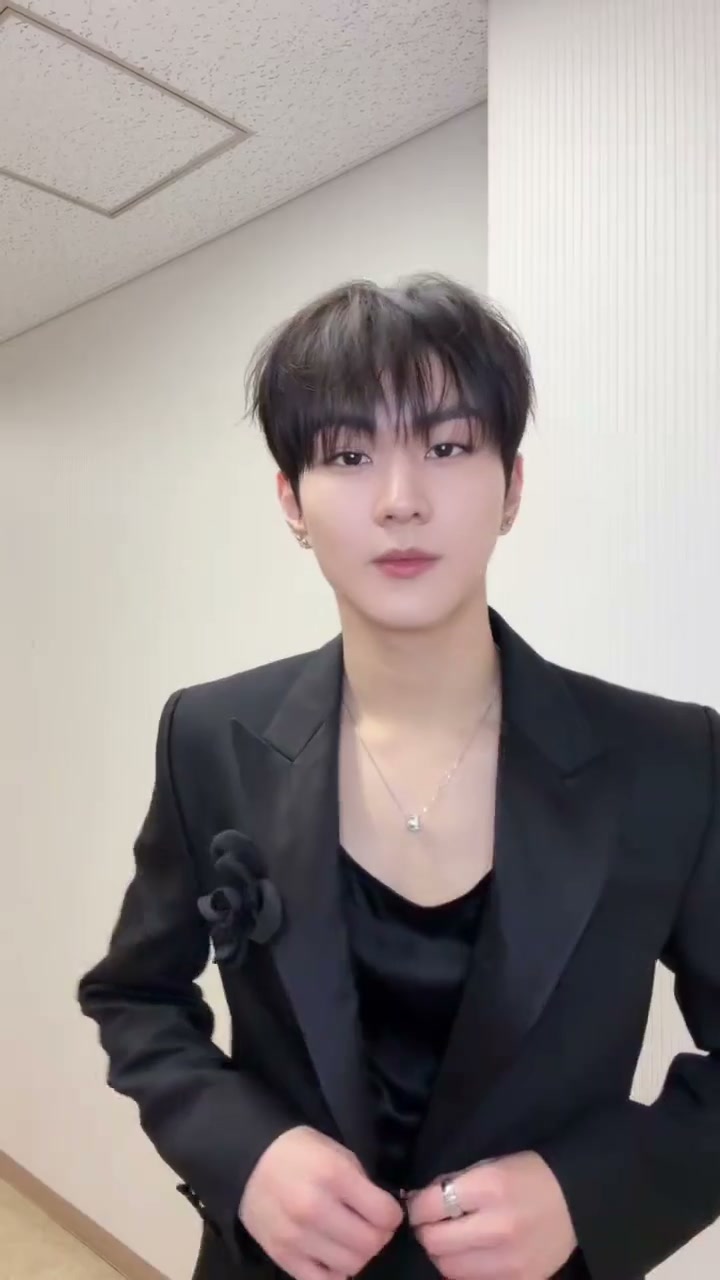
Aminookk Brazil Dance AI
Turn one photo into the viral Aminookk Brazil Dance AI (Mienteme Funk & Aminookk Brazil Duo Dance trend) video in seconds. Upload a single portrait to perform the crisp 9-second vertical funk routine—matching every alternating hand wave, double-fist bounce, 180-degree spin, and beat-synced chest sweep automatically with zero prompts.
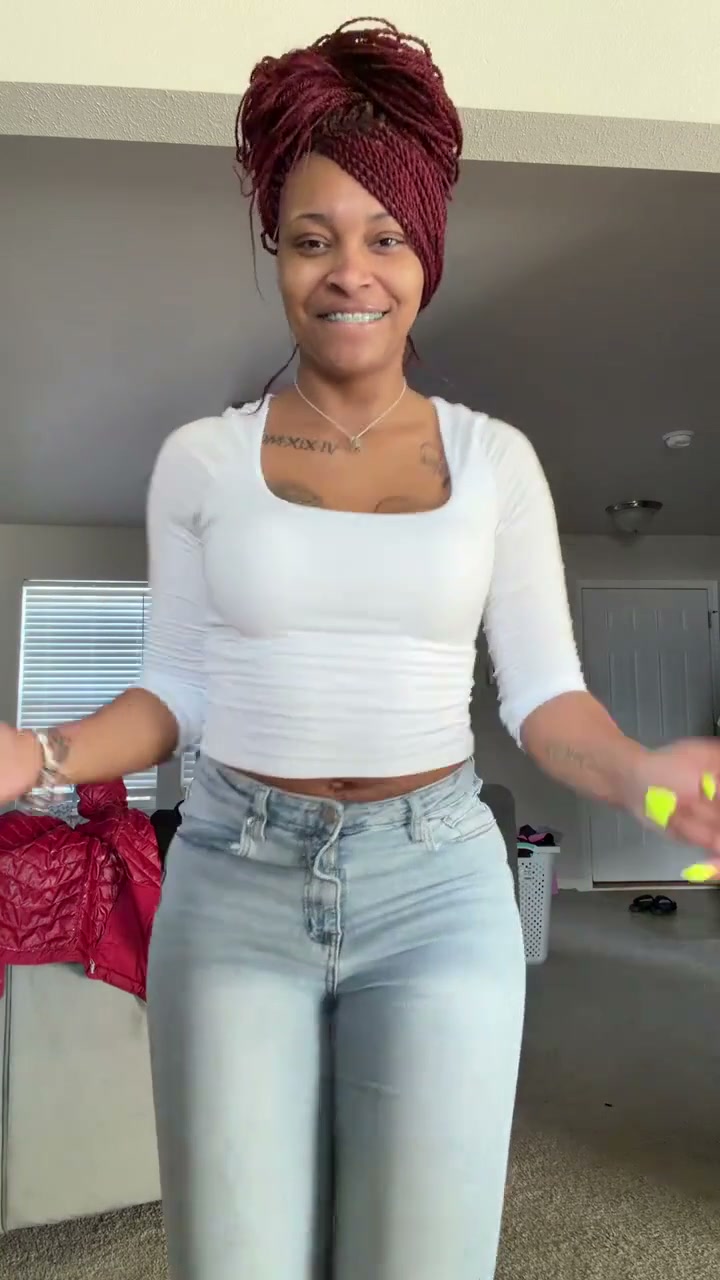
Liberian Girl Bop AI
Turn one photo into the viral Liberian Girl Bop AI (Liberian Girl & Camden Bop dance) video in seconds. Upload a single portrait to perform the playful 15-second vertical routine set to the smooth "liberian girl instrumental" groove—matching every double thumbs-up hip bounce, peekaboo fist-over-eyes sway, and upbeat shoulder groove automatically with zero prompts.
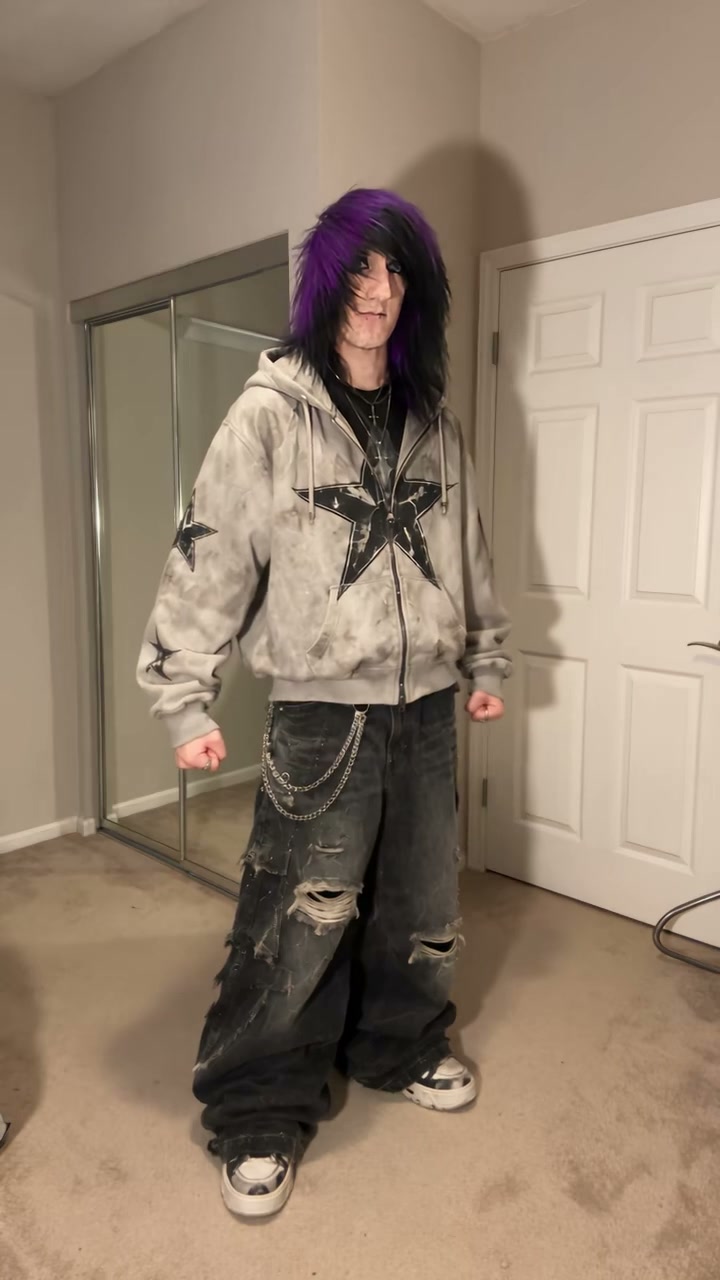
Headbop Animation AI
Turn one photo into the viral Headbop Animation AI (Hero Funk headbop) video in seconds. Upload a single full-body portrait to animate any person, OC, or character into the bouncy 15-second vertical Brazilian phonk routine—matching every crouched double-fist headbop, overhead punch, jog-in-place, camera palm-stop, and wide shrug drop automatically with zero prompts.
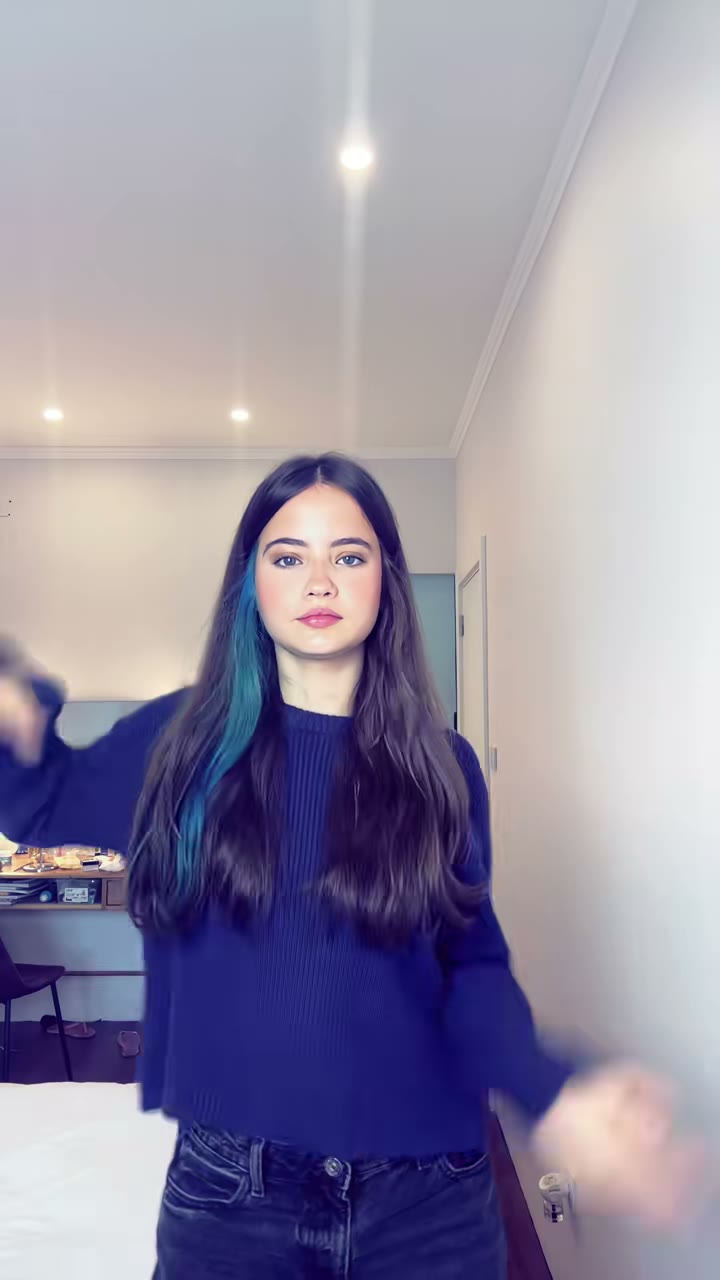
Passinho do Jamal AI
Turn one photo into the viral Passinho do Jamal AI (Maldita de Ex Brazilian dancinha) video in seconds. Upload a single portrait to star in the playful 14-second vertical brega-funk routine—matching every deadpan elbow swing, hip bounce, signature finger-gun point, and beat-drop arm roll automatically with zero prompts.
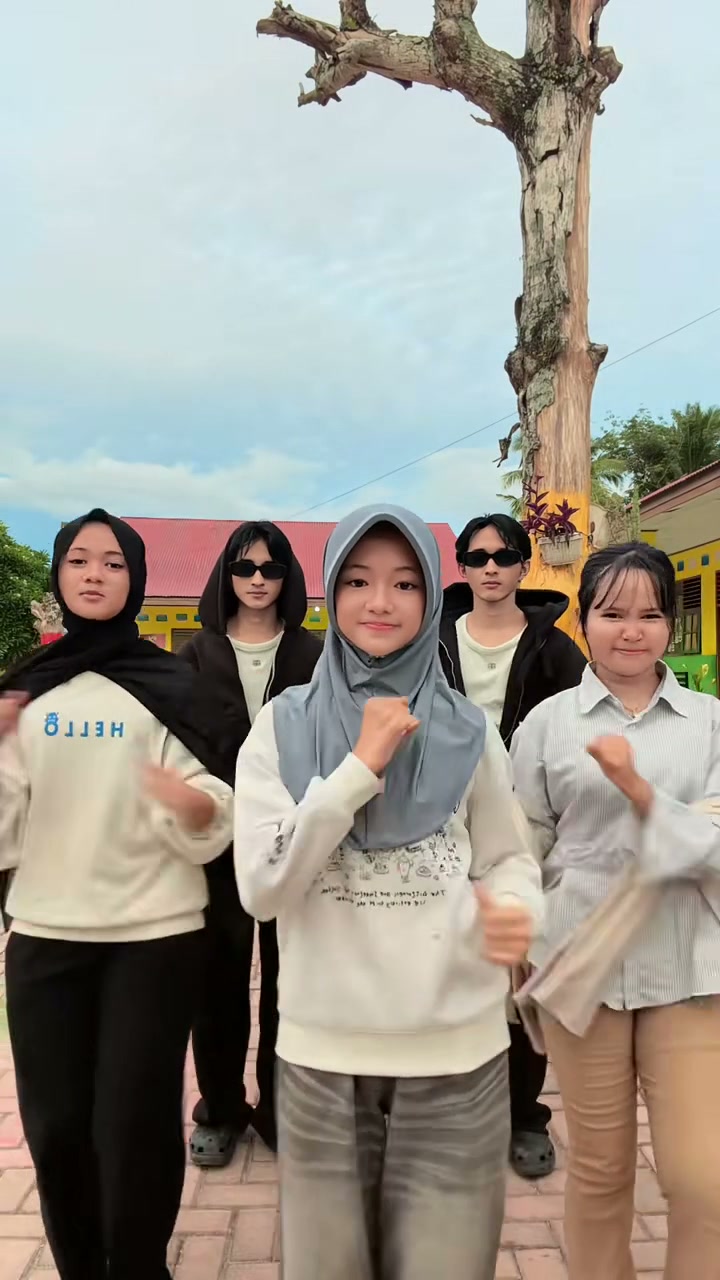
Dance Brazil Sync AI
Turn five photos into the viral Dance Brazil Sync AI (Alden Elden Twins & Nan Ko Paham x Dance Brazil challenge) video in seconds. Upload five portraits in Front-center, Front-left, Front-right, Back-left, and Back-right order to star in the 15-second vertical routine—matching the close-up lens-wipe opener, hands-on-hips step-back reveal, and 5-person V-formation sideways bounce automatically with zero prompts.
Prep photos or customize beyond presets
Fix low-res shots before uploading, upscale your exported clip, or switch to full image to video and text to video controls.
- Image EnhancerSharpen blurry portraits before uploading.
- Image ExtenderExpand tight crops so full outfits stay in frame.
- AI Image GeneratorCreate custom characters or costumes to animate.
- Video EnhancerUpscale exported dance clips up to 4K.
- Image to VideoSwitch to custom prompts and camera motion.
- Text to VideoBuild an original scene from a text prompt.