

Cortis Bow Dance AI
Turn three photos into the viral Cortis Bow Dance AI (Cortis kneeling dance challenge) video in seconds. Upload three portraits in sequence to star in the 15-second vertical routine—opening with the dramatic kneeling floor bow and beat-drop spring-up before cutting through three high-energy solo dance shots automatically with zero prompts.
Upload 3 dancer photos
Add 3 portraits in cut order—friends, your crew, or 3 different looks of yourself. Clear front-facing full-body or three-quarter shots keep faces and outfits crisp from the floor bow through all three dance cuts.
Performs the opening kneeling floor bow and the first solo dance cut in front of the lit plaza tree.
Takes the second high-energy kick and arm-swing cut in front of the red festive backdrop.
Closes the 15-second clip with the crossed-arm X-pose and chest-pop groove under the blue plaza lights.
Last updated
How to make the Cortis Bow Dance AI video
3-step preset- STEP 01
Upload three dancer photos in sequence
Add three portraits in slots 1 through 3—friends, your crew, or three different outfits of yourself. Front-facing full-body or three-quarter shots keep every face, hairstyle, and outfit sharp from the opening floor bow through the final pose.
- STEP 02
Sync to the Cortis Bow Dance beat drop
Click Generate to transfer all three identities onto the 15-second vertical routine—the dramatic kneeling floor bow, ground-slap spring-up, and three rapid-fire street dance cuts are timed automatically.
- STEP 03
Preview and download your vertical clip
Watch the finished 15-second 9:16 720p MP4 right in the workspace and download it ready for TikTok, Instagram Reels, or YouTube Shorts.
Cortis Bow Dance AI FAQ
What is Cortis Bow Dance AI (Cortis kneeling dance) and how does it work from 3 photos?
Cortis Bow Dance AI recreates the viral TikTok trend inspired by BIGHIT rookie boy group CORTIS’s dramatic deep floor bow ("keun-jeol") meme and COER fandom dance challenge—also searched as Cortis Kneeling Dance AI, Cortis Bowing Dance AI, Cortes Bow Dance AI, Cortiz Bow Dance AI, or Cortis Bow Dance Template Alternative—from three still photos. Photo 1 stars in the opening kneeling bow and first solo dance cut, Photo 2 takes the second red-wall solo cut, and Photo 3 closes the 15-second vertical clip with the blue-lit X-pose groove—with zero filming or prompt setup.
Which photo goes into slots 1 through 3?
Photos map in exact cut order across the 15-second routine: Photo 1 performs the opening floor bow over scattered packets and the first holiday-tree plaza solo, Photo 2 takes the second energetic kick-and-swing cut in front of the red wall, and Photo 3 closes with the chest-pop groove and crossed-arm X-pose under the blue plaza lights.
Does Cortis Bow Dance AI preserve our real faces, hair, and outfits?
Yes. Motion-control transfer keeps each uploaded person’s facial features, hairstyle, and original clothing recognizable while matching the exact 15-second Cortis Bow Dance choreography, fisheye-style nighttime tracking camera, and beat-drop pacing.
Can I upload 3 friends or 3 different looks of myself?
Yes. You can cast three friends in sequence or upload three different outfits of yourself for a fast multi-scene transformation as long as each photo shows one clear person.
What video format is exported, and how many credits does it cost?
Generating uses 1 Effect Pass or 90 credits and outputs a 15-second vertical 9:16 720p MP4 sized for TikTok, Instagram Reels, and YouTube Shorts. Uploading photos and previewing the reference clip in the workspace is free.
Do I need a CapCut template or to film on the floor myself?
No. Instead of kneeling on pavement for multiple takes, finding three filming spots at night, or syncing cuts inside a CapCut template, this independent Cortis Bow Dance CapCut Template Alternative turns three still photos directly into the finished 15-second routine.
What happens if a Cortis Bow Dance generation fails?
Credits or your Effect Pass are reserved when you click Generate. If the render fails or times out, your reserved credits or Effect Pass are automatically refunded back to your VidGoat balance.
More viral AI effects like Cortis Bow Dance AI
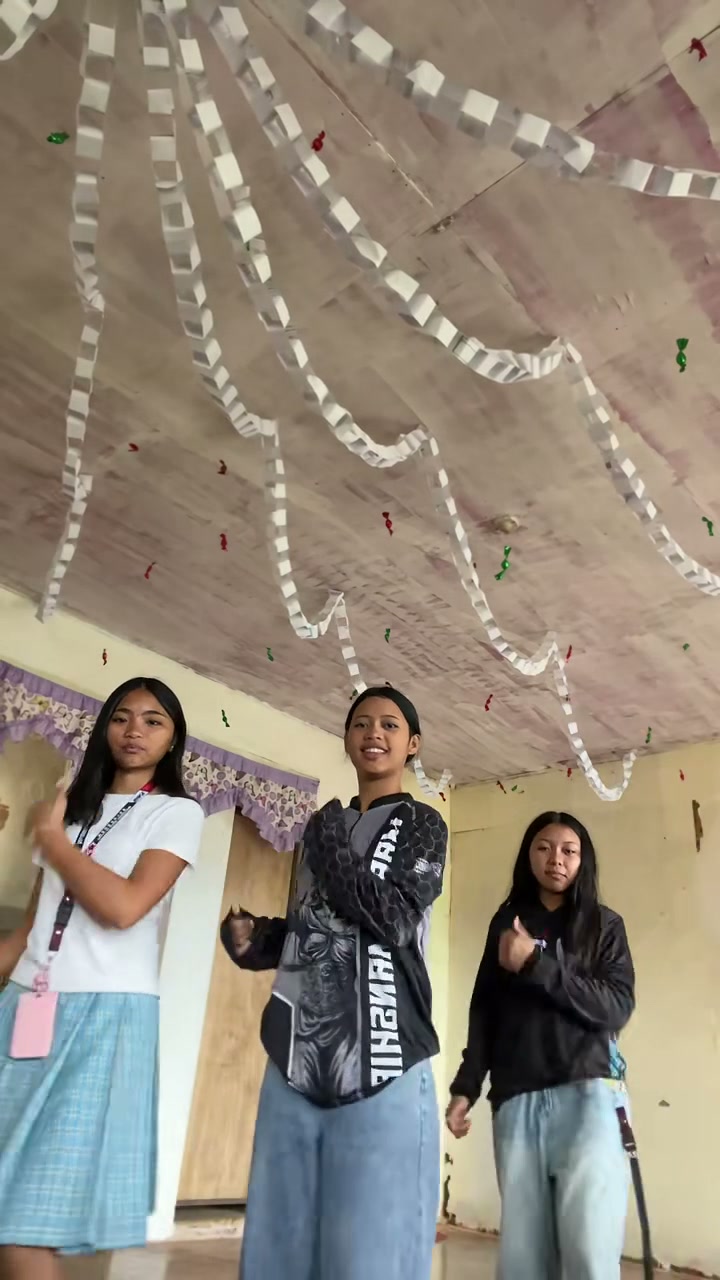
Dorayda Brazilian Dance AI
Turn three photos into the viral Dorayda Brazilian Dance AI (New Brazilian Dance 2026 & Dorayda TikTok trio dance trend) video in seconds. Upload Left, Center, and Right portraits to perform the playful 15-second vertical routine—matching every opening hair-tuck intro, double-palm flick, chest-cross bounce, and upbeat thumbs-up chorus pump automatically with zero prompts.
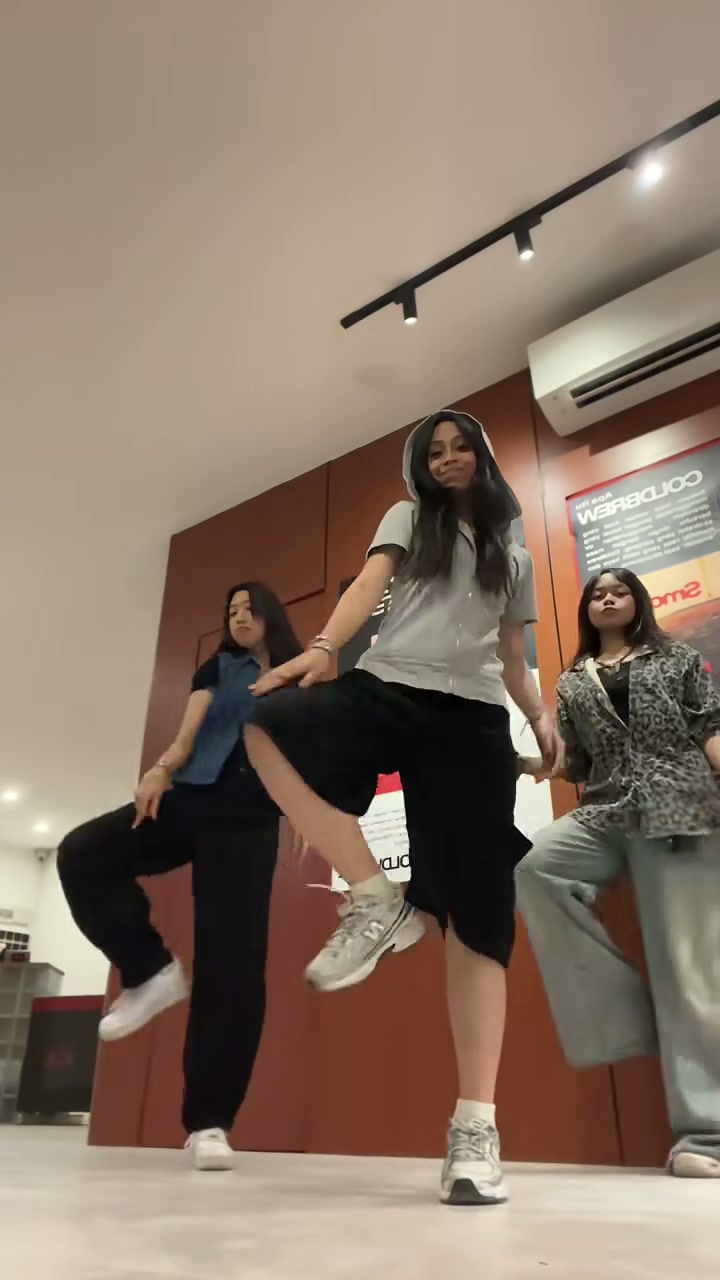
Ratata Tanah Dance AI
Turn three photos into the viral Ratata Tanah Dance AI (Ratata Tanah bestie dance & trio relay challenge) video in seconds. Upload Left, Center, and Right portraits to perform the 15-second vertical routine—matching every chest-tap intro, synchronized knee-lift bounce, hip sway, and low squat drop automatically with zero prompts.
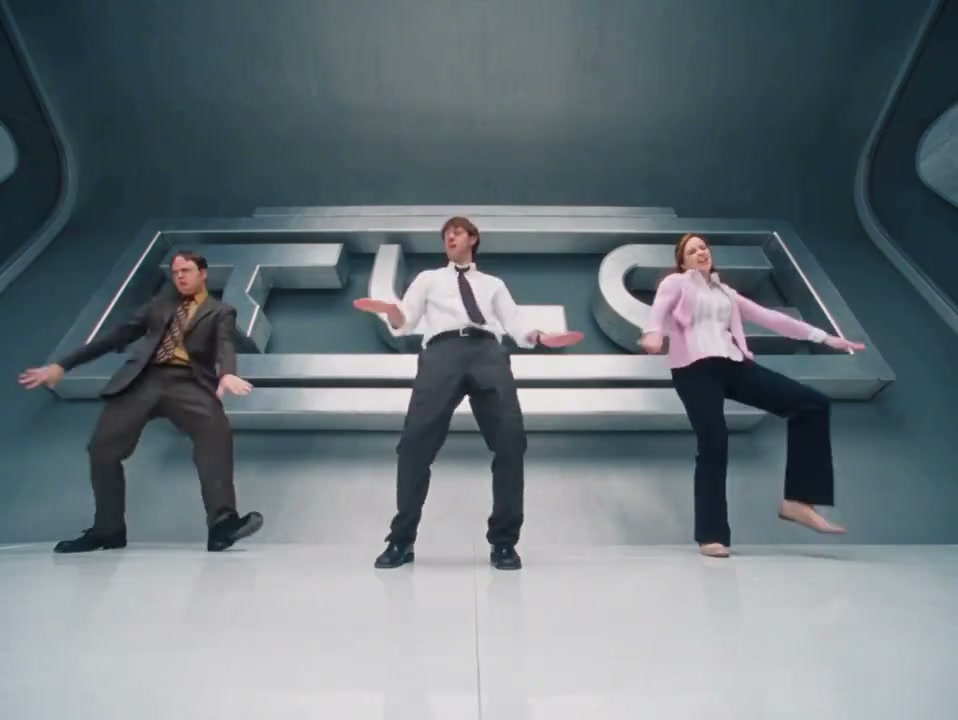
No Scrubs AI
Turn three photos into the viral No Scrubs Trend AI video inside the chrome 1999 TLC space-station set. Use our No Scrubs AI video generator for an instant TLC No Scrubs AI dance & face swap clip—synced choreography, studio cuts, and original outfits handled automatically.
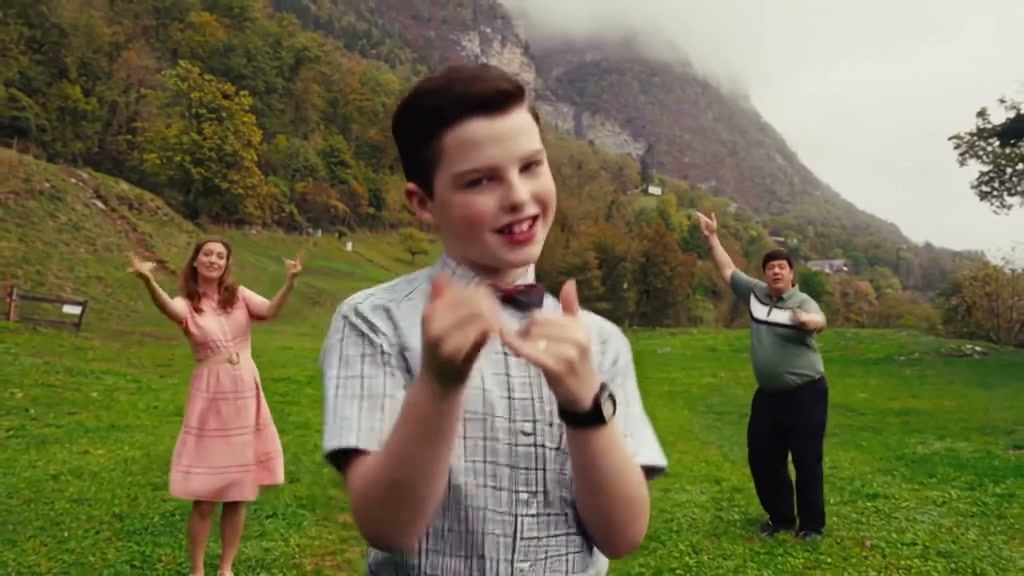
Wassup Dance AI
Turn three photos into the viral Wassup Been A Minute trio dance video in seconds. Upload Left, Center, and Right portraits to make your own wassup in a minute meme clip—prompts, motion choreography, and timing are handled automatically.
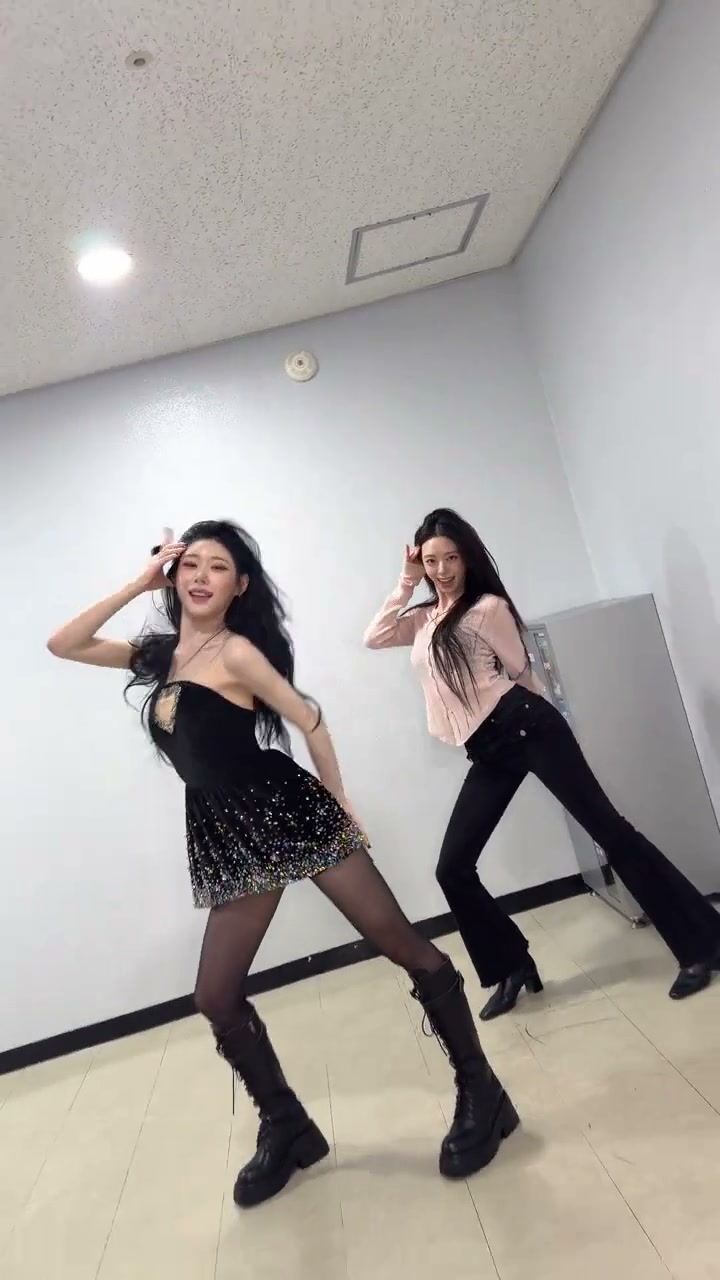
Lovesick Dance AI
Turn two photos into the viral Lovesick Dance AI (ITZY Chaeryeong #LovesickChallenge duo dance) video in seconds. Upload Left and Right portraits to star in the 15-second vertical K-pop chorus routine—overhead arm sweeps, synchronized side-point hair flips, dizzy forehead tilts, and playful hip bounces run automatically with zero prompts.
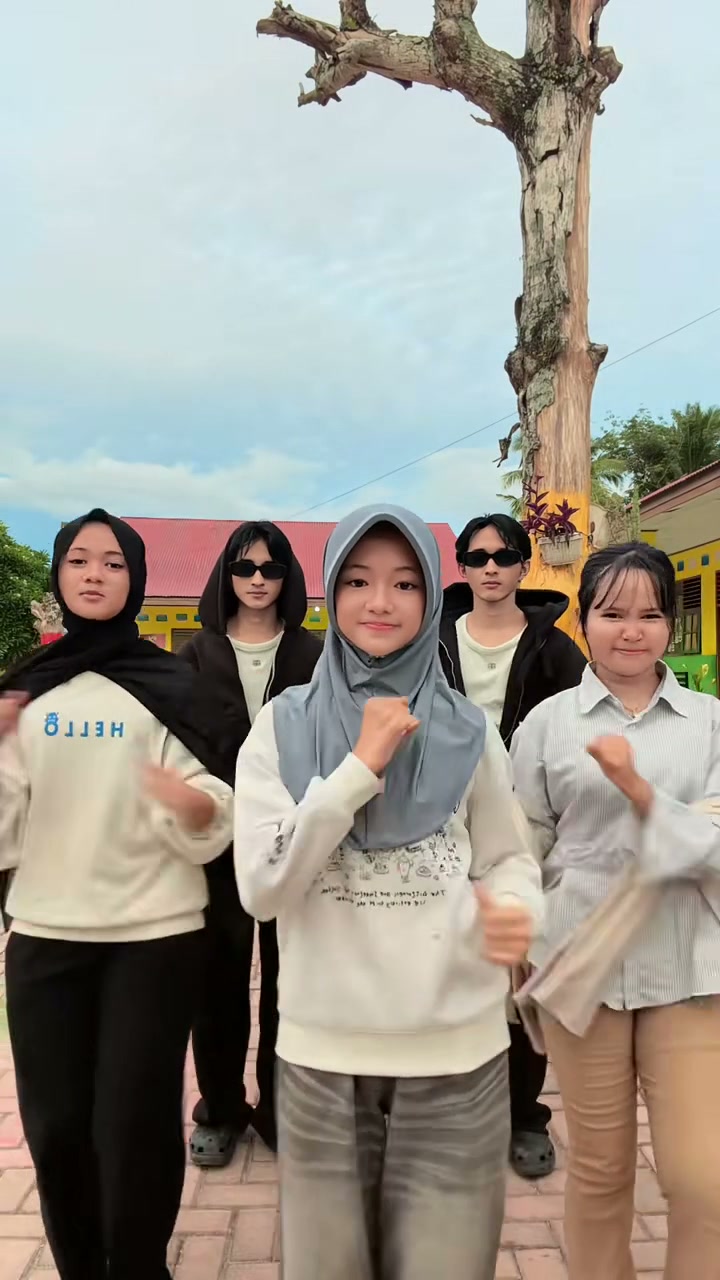
Dance Brazil Sync AI
Turn five photos into the viral Dance Brazil Sync AI (Alden Elden Twins & Nan Ko Paham x Dance Brazil challenge) video in seconds. Upload five portraits in Front-center, Front-left, Front-right, Back-left, and Back-right order to star in the 15-second vertical routine—matching the close-up lens-wipe opener, hands-on-hips step-back reveal, and 5-person V-formation sideways bounce automatically with zero prompts.
Prep photos or customize beyond presets
Fix low-res shots before uploading, upscale your exported clip, or switch to full image to video and text to video controls.
- Image EnhancerSharpen blurry portraits before uploading.
- Image ExtenderExpand tight crops so full outfits stay in frame.
- AI Image GeneratorCreate custom characters or costumes to animate.
- Video EnhancerUpscale exported dance clips up to 4K.
- Image to VideoSwitch to custom prompts and camera motion.
- Text to VideoBuild an original scene from a text prompt.