

Lego Transformation AI
Turn one selfie or portrait into the viral Lego Transformation AI video in seconds. Upload a photo to animate a crisp snap-build reveal from your real look into glossy interlocking toy bricks—preserving your hairstyle, outfit colors, and setting with zero prompts or editing.
Upload 1 selfie or portrait
Use a clear front-facing photo with even lighting—selfies, friends, or even pets. Your real hairstyle, outfit colors, and expression transform into glossy interlocking toy bricks.
Clear face and upper body or hands in frame work best for the brick reveal.
Last updated
How to make the Lego Transformation AI video
3-step preset- STEP 01
Upload one clear selfie or portrait
Choose a sharp front-facing photo with even lighting—selfies, friends, or even pets. Keep your face and upper body unobstructed so the brick transformation locks cleanly onto your hair, features, and outfit colors.
- STEP 02
Generate the brick snap-build reveal
Click Generate to animate a 6-second 9:16 image-to-video transformation—starting naturally from your real photo before snapping into glossy interlocking plastic toy bricks matched to your exact look.
- STEP 03
Preview and share to TikTok or Reels
Watch the finished 6-second 9:16 720p MP4 in the workspace, download it, and pair it with the trending "Я LEGO" or Lego transformation audio in your social app.
Lego Transformation AI FAQ
What is Lego Transformation AI?
Lego Transformation AI turns a single photo into a 6-second vertical before-and-after video inspired by the viral TikTok Lego transformation trend—also searched as Become a Lego Character, Lego Girl Effect, Turn Into Lego AI, or the "превратился в лего" ("Я LEGO, 15 тысяч деталей") trend—snapping your real portrait into a glossy 3D interlocking plastic brick figure.
Why does it animate my own photo instead of copying the reference video pose?
Instead of pasting your face over another creator’s bedroom or burned-in countdown captions, Lego Transformation AI uses Kling 3.0 Standard image-to-video generation directly on your uploaded photo so your real hairstyle, outfit colors, pose, and background transform naturally into bricks.
How many photos do I need and how many credits does it cost?
You only need 1 clear photo. Because it renders a focused 6-second 9:16 720p transformation clip via Kling 3.0 Standard, each generation uses just 12 credits. Uploading and previewing the reference clip is free.
Does the generated video include audio?
The output is a clean silent 6-second 9:16 720p MP4 so you can add the viral "Я LEGO" sound, brick-snap SFX, or any trending TikTok or Reels audio without overlapping tracks.
Do I need a CapCut template or AI image-plus-video prompts to make the Lego character effect?
No. Instead of chaining separate image generators and CapCut templates or syncing transitions by hand, this Lego Transformation CapCut Template Alternative turns 1 photo straight into the animated 6-second brick reveal.
What happens if a Lego Transformation AI generation fails?
Credits are reserved only when you click Generate. If the render fails or times out, the reserved 12 credits are automatically refunded back to your VidGoat balance.
More viral AI effects like Lego Transformation AI
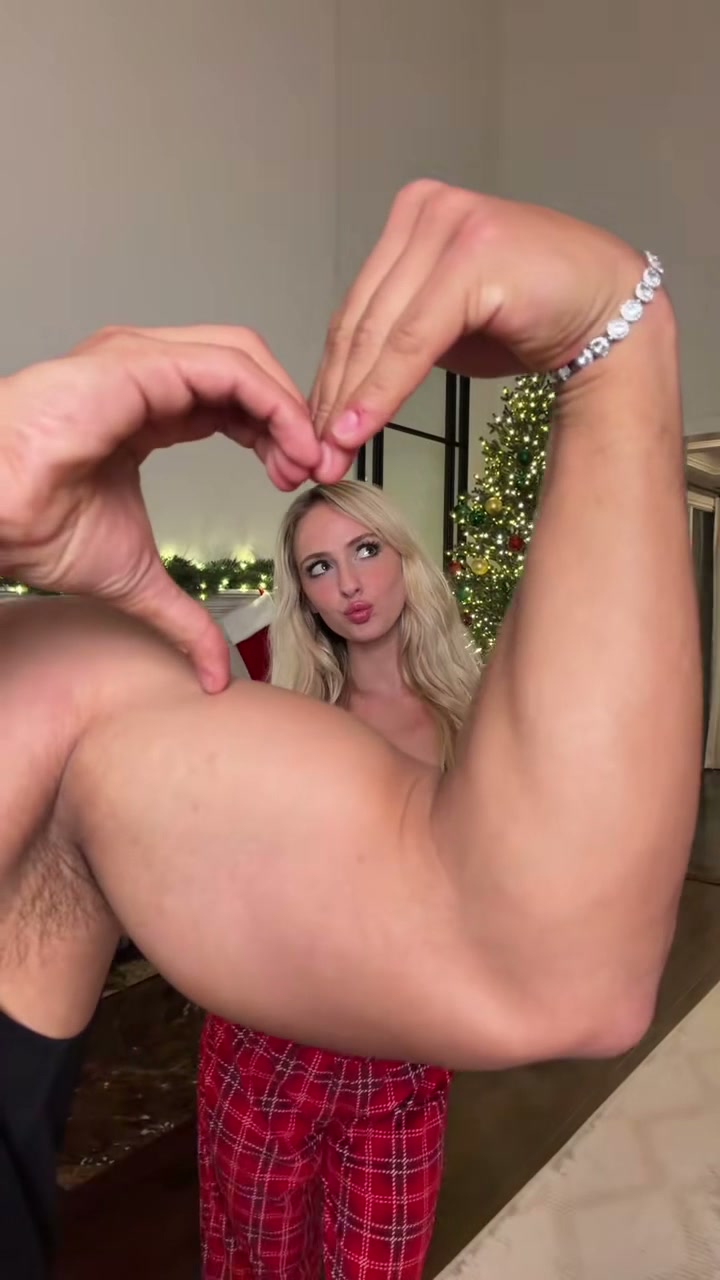
Bicep Heart Pose AI
Turn one portrait or upper-body photo into the viral Bicep Heart Pose AI challenge video in seconds. Upload a single photo to animate a smooth flex into the bicep-and-hand heart silhouette—preserving your real face, hairstyle, outfit, and setting with zero filming or prompts.
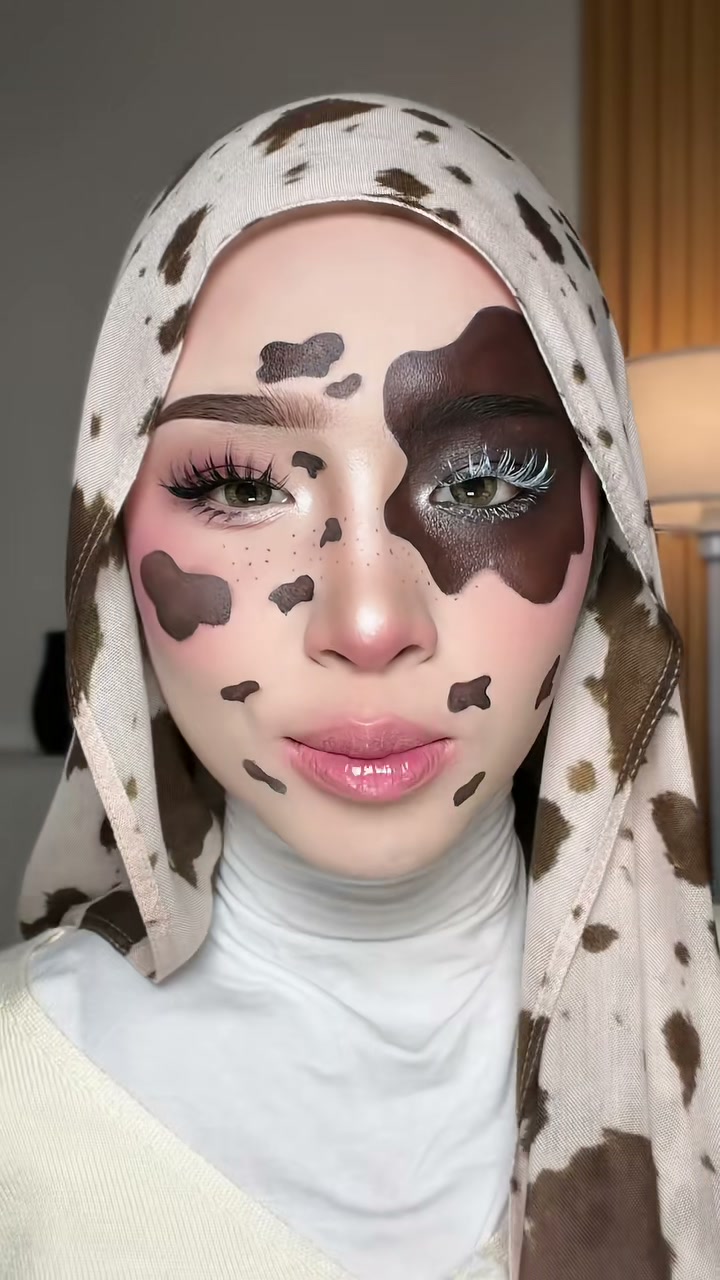
Cow Makeup Transformation AI
Turn one bare-face selfie into the viral Cow Makeup Transformation AI video in seconds. Upload a portrait to animate a seamless bare-skin-to-cow-print glam reveal—your hair, outfit, and background stay yours while prompts and transition timing are handled automatically.
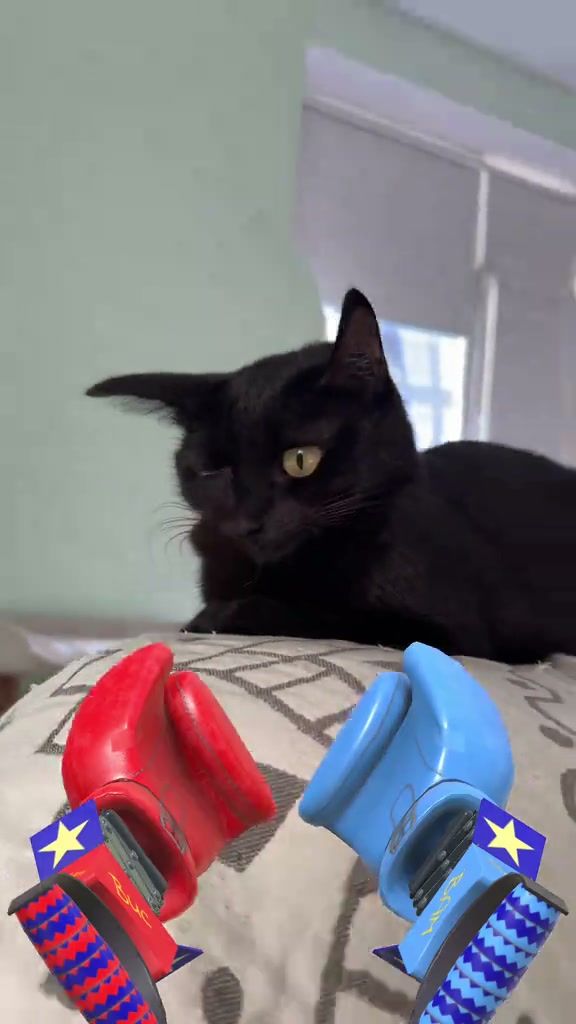
Pet Boxing Gloves AI
Turn one photo of your cat, dog, or selfie into the viral Pet Boxing Gloves AI comedy video in seconds. Upload a single photo to animate oversized red and blue spring-loaded cartoon boxing gloves throwing rapid slapstick punches as your pet squints, wobbles, blushes, and gets dizzy cartoon stars—preserving your real pet and room with zero filming.
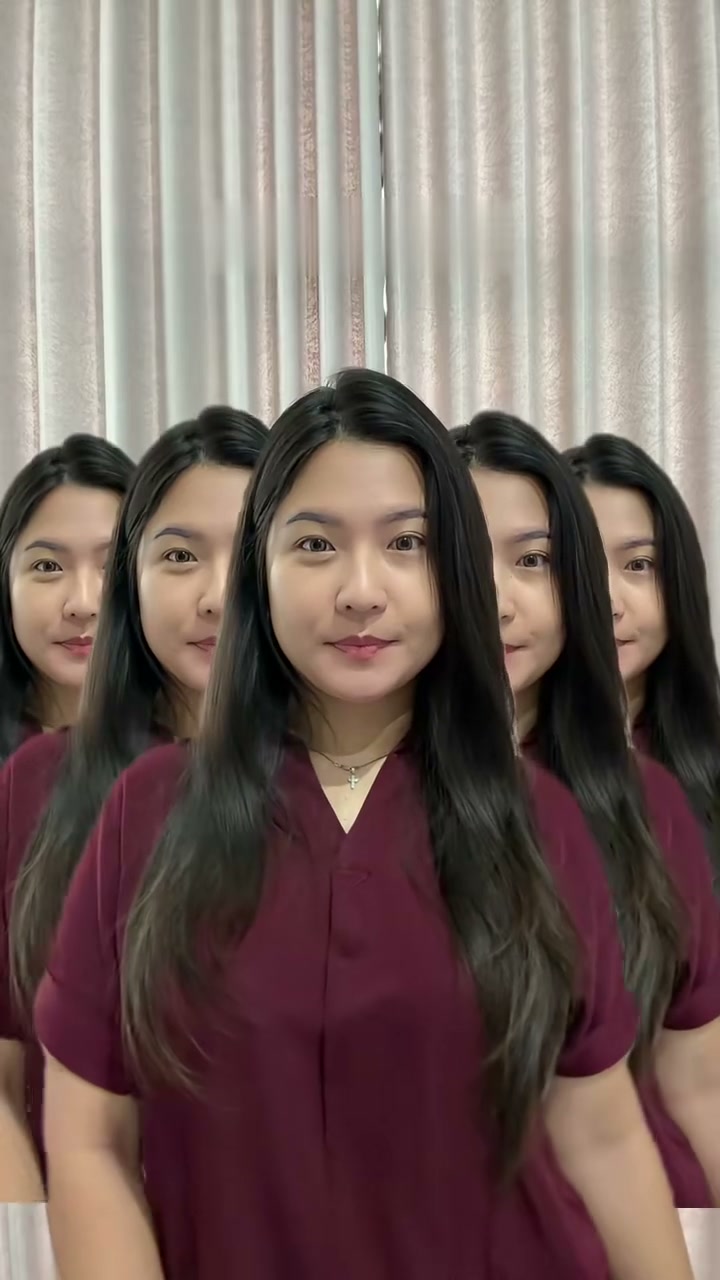
Velocity Clone Dance AI
Turn one photo into the viral Velocity Clone Dance AI (Velocity Dance Tutorial & Velocity Terbaru 2026 clone lineup trend) video in seconds. Upload a single portrait to star as a synchronized five-clone formation—hitting every opening fist bump, index-finger beat pop, laser-lit shaka wave, and rapid velocity arm-switch combo automatically with zero prompts.
Aminookk Brazil Dance AI
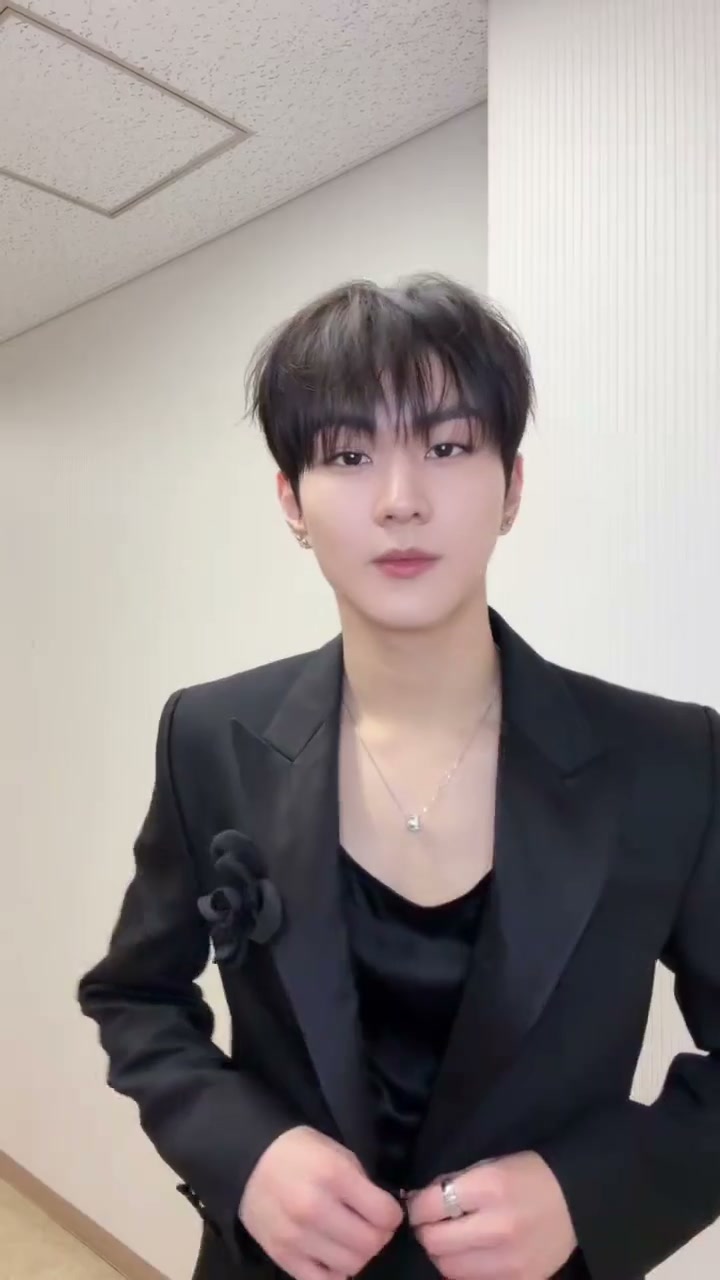
Turn one photo into the viral Aminookk Brazil Dance AI (Mienteme Funk & Aminookk Brazil Duo Dance trend) video in seconds. Upload a single portrait to perform the crisp 9-second vertical funk routine—matching every alternating hand wave, double-fist bounce, 180-degree spin, and beat-synced chest sweep automatically with zero prompts.
Liberian Girl Bop AI
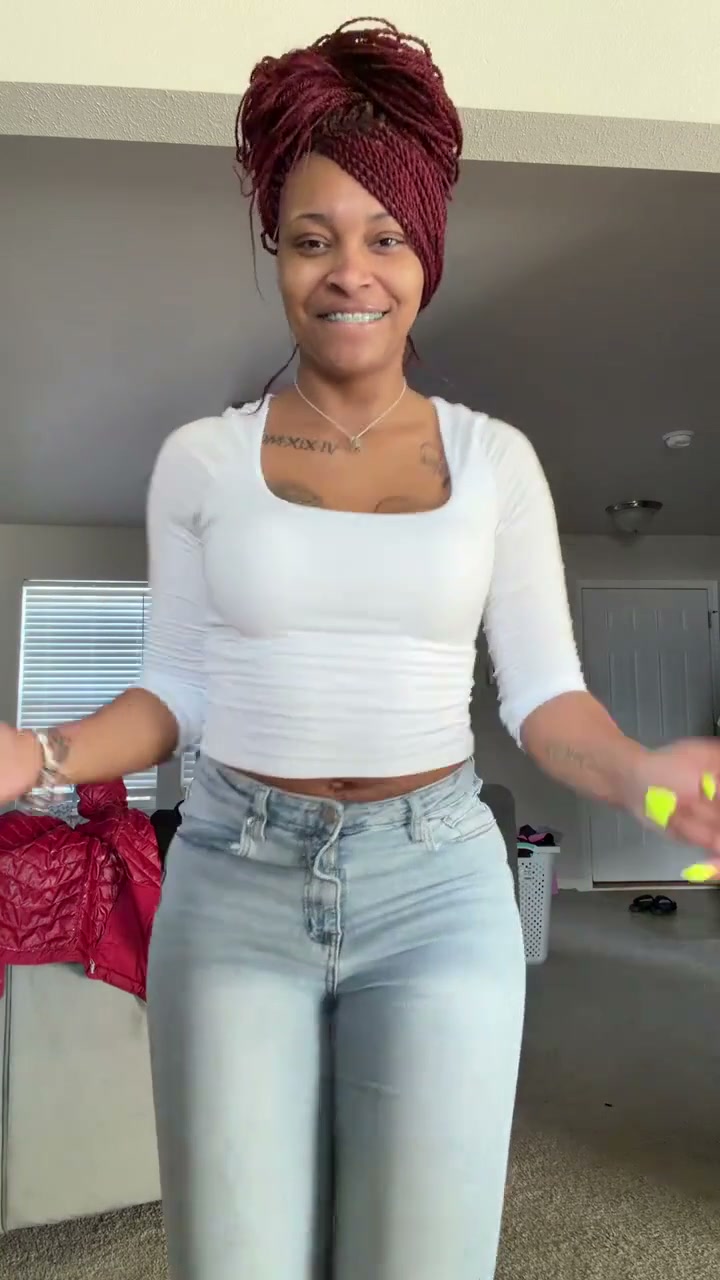
Turn one photo into the viral Liberian Girl Bop AI (Liberian Girl & Camden Bop dance) video in seconds. Upload a single portrait to perform the playful 15-second vertical routine set to the smooth "liberian girl instrumental" groove—matching every double thumbs-up hip bounce, peekaboo fist-over-eyes sway, and upbeat shoulder groove automatically with zero prompts.
Prep photos or customize beyond presets
Fix low-res shots before uploading, upscale your exported clip, or switch to full image to video and text to video controls.
- Image EnhancerSharpen blurry portraits before uploading.
- Image ExtenderExpand tight crops so full outfits stay in frame.
- AI Image GeneratorCreate custom characters or costumes to animate.
- Video EnhancerUpscale exported dance clips up to 4K.
- Image to VideoSwitch to custom prompts and camera motion.
- Text to VideoBuild an original scene from a text prompt.