

The Box MV AI
Turn one photo into the viral Roddy Ricch The Box MV AI video in seconds. Upload a single portrait to star in the 12-second widescreen sequence—night parking-lot groove, flaming yellow car crash explosion, and the "I'm a 2020 president candidate" White House podium finale with zero prompts.
Upload 1 photo
Add a clear front-facing photo (portrait, three-quarter, or full-body). Your face, hair, and original outfit carry across the flaming car-crash parking lot and White House podium finale.
Stars in the opening close-up, flaming car-crash dance, and 2020 President Candidate podium scene.
Last updated
How to make the The Box MV AI video
3-step preset- STEP 01
Upload one clear photo
Add 1 front-facing portrait, three-quarter, or full-body photo in Photo 1. Clear lighting and an unobstructed face help keep your likeness and clothing recognizable from the parking-lot opener to the podium finish.
- STEP 02
Generate The Box MV sequence
Click Generate to transfer your subject into the 12-second widescreen routine—the opening close-up lean-in, wide-arm night parking-lot groove as a flaming yellow car flips overhead, VHS glitch cut, and 2020 President Candidate podium finale.
- STEP 03
Preview and download your widescreen clip
Watch the finished 12-second 16:9 720p MP4 directly in the workspace and save it ready for TikTok, Instagram Reels, or YouTube Shorts.
The Box MV AI FAQ
What is The Box MV AI (Roddy Ricch The Box AI trend) and how does it work from 1 photo?
The Box MV AI recreates the viral Roddy Ricch The Box AI music-video trend—also searched as Roddy Rich The Box AI or Photo to The Box MV AI—from a single still image. Upload 1 photo to star across all four iconic beats in 12 seconds: the opening close-up arm-swing lean-in, the nighttime parking-lot groove, the slow-motion flaming yellow car crash explosion behind you, and the White House press-briefing podium finale hitting "I'm a 2020 president candidate" with zero prompt writing.
What kind of photo gives the cleanest The Box MV AI video?
A sharp, front-facing portrait, three-quarter, or full-body shot with even lighting and an unobstructed face produces the cleanest transition between the wide parking-lot explosion and the straight-on White House podium shot.
Does The Box MV AI keep my real face, hair, and outfit?
Yes. Motion-control transfer preserves your uploaded face, hairstyle, expression, and original outfit while matching the exact camera angles, lighting shifts, flaming car explosion, and 12-second choreography of the reference sequence.
Can I use movie characters, gaming avatars, coworkers, or pets?
Yes. Single-subject photos of animated characters, game avatars, friends, coworkers, or upright pet portraits work well as long as the image clearly shows one front-facing subject.
What video format is exported, and how many credits does it cost?
Generating uses 1 Effect Pass or 75 credits and outputs a 12-second widescreen 16:9 720p MP4 with synced audio ready to share or crop for TikTok, Reels, and Shorts. Uploading a photo and previewing the reference clip in the workspace is free.
Do I need a CapCut template or tutorial to make the Roddy Ricch The Box AI video?
No. Instead of hunting down a "The Box" CapCut template, linking external apps, or stitching clips on a mobile timeline, this The Box MV AI CapCut Template Alternative turns 1 photo straight into the complete 12-second video with zero filming or editing.
What happens if a The Box MV AI generation fails?
Credits or your Effect Pass are reserved when you click Generate. If the render fails or times out, the reserved credits or Effect Pass are automatically refunded back to your VidGoat balance.
More viral AI effects like The Box MV AI
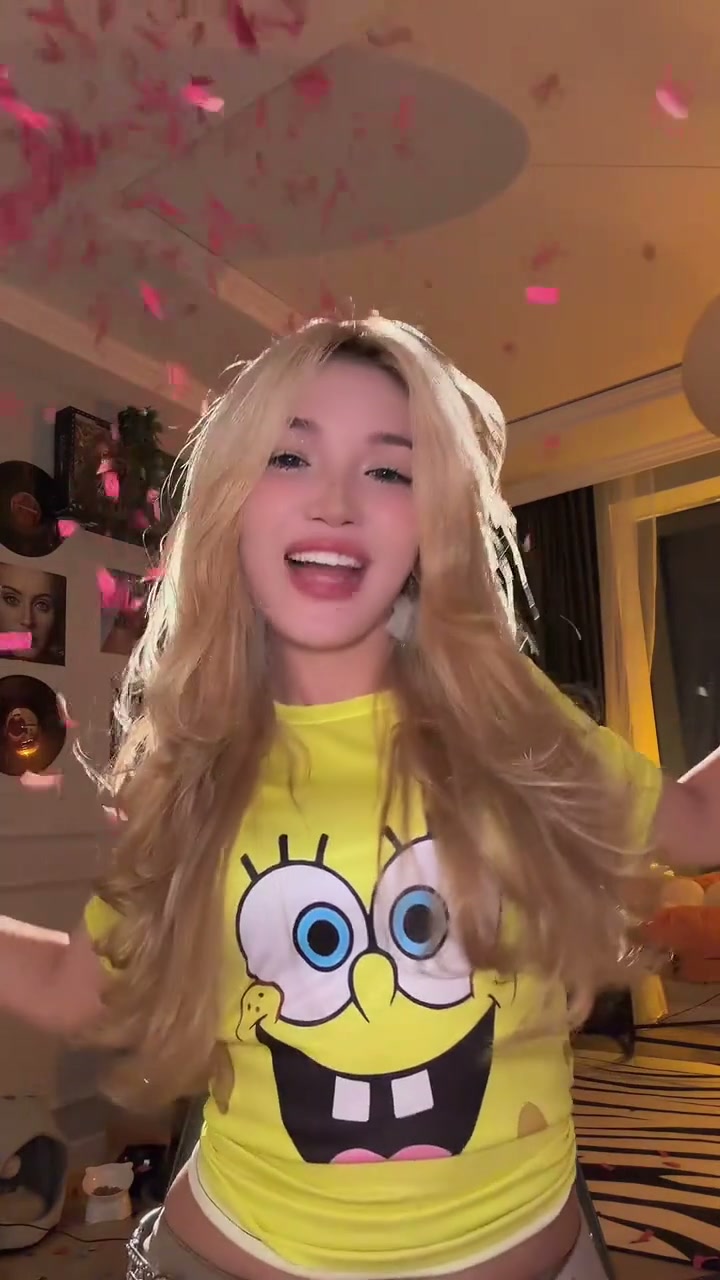
Boom Clap Confetti AI
Turn one photo into the viral Boom Clap Confetti AI video in seconds. Upload a single portrait to lip-sync to the iconic pop chorus through a pink confetti burst, a fast RGB scene cut, and a showering gold streamer finale—rendered automatically in 13 seconds with zero prompts.
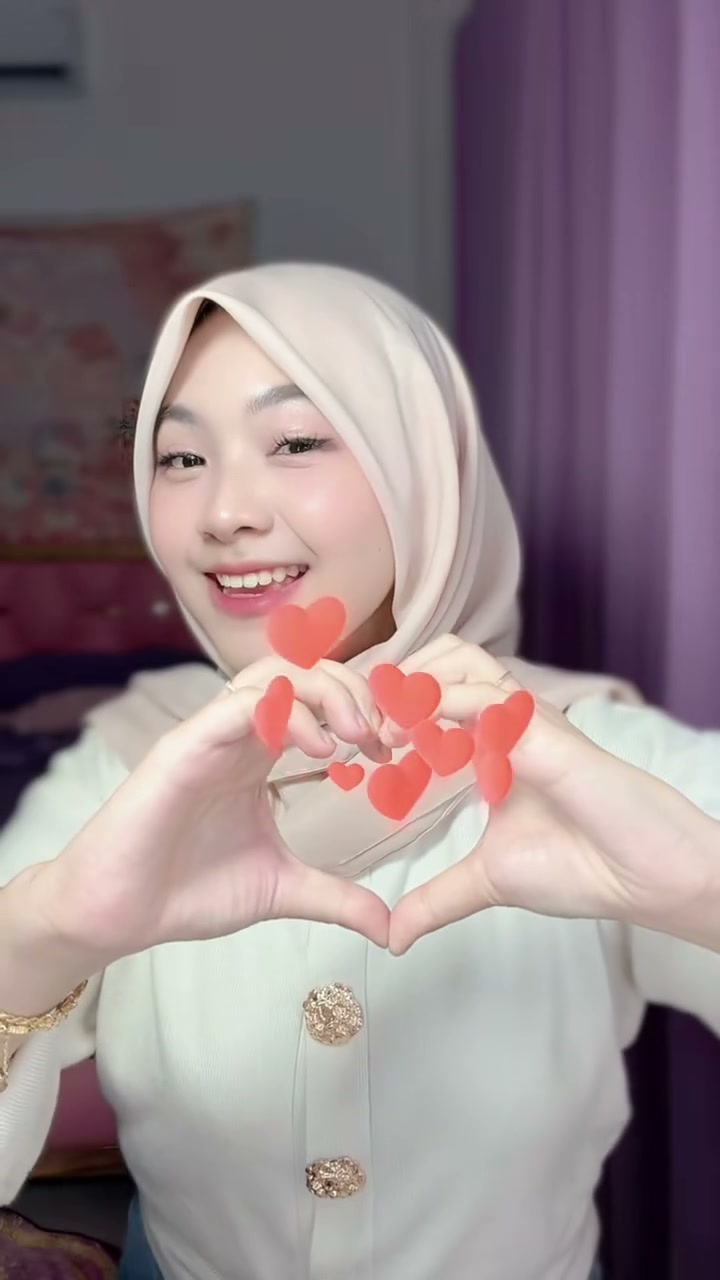
Heart Gesture Filter AI
Turn one photo into the viral Heart Gesture Filter AI video in seconds. Upload a single portrait to star in the 15-second beat-synced hand-gesture reaction routine—triggering thumbs-up fireworks, a two-hand heart bursting with floating red hearts, rock-on poses, and neon laser beams automatically with zero prompts.
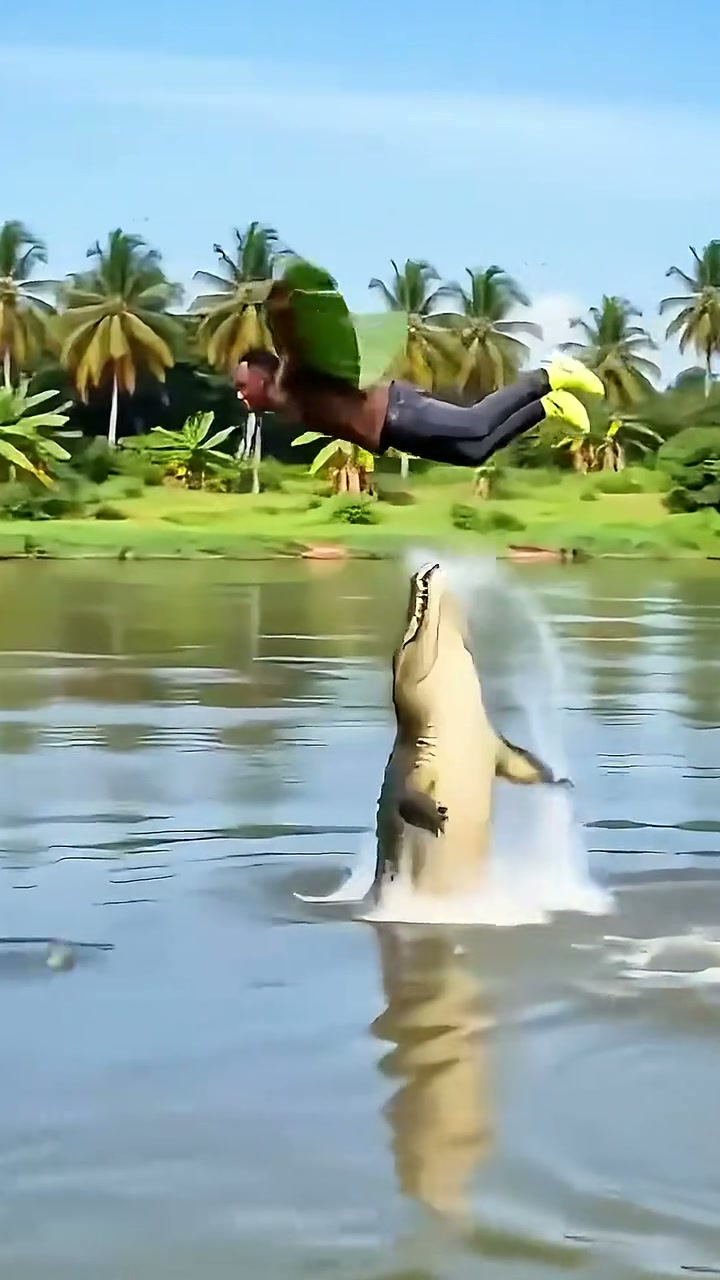
Banana Leaf Flight AI
Turn one photo into the viral Banana Leaf Flight AI (Banana Leaf Flight Fail crocodile trend) video in seconds. Upload a single portrait to strap on giant green banana-leaf wings, soar across a tropical river as giant crocodiles leap from the water, and slam head-on into a coconut palm tree—rendered automatically in 7 seconds with zero prompts.
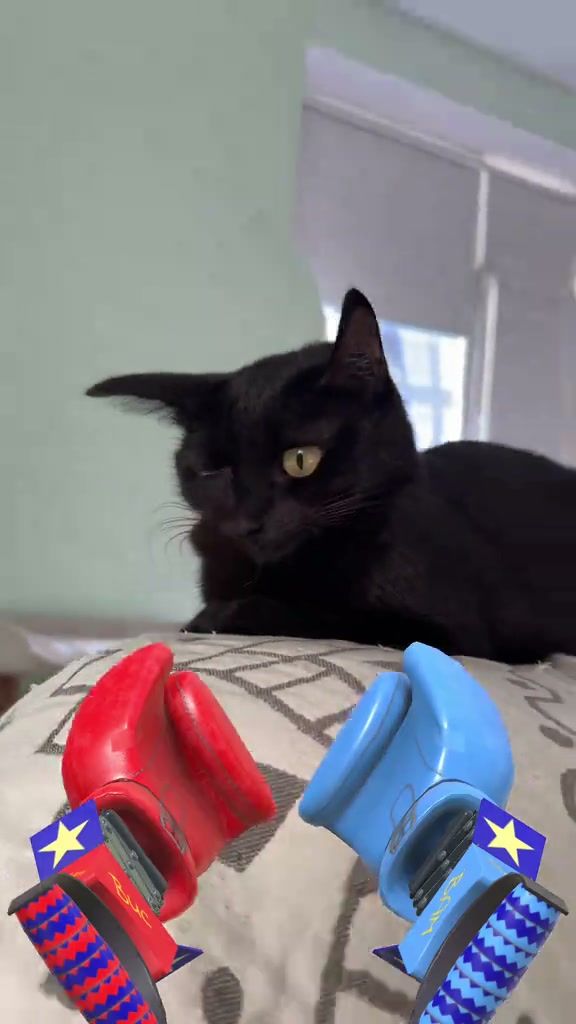
Pet Boxing Gloves AI
Turn one photo of your cat, dog, or selfie into the viral Pet Boxing Gloves AI comedy video in seconds. Upload a single photo to animate oversized red and blue spring-loaded cartoon boxing gloves throwing rapid slapstick punches as your pet squints, wobbles, blushes, and gets dizzy cartoon stars—preserving your real pet and room with zero filming.
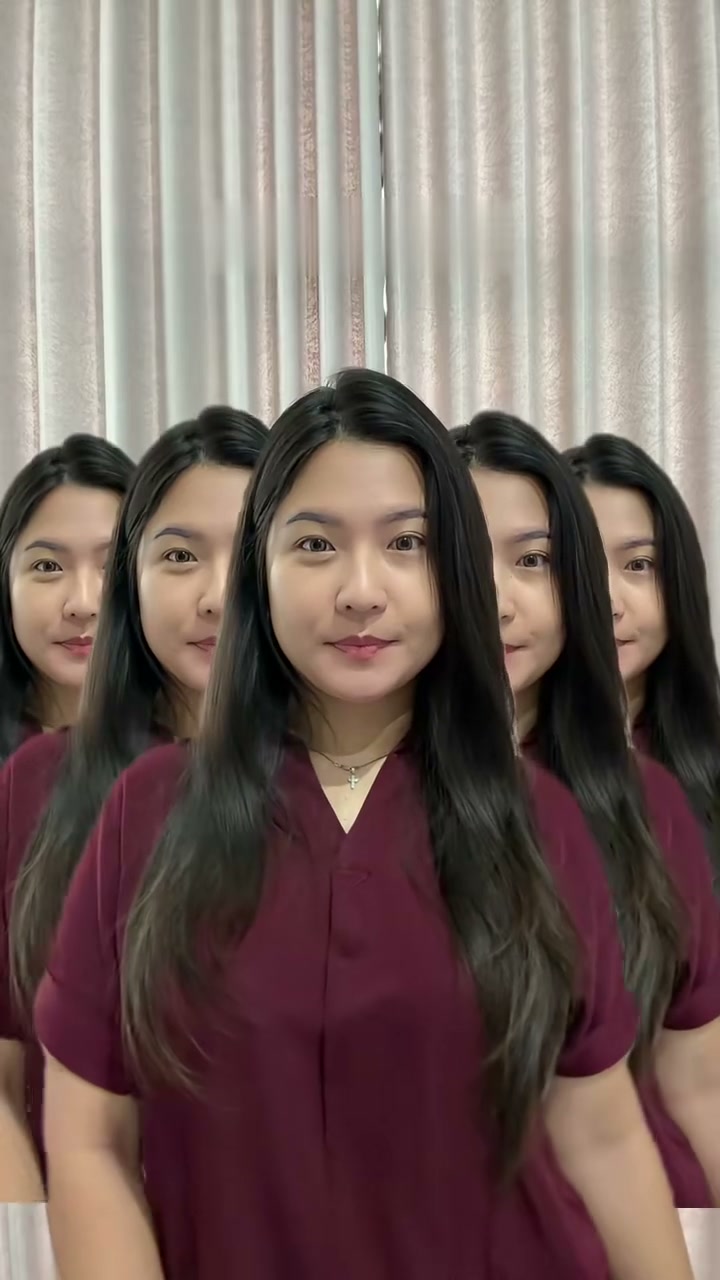
Velocity Clone Dance AI
Turn one photo into the viral Velocity Clone Dance AI (Velocity Dance Tutorial & Velocity Terbaru 2026 clone lineup trend) video in seconds. Upload a single portrait to star as a synchronized five-clone formation—hitting every opening fist bump, index-finger beat pop, laser-lit shaka wave, and rapid velocity arm-switch combo automatically with zero prompts.
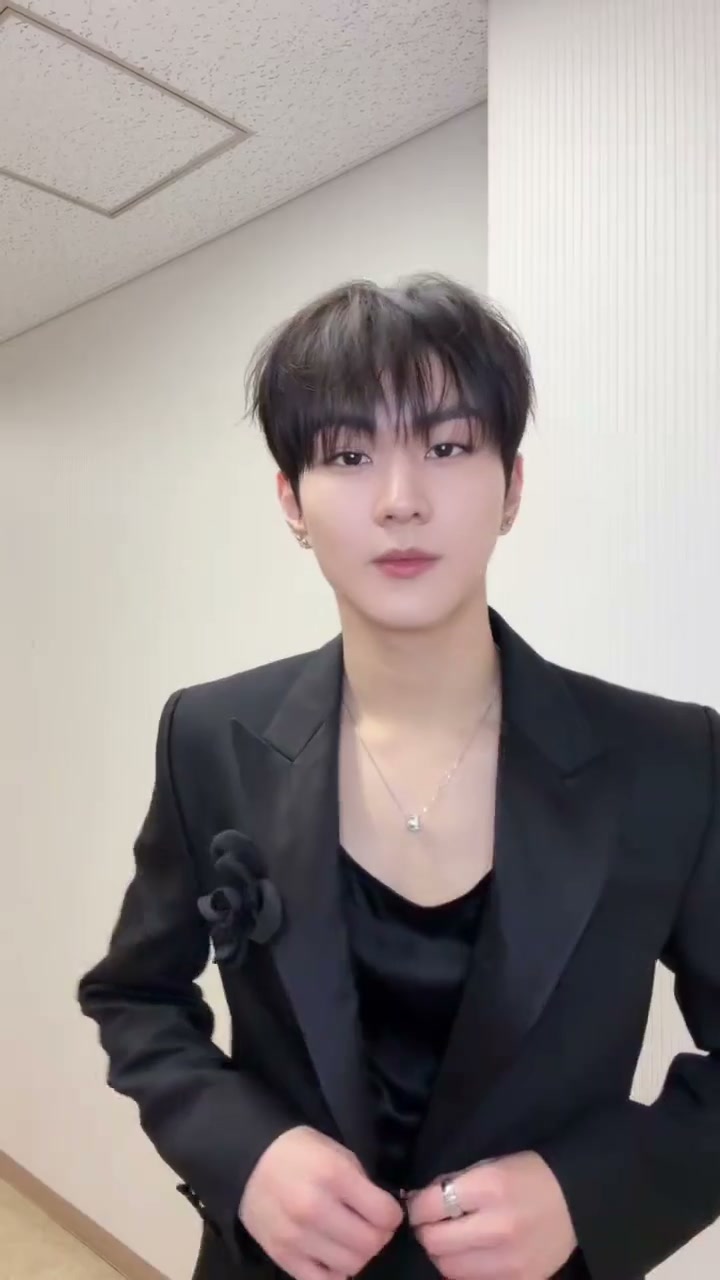
Aminookk Brazil Dance AI
Turn one photo into the viral Aminookk Brazil Dance AI (Mienteme Funk & Aminookk Brazil Duo Dance trend) video in seconds. Upload a single portrait to perform the crisp 9-second vertical funk routine—matching every alternating hand wave, double-fist bounce, 180-degree spin, and beat-synced chest sweep automatically with zero prompts.
Prep photos or customize beyond presets
Fix low-res shots before uploading, upscale your exported clip, or switch to full image to video and text to video controls.
- Image EnhancerSharpen blurry portraits before uploading.
- Image ExtenderExpand tight crops so full outfits stay in frame.
- AI Image GeneratorCreate custom characters or costumes to animate.
- Video EnhancerUpscale exported dance clips up to 4K.
- Image to VideoSwitch to custom prompts and camera motion.
- Text to VideoBuild an original scene from a text prompt.