

Partner Lift Transition AI
Turn two photos into the viral Partner Lift Transition AI (#partner lift transition / #couple lift transition / #friend lift challenge) video automatically. Upload a Top Flyer photo and a Base Lifter photo to perform the iconic 5-second 1080p shoulder-stand lift and beat-drop room transition with synced native audio and zero real-life stunt risk.
Upload 2 partner photos
Add Top Flyer (Photo 1) and Base Lifter (Photo 2) in order—couples, best friends, siblings, or two looks of yourself. Clear front-facing full-body or three-quarter shots with headroom keep faces, outfits, and the shoulder-stand lift crisp in 1080p vertical.
Balances on top of the base partner’s shoulders holding hands upward through the opening intro and beat-drop room transition.
Stands below holding both hands of the top partner upward in steady balance through the sunlit-to-evening beat-drop transition.
Last updated
How to make the Partner Lift Transition AI video
3-step preset- STEP 01
Upload Top Flyer and Base Partner photos
Place the partner balancing on top in Photo 1 and the partner lifting below in Photo 2—couples, best friends, siblings, or two shots of yourself.
- STEP 02
Generate the 5-second 1080p lift transition
Click Generate to stack both identities into the Partner Lift Transition pose—every smile, hand grip, beat-drop cut, and native audio hit syncs automatically.
- STEP 03
Preview and share your vertical clip
Watch your finished 5-second 9:16 1080p MP4 with audio in your workspace or My videos and share it straight to TikTok, Instagram Reels, or YouTube Shorts.
Where did the Partner Lift Transition AI trend start?
The Partner Lift Transition trend (circulating across #partner lift transition, #couple lift transition, and #friend lift challenge) pairs an athletic two-person shoulder-stand stunt with an instant beat-drop cut set to the famous "Jahlil Beats, holla at me!" producer-tag intro (often playfully misheard as "Jungle Beats, holla at me!"). Creators, best friends, and couples pose with one partner balancing on the other’s shoulders holding hands overhead before snapping cleanly into a warm evening setting on the bass hit—making AI photo animation an effortless, zero-risk way to pull off the stunt without lifting anyone in real life.
Partner Lift Transition AI song, audio, and lyrics
Jahlil Beats Producer Tag Intro ("Jahlil Beats, Holla at Me!") — Jahlil Beats (heard on "Hot N*gga" & "Holla at Me")
“Jahlil Beats, holla at me!”
Synced to the 5-second TikTok beat-drop cut where the voice tag cues the sudden daytime-to-evening room transition on the heavy bass hit with native 1080p audio output.
What happens in the Partner Lift Transition AI video?
| Timestamp | Action & visuals | Subject / slot |
|---|---|---|
| 0:00–0:03.1 | Sunlit bedroom setup & shoulder-stand hold: Photo 1 (top flyer) balances on Photo 2’s (base partner) shoulders while holding hands upward and smiling through the "Jahlil Beats, holla at me!" intro. | Photo 1 (top flyer) & Photo 2 (base partner) |
| 0:03.1–0:05.3 | Beat-drop room & lighting cut: On the bass drop, the scene snaps cleanly into a warm evening fireplace living room while both partners hold the exact uplifted shoulder-stand balance and celebrate on the beat. | Both partners locked in shoulder-stand pose |
Partner Lift Transition AI DIY prompt guide
Want to stage your own backdrop or custom beat-drop transition look? Try this public reference prompt inside VidGoat Image to Video:
Vertical 9:16 two-person athletic partner lift transition clip on a stationary eye-level camera. Keep both people’s exact faces, hairstyles, and outfits consistent across 5 seconds: one partner balances steadily on the standing partner’s shoulders while both hold hands upward and smile in a sunlit bedroom, then snap cleanly on a sharp beat-drop cut into a warm evening living room glowing with fireplace and lamp light.Tip: The 2-photo preset above automates the exact Top Flyer / Base Lifter slot mapping, 5-second beat-drop cut, and 1080p native audio sync with zero prompt writing.
Troubleshooting Partner Lift Transition AI results
| Common issue | How to fix it |
|---|---|
| Top flyer’s head or raised hands get cropped near the top of the vertical frame | Upload photos with clear headroom above the hair and unobstructed shoulders so the stacked two-person framing fits cleanly inside 9:16. |
| Both partners look swapped or blended between the top and base positions | Put the lighter/top person in Photo 1 (Top Flyer) and the standing lifter in Photo 2 (Base Partner), with one clear solo portrait per slot. |
| Outfits or legs look soft after the beat-drop room transition | Use sharp, evenly lit full-body or three-quarter portraits rather than tight chest-up selfies so both outfits stay crisp from head to toe. |
| You want to star in both roles yourself for a funny twin-clone lift | Upload two different portraits of yourself into Photo 1 and Photo 2 to create an instant double-you shoulder-lift transition. |
| Generation stays in the queue for several minutes after clicking Generate | 1080p native-audio renders run in the background for roughly 13–17 minutes; you can close the tab safely and pick up your finished MP4 under My videos. |
Partner Lift Transition AI FAQ
What is Partner Lift Transition AI and how does it work from 2 photos?
Partner Lift Transition AI recreates the viral 5-second TikTok challenge trending under #partner lift transition, #couple lift transition, and #friend lift challenge set to the "Jahlil Beats, holla at me!" beat drop (also searched as Couple Lift Transition AI, Friend Lift Challenge AI, Shoulder Lift Transition AI, Jungle Beats Holla At Me Transition AI, or Partner Lift Transition Template Alternative) from two still photos with zero filming or stunt risk.
Which photo goes into Photo 1 and Photo 2?
Photo 1 casts the Top Flyer crouching and balancing on top of the shoulders, while Photo 2 casts the Base Partner standing below and holding both hands upward through the beat-drop room transition.
Does Partner Lift Transition AI keep our real faces, hair, and outfits?
Yes. The 2-photo preset preserves each uploaded person’s facial features, hairstyle, and original clothing across the entire 5-second clip while transferring the shoulder-stand balance and beat-drop room cut.
Can I use this for couples, best friends, gym partners, or twin-clone edits?
Yes. Upload a couple, two best friends, siblings, or two portraits of yourself to create a solo twin-clone lift transition—just keep one clear solo portrait in each upload slot.
What video format is exported, and how many credits does it cost?
Generating uses 1 Effect Pass or 10 credits and outputs a crisp 5-second vertical 9:16 1080p MP4 with native audio sized for TikTok, Instagram Reels, and YouTube Shorts. Uploading photos and previewing the reference clip in the workspace is free.
How long does a 5-second 1080p native-audio render take?
High-resolution 1080p renders with native audio typically take around 13–17 minutes. Generation continues safely in the background under My videos, so you do not need to keep the tab open while waiting.
Do I need a CapCut template or to lift someone onto my shoulders in real life?
No. Instead of risking a real-life shoulder-stand stunt or lining up before-and-after cuts in a CapCut template, this independent Partner Lift Transition CapCut Template Alternative turns two portraits straight into the finished 5-second 1080p video.
What photo framing gives the cleanest shoulder-stand result?
Sharp, front-facing full-body or three-quarter portraits with even lighting and clear headroom above the hair give the cleanest shoulder balance and facial detail.
What happens if a Partner Lift Transition AI generation fails?
Credits or your Effect Pass are reserved when you click Generate. If an upstream render fails or times out, the reserved credits or Effect Pass are automatically refunded in full to your VidGoat balance.
More viral AI effects like Partner Lift Transition AI
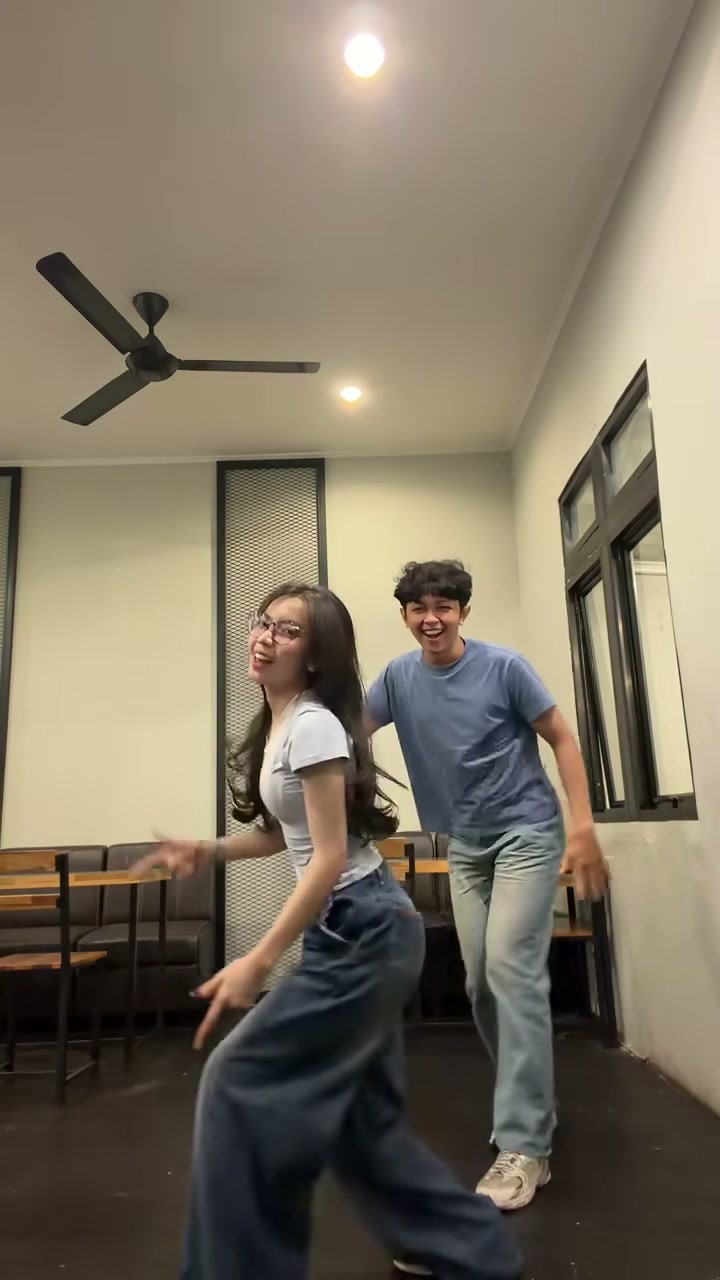
The Curee Dance AI
Turn two photos into the viral The Curee Dance AI (#the curee dance / #satriqsixteen dance / #the curee dance challenge) video automatically. Upload Left and Right portraits to perform the upbeat 15-second 1080p vertical duo choreography—matching the opening 360-degree spin, wide-stance V-sign bounce, diagonal finger-point groove, and running-man finale with synced native audio and zero prompts.
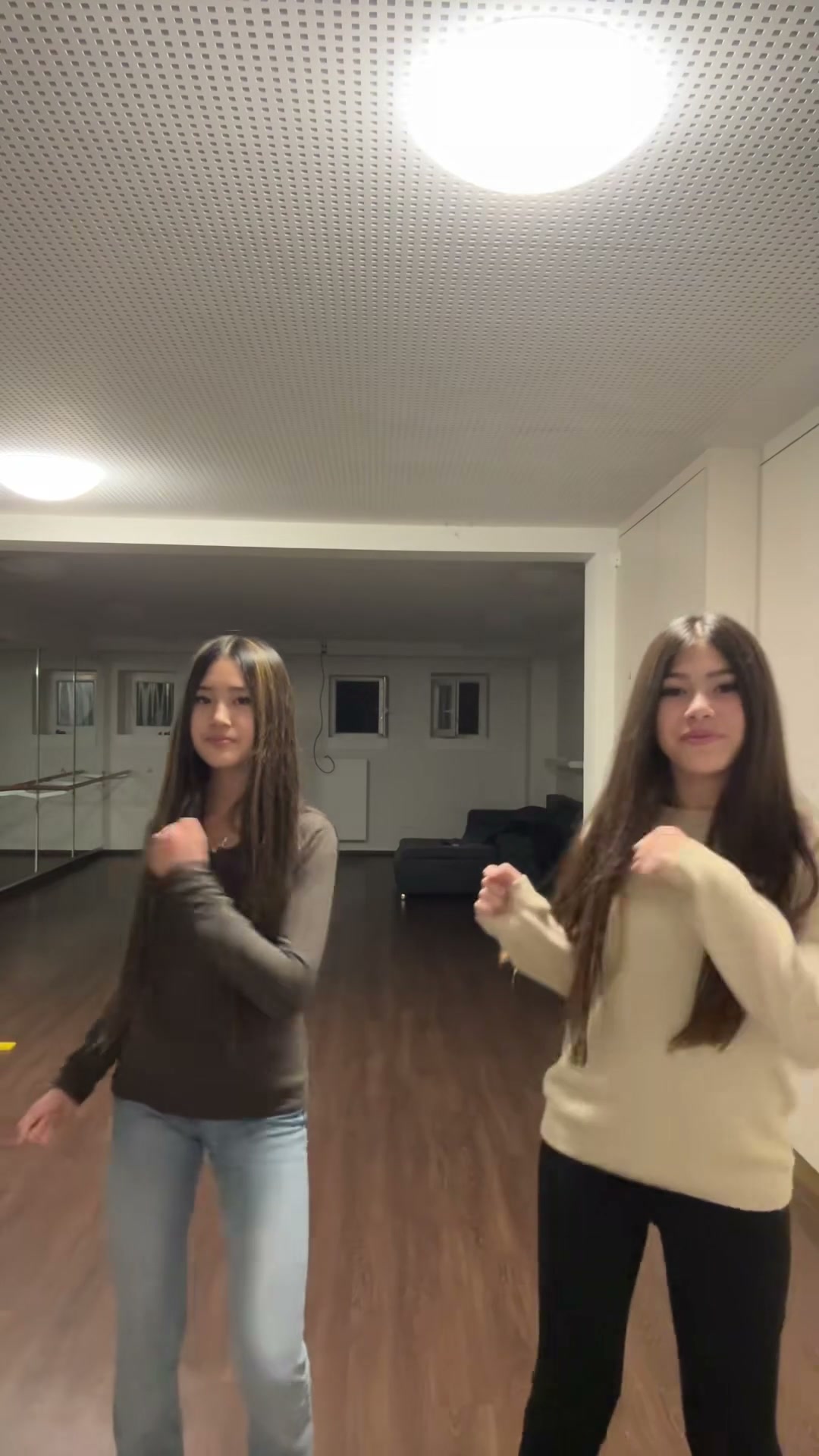
I Love You Funk Dance AI
Turn two photos into the viral I Love You Funk Dance AI (#i love you funk dance / #brazilian funk couple dance) video automatically. Upload Left and Right portraits to perform the high-energy 14-second 1080p vertical Brazilian funk duo routine—matching every synchronized hip bounce, rapid arm-pump punch, criss-cross step, and shaka-hand finale with synced native audio and zero prompts.
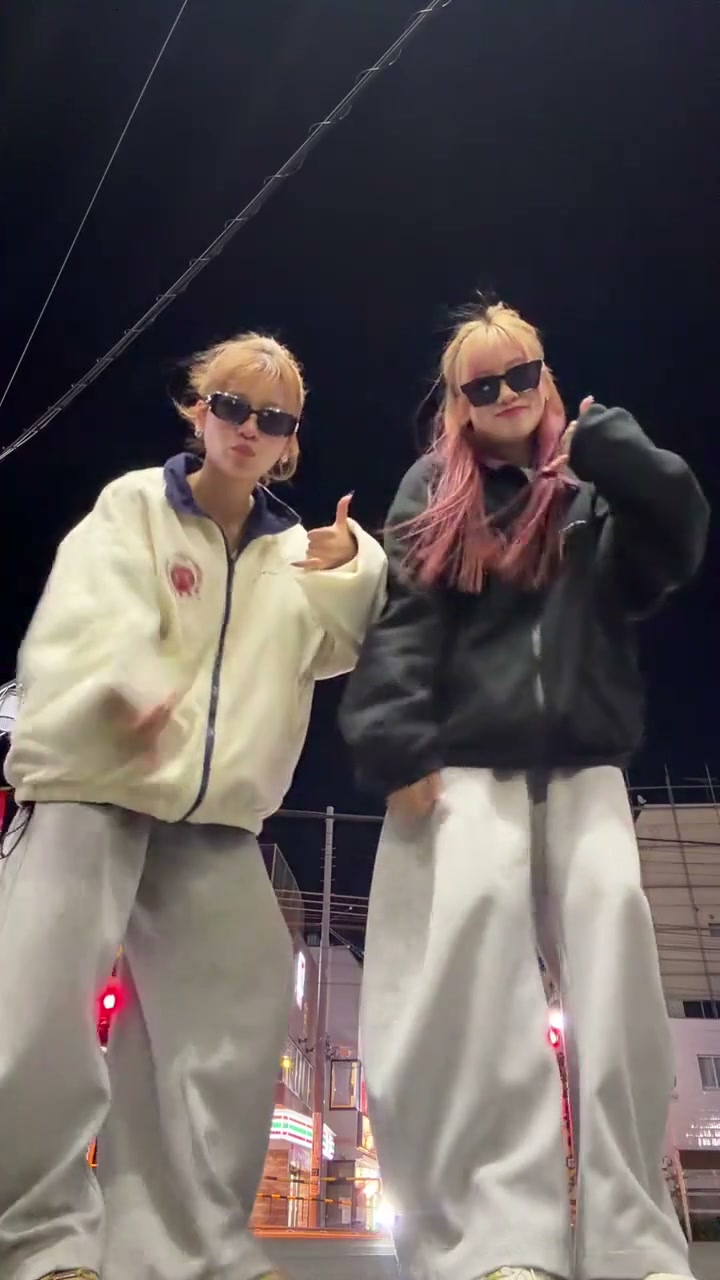
Confusing Brain Dance AI
Turn two photos into the viral Confusing Brain Dance AI (#prod legacy confusing dance / #brazilian funk hand dance / #lovinonmekompa) video automatically. Upload Left and Right portraits to perform the 15-second 1080p vertical duo challenge—matching the opening shaka-hand bounce, head-tuck lean, overhead wave, and high-energy Brazilian funk shuffle drop with synced native audio and zero prompts.
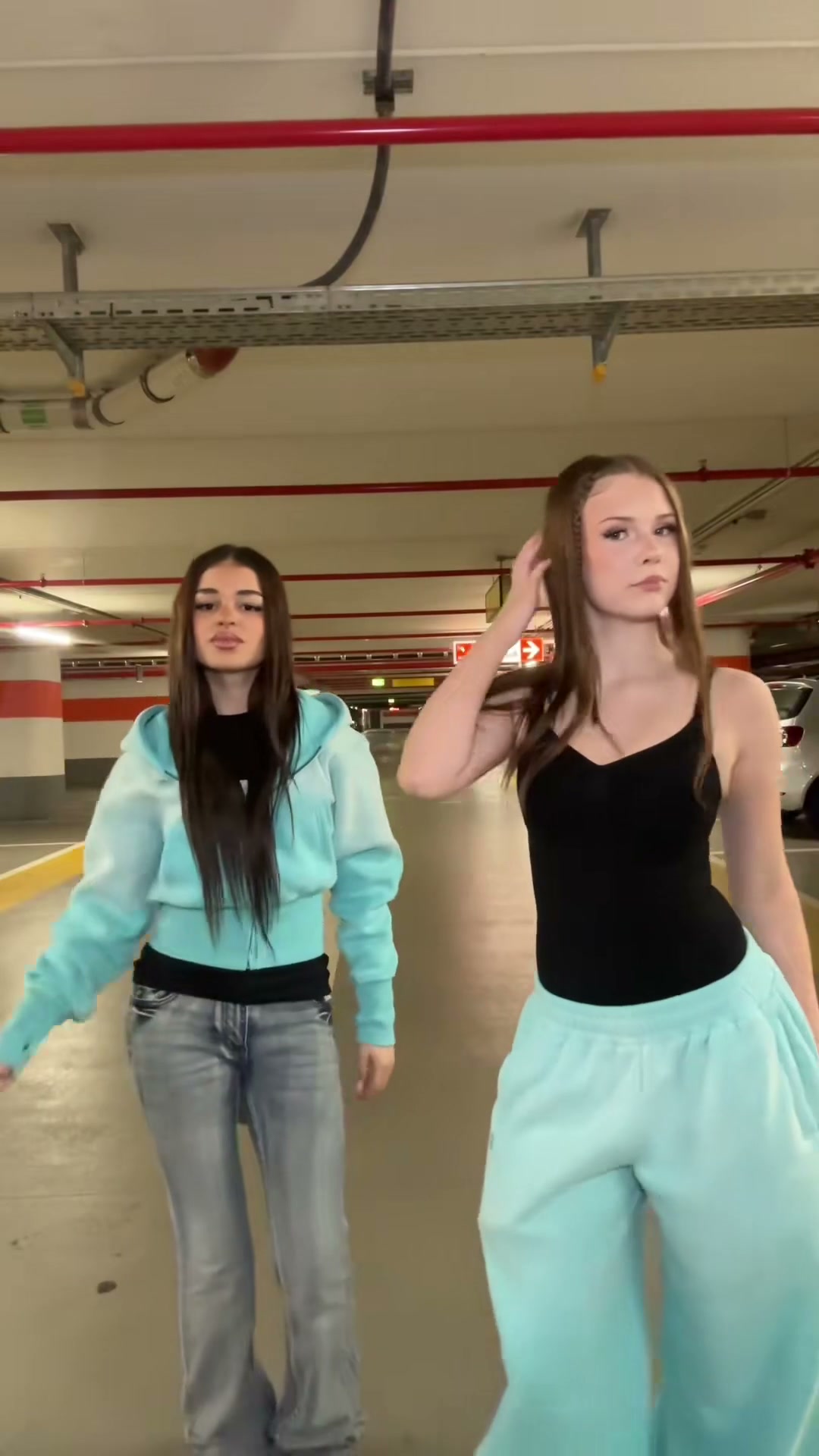
Baila Morena Duo Dance AI
Turn two photos into the viral Baila Morena Duo Dance AI (#baila morena dance / #duodance / #fdrstudios) video automatically. Upload Left and Right portraits to perform the upbeat 16-second 1080p vertical reggaeton duo routine—matching every synchronized hip bounce, hand-across-mouth sweep, 360-degree back-turn spin, and beat-locked finale with synced native audio and zero prompts.
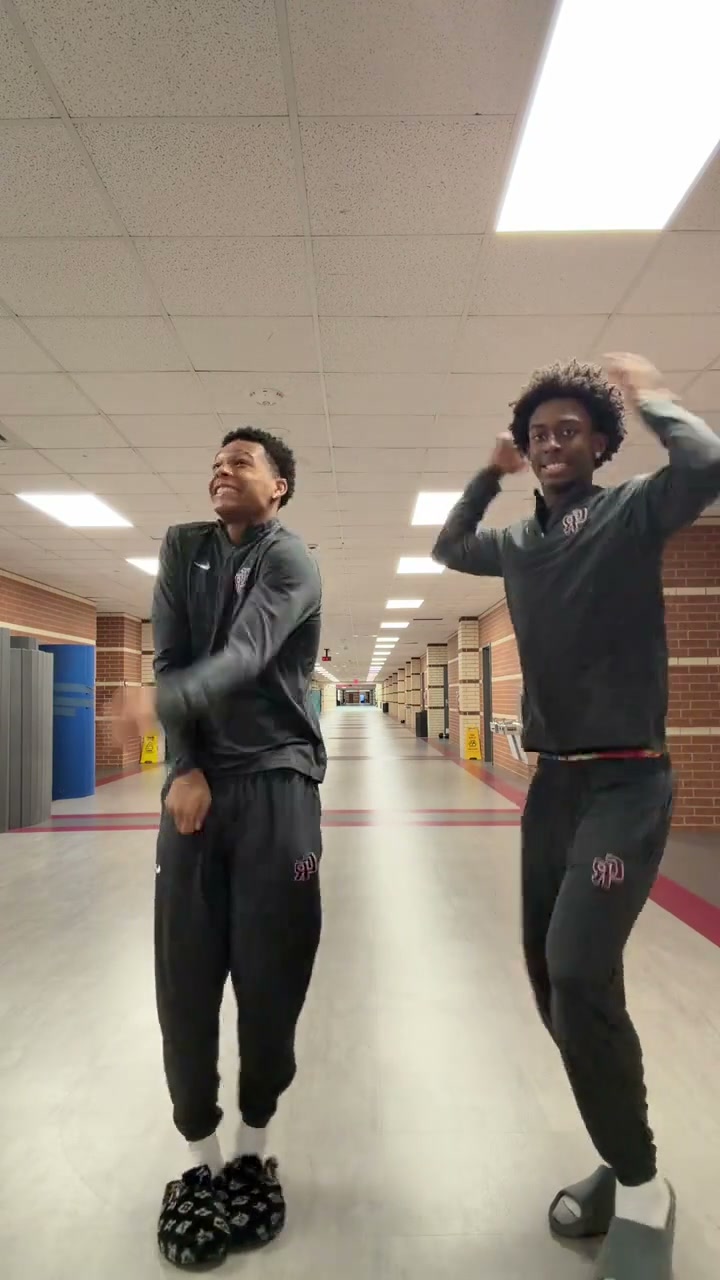
Gangsta Doley Duo Dance AI
Turn two photos into the viral Gangsta Doley Duo Dance AI (#gangsta doley ob dance / #she wanna party gangster dance / #gangsta doley duo dance) video automatically. Upload Left and Right portraits to perform the upbeat 14-second 1080p vertical routine—matching every synchronized arm wave, head-roll lean, cross-body sweep, and hype finale with synced native audio and zero prompts.
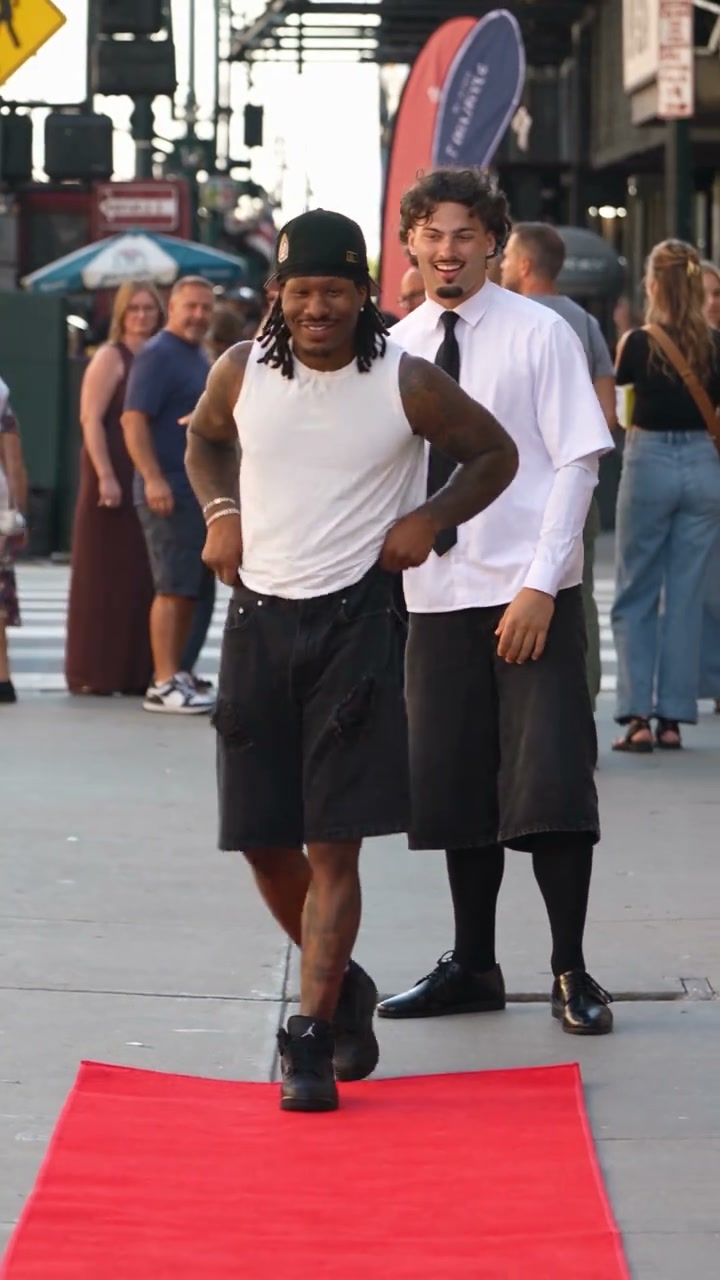
Red Carpet AI Dance
Turn two photos into the viral Red Carpet AI Dance (#red carpet dance trend / #duke dennis ai dance / #warped ai red carpet) video automatically. Upload a Dancer portrait and a Carpet Rollout Partner portrait to perform the chaotic 16-second 1080p street rollout and high-energy footwork routine with synced native audio and zero prompts.
Prep photos or customize beyond presets
Fix low-res shots before uploading, upscale your exported clip, or switch to full image to video and text to video controls.
- Image EnhancerSharpen blurry portraits before uploading.
- Image ExtenderExpand tight crops so full outfits stay in frame.
- AI Image GeneratorCreate custom characters or costumes to animate.
- Video EnhancerUpscale exported dance clips up to 4K.
- Image to VideoSwitch to custom prompts and camera motion.
- Text to VideoBuild an original scene from a text prompt.