

Dilruba Dilnasheen Dance AI
Turn five photos into the viral Dilruba Dilnasheen Dance AI (#dilruba dilnasheen dance / #dilruba saree dance / #dilruba dilnasheen choreography) video automatically. Upload five portraits in V-formation order to perform the upbeat 18-second 1080p vertical chorus routine—matching every synchronized shoulder bounce, diagonal arm sweep, palms-together cue, and celebration finale with synced native audio and zero prompts.
Upload 5 dancer photos
Add 5 clear portraits in V-formation order—Front-center lead first, then Front-left, Front-right, Back-left, and Back-right (or 5 looks of yourself). Full-body or three-quarter shots in traditional sarees, kurtas, or streetwear keep faces and outfits crisp in 1080p vertical.
Leads front-center in the V-formation through every Bollywood shoulder bounce, sweeping arm wave, palms-together cue, and wide-arm finale.
Dances front-left beside Photo 1, hitting every diagonal reach, low hip groove, and celebratory spread.
Anchors the front-right spot in tight squad lockstep through the chorus hook and closing celebration.
Stands back-left between Photo 2 and Photo 1, mirroring every synchronized step and raised-arm beat.
Stands back-right behind Photo 1 and Photo 3, completing the five-person diamond formation.
Last updated
How to make the Dilruba Dilnasheen Dance AI video
3-step preset- STEP 01
Upload five dancer photos in order
Place your Front-center lead in Photo 1, Front-left in Photo 2, Front-right in Photo 3, Back-left in Photo 4, and Back-right in Photo 5—friends in sarees, kurtas, wedding attire, or casual streetwear.
- STEP 02
Generate the 18-second 1080p group dance
Click Generate to map all five identities onto the Dilruba Dilnasheen chorus choreography—every shoulder bounce, diagonal reach, palms-together cue, and finale spread renders with synced native audio.
- STEP 03
Preview and share your vertical clip
Watch the finished 18-second 9:16 1080p MP4 with audio in your workspace or My videos and download it ready for TikTok, Instagram Reels, or YouTube Shorts.
Where did the Dilruba Dilnasheen Dance AI trend start?
The Dilruba Dilnasheen Dance trend (circulating across #dilruba dilnasheen dance, #dilruba saree dance, and #dilruba dilnasheen choreography) pairs Rito Riba’s October 2026 romantic Hindi pop chorus "Dilruba Dilnasheen" with expressive, easy-to-follow Bollywood-inspired hook steps—sparking both solo traditional saree reels and viral multi-person outdoor flash-mob squad dances like @songi.ghosh’s Times Square routine.
Dilruba Dilnasheen Dance AI song, audio, and lyrics
Dilruba Dilnasheen (from Dilfek EP) — Rito Riba · Lyrics by Siddhant Kaushal
“Dilruba, dilnasheen, ba-khuda, tu haseen / Tere jaisi hoor na koi / Tum mile, gul khile, gul khile, jo tum mile / Gulzaar zindagi ye ho gayi”
Synced to the 18-second chorus hook of Rito Riba’s romantic Hindi pop track "Dilruba Dilnasheen" (released October 16, 2026 on Play DMF), matching every diagonal arm reach, shoulder bounce, palms-together cue, and wide-arm celebration with native audio output.
What happens in the Dilruba Dilnasheen Dance AI video?
| Timestamp | Action & visuals | Subject / slot |
|---|---|---|
| 0:00–0:04.0 | Chorus drop & diagonal raise: Photo 1 (front-center) leads Photo 2–5 in a staggered V-formation, bowing briefly into the beat before popping upright with synchronized right-arm diagonal sweeps and joyful hip sways on "Dilruba, dilnasheen." | All 5 squad dancers in staggered V-formation |
| 0:04.0–0:08.0 | Wide-stance shoulder bounce: All five dancers step wide into a rhythmic Bollywood shoulder groove, sweeping both arms down and across on "Tere jaisi hoor na koi" while keeping clean visual separation. | Photo 1 (lead) flanked by Photo 2–5 |
| 0:08.0–0:13.0 | Skyward reach & palms-together cue: The squad extends one arm high diagonally on "Tum mile, gul khile" before bowing slightly forward with both palms pressed together at chest height in lockstep. | All 5 dancers in tight chorus sync |
| 0:13.0–0:17.8 | Hip-groove wave & wide-arm celebration: Both front and back rows hit smooth side-to-side hip grooves and rhythmic footwork on "Gulzaar zindagi ye ho gayi," erupting into a big synchronized wide-arm celebration finale. | Photo 1–5 in full celebration |
Dilruba Dilnasheen Dance AI DIY prompt guide
Want to experiment with a custom palace courtyard, wedding sangeet stage, or freestyle Bollywood squad clip? Try this public reference prompt inside VidGoat Image to Video:
Vertical 9:16 outdoor night-plaza Bollywood group dance clip of five friends arranged in a balanced staggered V-formation on a stationary high-angle vertical camera under warm magenta and violet plaza lighting. Keep every dancer’s exact face, hairstyle, and traditional saree, kurta, or streetwear outfit consistent across an 18-second routine: synchronized right-arm diagonal sweeps, wide-stance shoulder bounces, upward sky reaches, palms-together chest cues, and a joyful wide-arm celebration finale.Tip: The 5-photo preset above automates the exact V-formation slot mapping, 18-second chorus timing, and 1080p native audio sync with zero prompt writing.
Troubleshooting Dilruba Dilnasheen Dance AI results
| Common issue | How to fix it |
|---|---|
| Dancers swap faces or blend outfits between the front and back rows | Upload one clear solo portrait per slot in exact order (Photo 1 Front-center, Photo 2 Front-left, Photo 3 Front-right, Photo 4 Back-left, Photo 5 Back-right)—never upload a multi-person group photo into a single slot. |
| Saree pallus, dupattas, or kurta details look soft in the back row | Use crisp, high-resolution three-quarter or full-body portraits with bright, even lighting rather than compressed social screenshots, or upscale older photos first with VidGoat AI Image Enhancer. |
| Raised hands clip near the top or side edges during the wide-arm finale | Leave clear headroom above the hair and space beside both shoulders in all five source photos, or expand tight crops first with VidGoat AI Image Extender. |
| You want to star in all five squad positions wearing different sarees or looks | Upload five different portraits or traditional/casual outfits of yourself into Photo 1 through Photo 5 to create a synchronized five-clone Dilruba Dilnasheen dance edit. |
| Generation stays in the queue for several minutes after clicking Generate | 1080p native-audio renders run in the background for roughly 13–20 minutes; you can close the tab safely and pick up your finished MP4 under My videos. |
Dilruba Dilnasheen Dance AI FAQ
What is Dilruba Dilnasheen Dance AI and how does it work from 5 photos?
Dilruba Dilnasheen Dance AI recreates the viral 18-second TikTok and Reels dance trend under #dilruba dilnasheen dance, #dilruba saree dance, and #dilruba dilnasheen choreography (set to Rito Riba’s hit chorus "Dilruba, dilnasheen, ba-khuda, tu haseen"—also searched as Dilruba Dilnasheen Dance, Dilruba Saree Dance AI, Dilruba Dilnashin Dance AI, Dilruba Dilnashe Dance AI, or Dilruba Dilnasheen Dance Template Alternative) from five still portraits with zero filming or prompt writing.
Which photo goes into Photo 1, Photo 2, Photo 3, Photo 4, and Photo 5?
Photo 1 leads front-and-center in the V-formation. Photo 2 dances front-left, Photo 3 dances front-right, Photo 4 anchors the back-left spot, and Photo 5 anchors the back-right spot. All five stay cleanly separated through every shoulder bounce, skyward reach, and celebration finale.
Does Dilruba Dilnasheen Dance AI keep our real faces, sarees, and outfits?
Yes. The 5-photo preset preserves each uploaded person’s facial features, hairstyle, and original clothing—whether sarees, lehengas, kurtas, or casual streetwear—across all 18 seconds while transferring every Bollywood-style step and hand accent.
Can I upload five friends, wedding guests, or five photos of myself?
Yes. You can cast five friends, bridesmaids, family members, fictional characters, or five different outfits of yourself for a five-clone Dilruba Dilnasheen edit—just keep one clear solo portrait in each upload slot.
What video format is exported, and how many credits does it cost?
Generating uses 1 Effect Pass or 36 credits and outputs a crisp 18-second vertical 9:16 1080p MP4 with native audio sized for TikTok, Instagram Reels, and YouTube Shorts. Uploading photos and previewing the reference clip in the workspace is free.
How long does an 18-second 1080p native-audio render take?
High-resolution 1080p five-dancer renders with native audio typically take around 13–20 minutes. Generation continues safely in the background under My videos, so you do not need to keep the tab open while waiting.
Do I need a CapCut template or to rehearse the Dilruba Dilnasheen choreography?
No. Instead of gathering five friends outdoors, rehearsing the chorus hook steps over multiple takes, or slicing beat transitions in a CapCut template, this independent Dilruba Dilnasheen Dance CapCut Template Alternative turns five portraits directly into the finished 18-second 1080p video.
What photo framing gives the cleanest result?
Sharp, front-facing full-body or three-quarter portraits with even lighting and clear headroom above the hair give the highest identity stability across both front and back rows.
What happens if a Dilruba Dilnasheen Dance AI generation fails?
Credits or your Effect Pass are reserved when you click Generate. If an upstream render fails or times out, the reserved credits or Effect Pass are automatically refunded in full to your VidGoat balance.
More viral AI effects like Dilruba Dilnasheen Dance AI
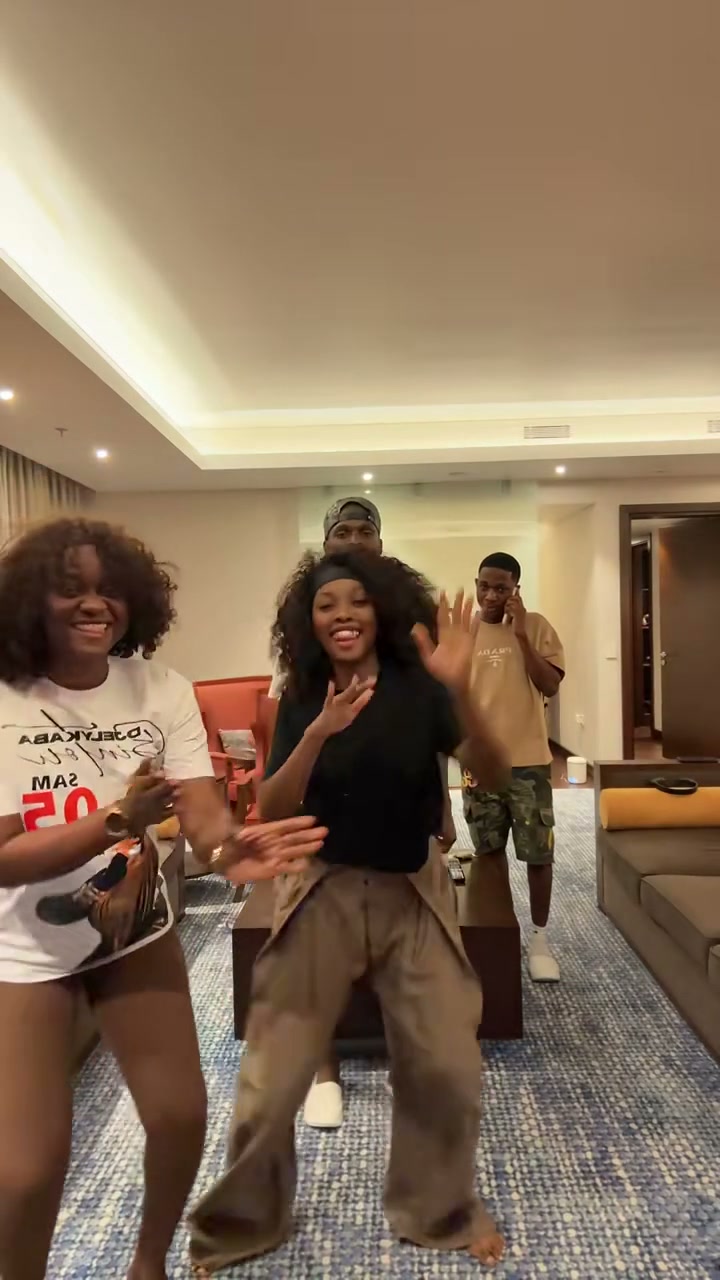
Chocoprince Group Dance AI
Turn five photos into the viral Chocoprince Group Dance AI (#chocoprince original sound group dance) video automatically. Upload five portraits in Front-center opener, Center relay, Front-left hype, Back-left cap, and Back-right phone-call order to recreate the comedic 15-second 1080p vertical squad routine with synced native audio and zero prompts.
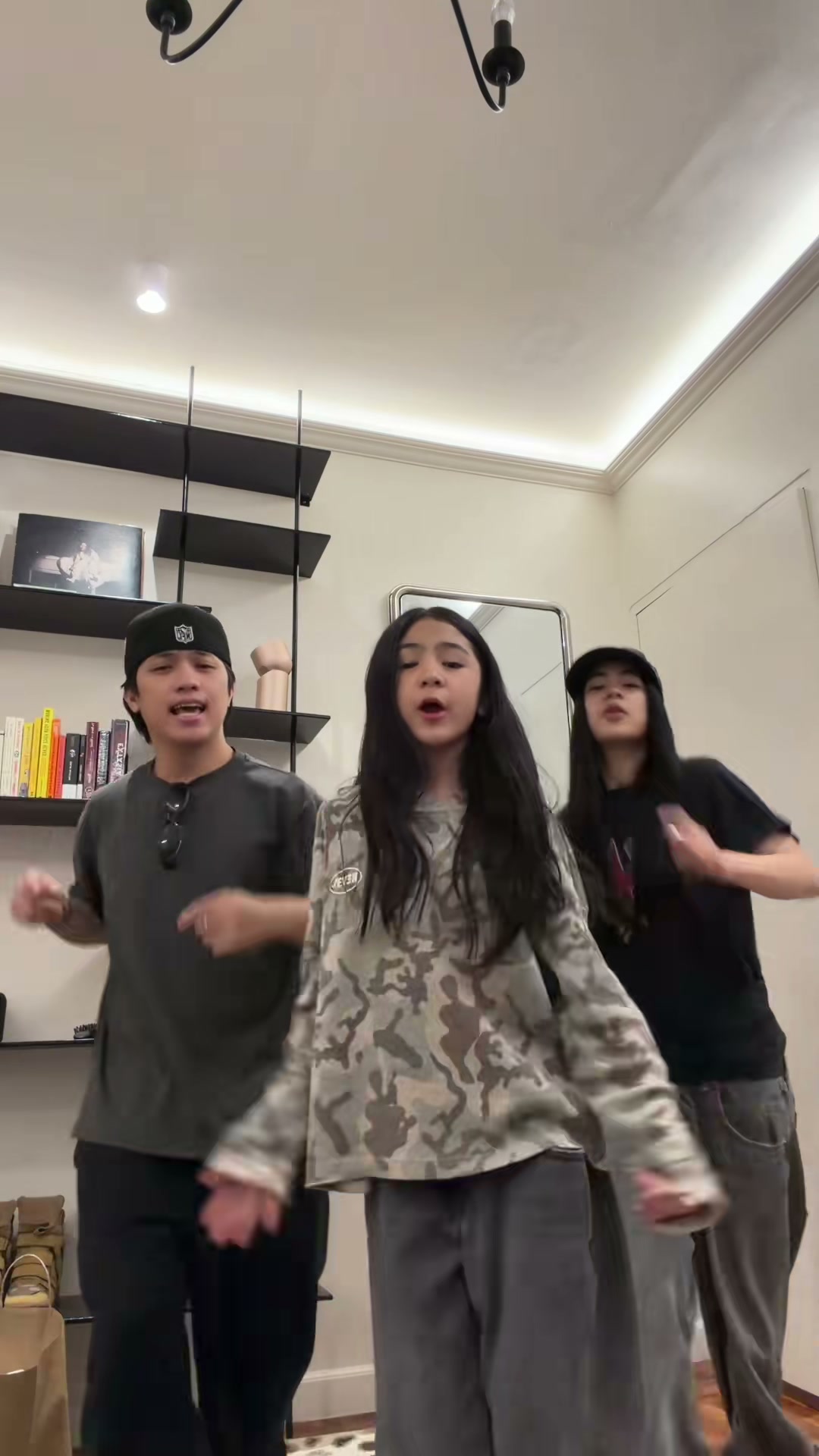
Proddbyvenom Trio Dance AI
Turn three photos into the viral Proddbyvenom Trio Dance AI (#proddbyvenom trio dance / #gxnggxng dance / #vancouver trio choreography) video automatically. Upload Left, Center, and Right portraits to perform the upbeat 15-second 1080p synchronized bounce choreography to proddbyvenom’s "Feels" remix with synced native audio and zero prompts.
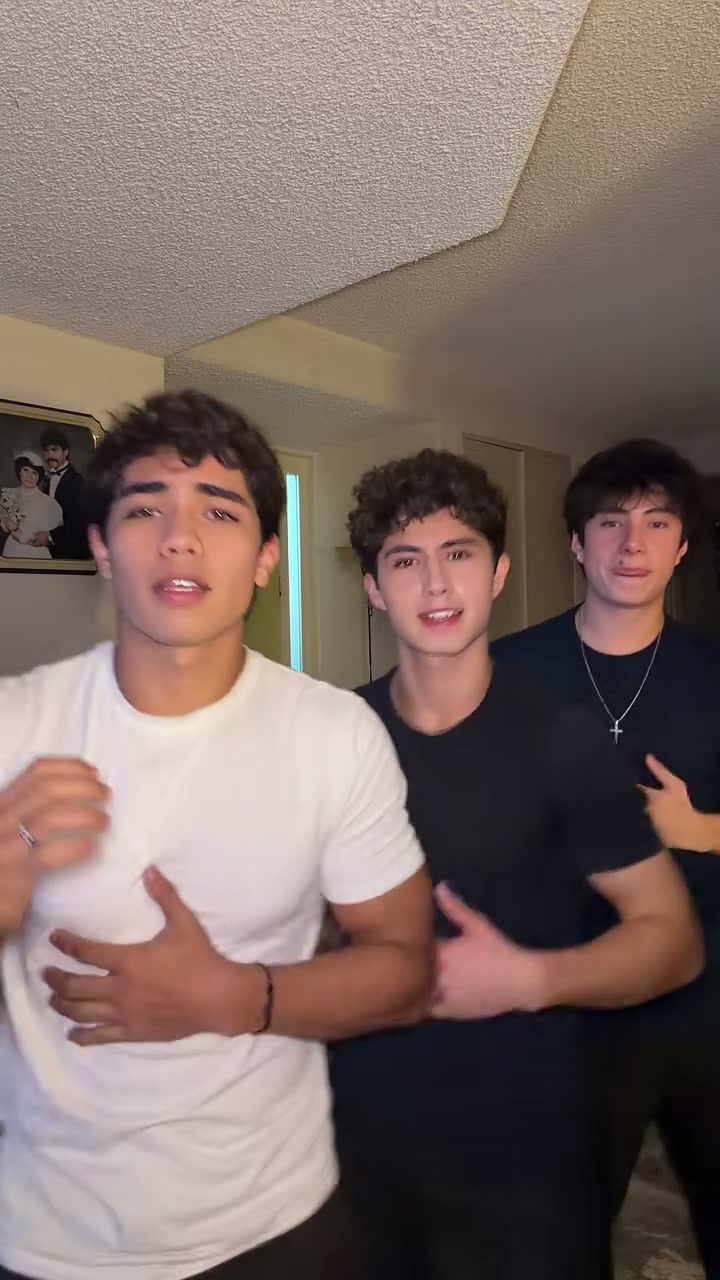
Soba Soba Trio Dance AI
Turn three photos into the viral Soba Soba Trio Dance AI (#soba soba trio dance / #soba soba hand move / #danifaxx soba dance) video automatically. Upload Front-left, Center, and Back-right portraits to perform the upbeat 11-second 1080p synchronized reggaeton hand dance with synced native audio and zero prompts.
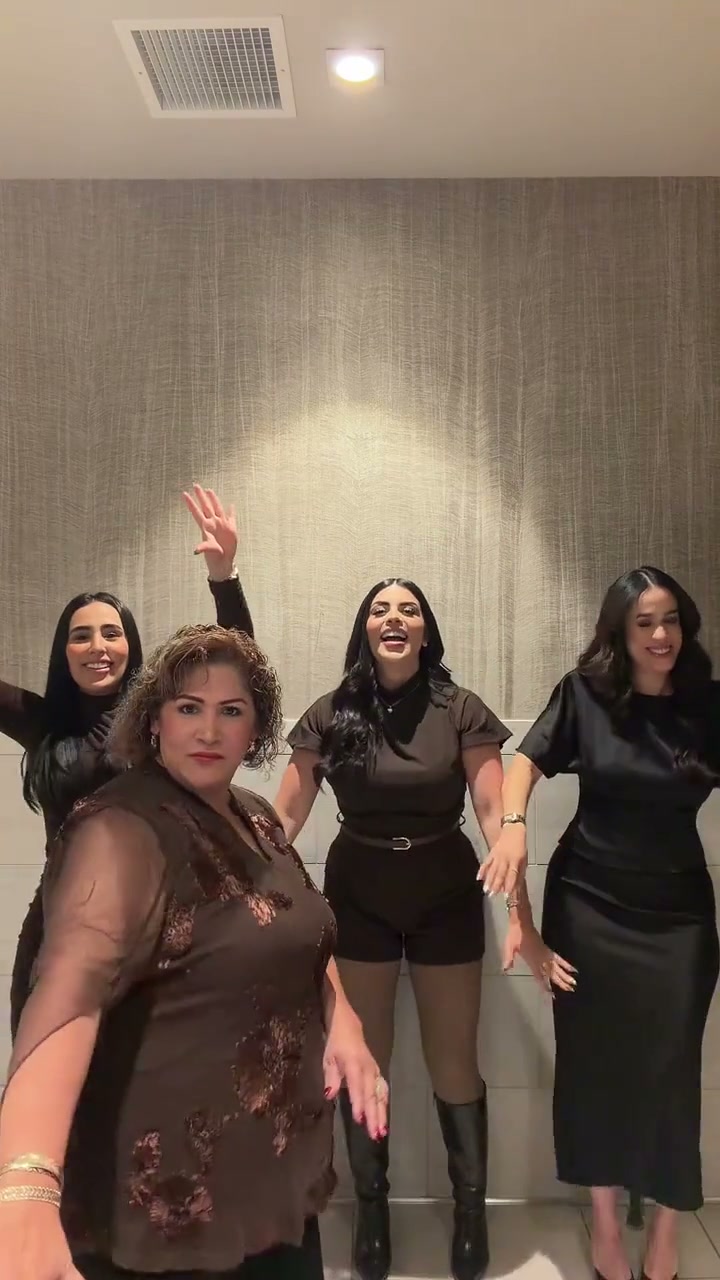
La Mansion VIP Dance AI
Turn four photos into the viral La Mansion VIP Dance AI (#lamansionvip / #la mansion vip dance / #la mansion vip baile) video automatically. Upload Front-center lead, Back-left, Back-center-right, and Back-right portraits to perform the upbeat 20-second 1080p vertical squad dance to "Aquí No Queremos Muebles" with synced native audio and zero prompts.
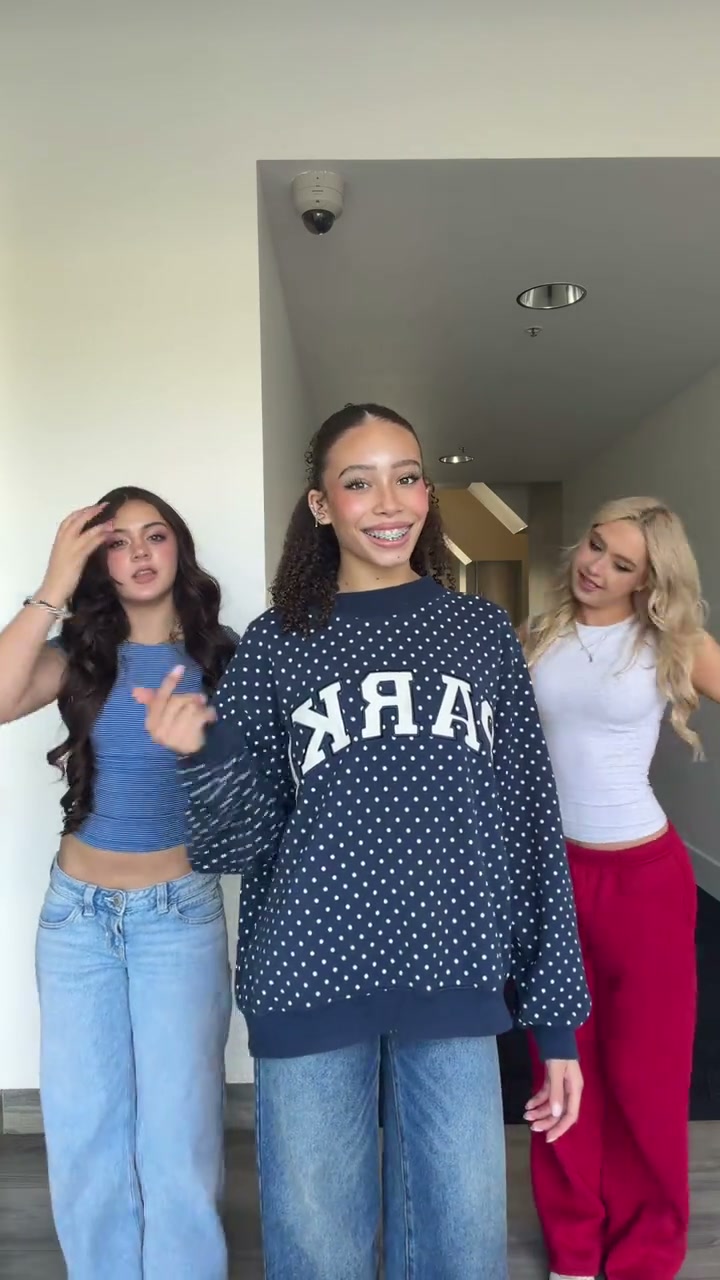
Eishhdawgg Girls Dance AI
Turn three photos into the viral Eishhdawgg Girls Dance AI (#eishhdawgg girls dance / #eishhdawgg easy dance / #christiandior) video automatically. Upload Left, Center lead, and Right portraits to perform the upbeat 11-second 1080p synchronized trio dance with synced native audio and zero prompts.
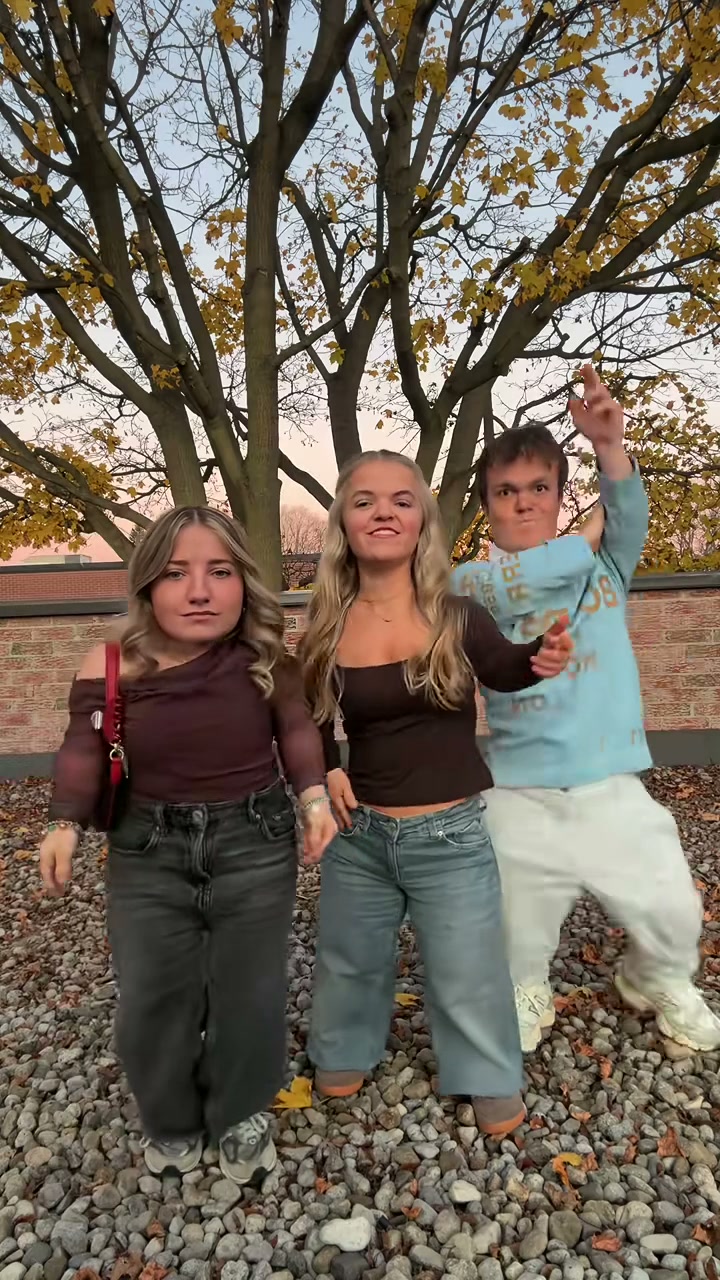
772ynw Squad Dance AI
Turn three photos into the viral 772ynw Squad Dance AI (#772ynw squad dance / #772ynw synchronized dance / #original sound 772ynw editz) video automatically. Upload Left, Center, and Right portraits to perform the upbeat 13-second 1080p vertical trio routine—matching every synchronized arm wave, head-tap cue, low squat dip, and beat-locked finale hop with synced native audio and zero prompts.
Prep photos or customize beyond presets
Fix low-res shots before uploading, upscale your exported clip, or switch to full image to video and text to video controls.
- Image EnhancerSharpen blurry portraits before uploading.
- Image ExtenderExpand tight crops so full outfits stay in frame.
- AI Image GeneratorCreate custom characters or costumes to animate.
- Video EnhancerUpscale exported dance clips up to 4K.
- Image to VideoSwitch to custom prompts and camera motion.
- Text to VideoBuild an original scene from a text prompt.